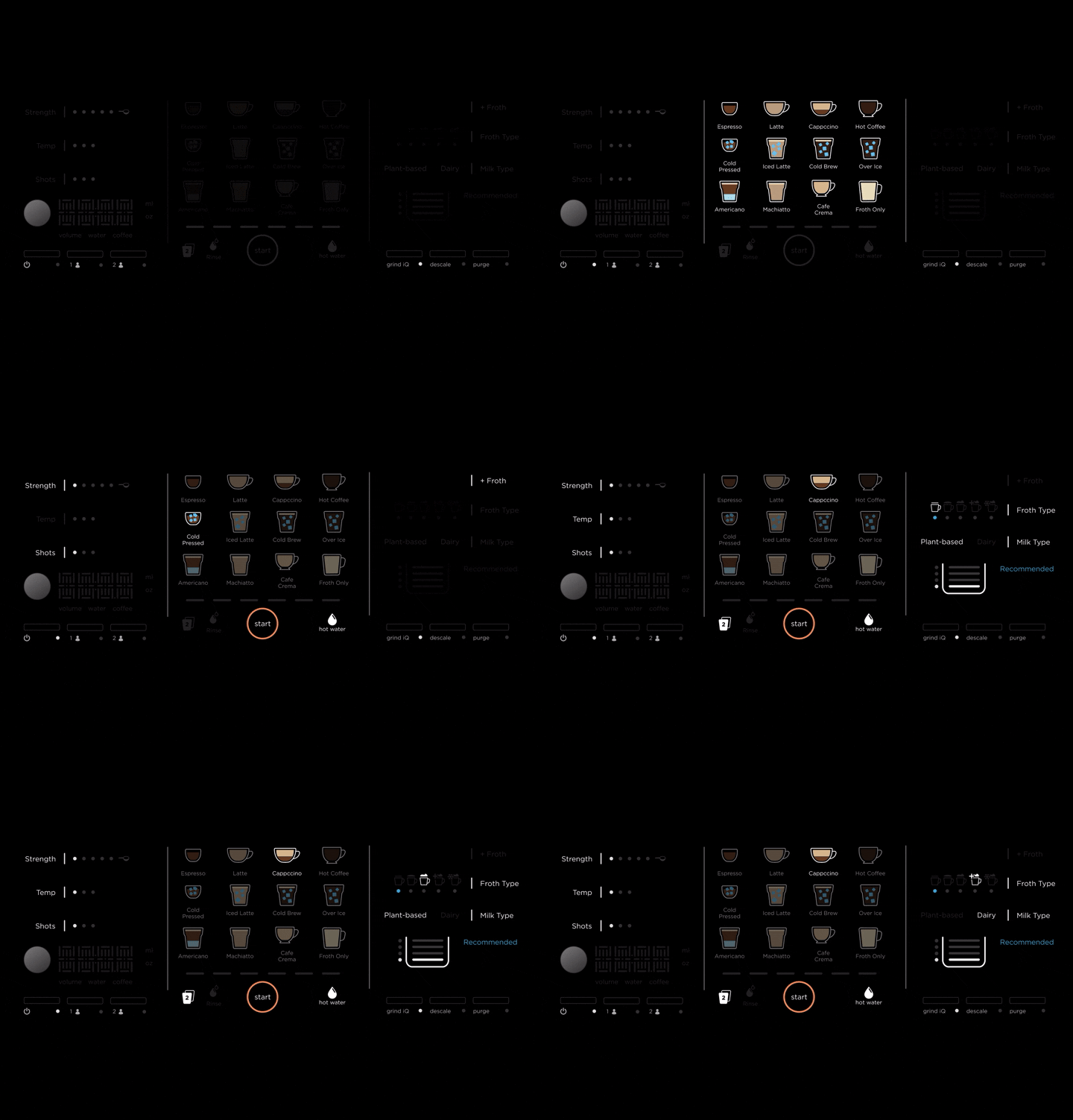
Coffee Machine UI
Client: Shark/Ninja
Capabilities Performed
Graphic Design
UI/UX Design
Prototype Design
Hardware Design
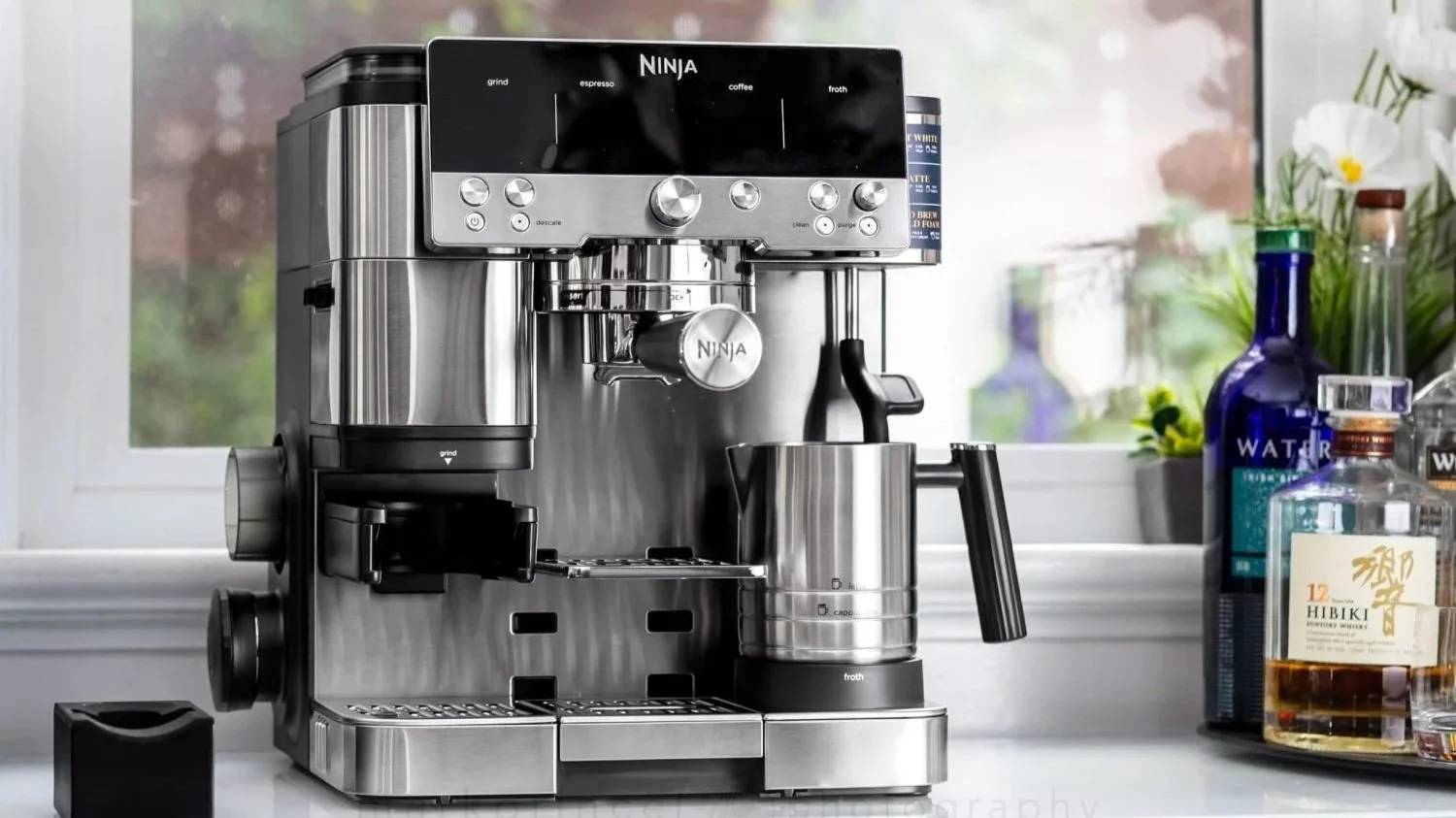
Part 1: Visual Design Explorations
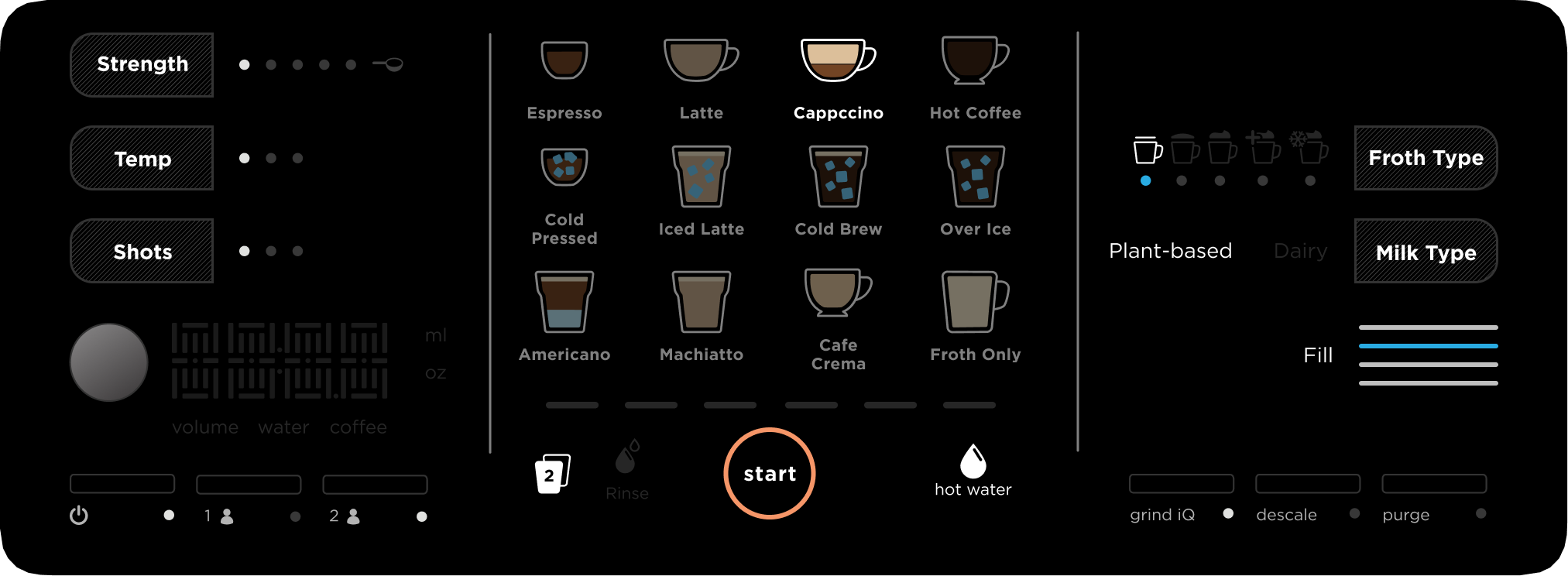
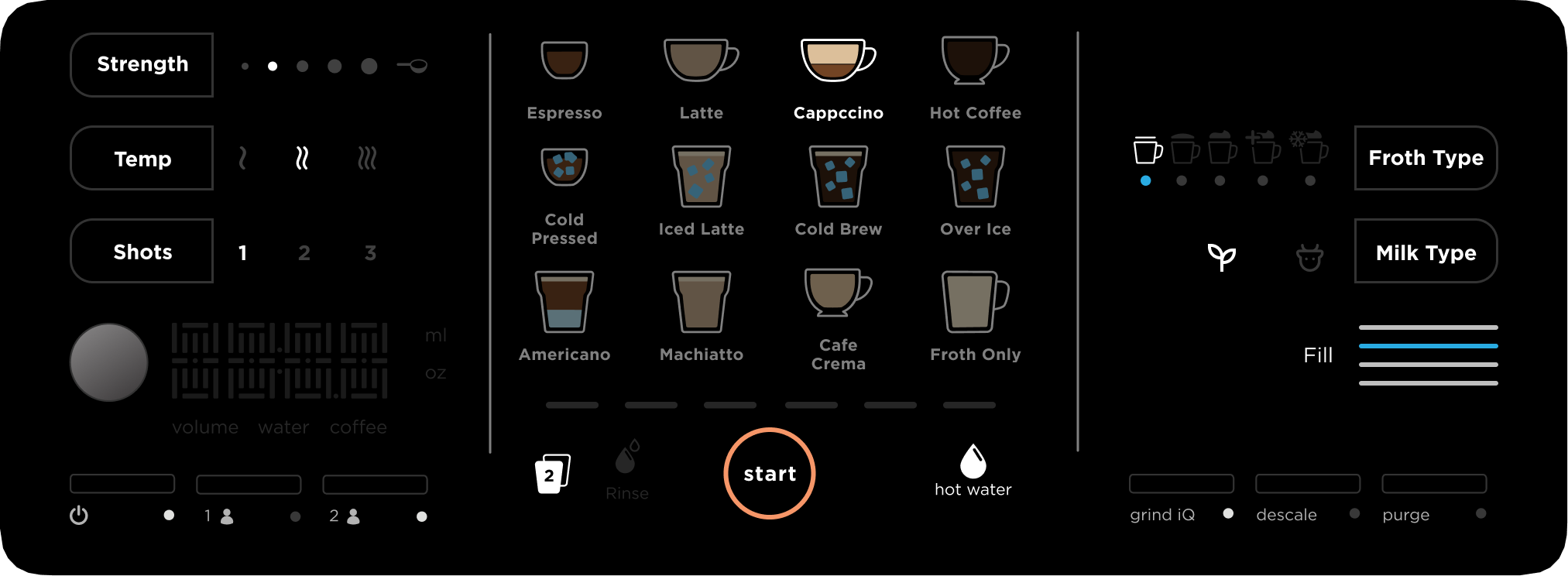
Part of my participation in this project was to explore various visual designs for this product, from digital screen UI elements, iconography, physical button layout, and physical affordance characteristics.
Part 2: Prototyping
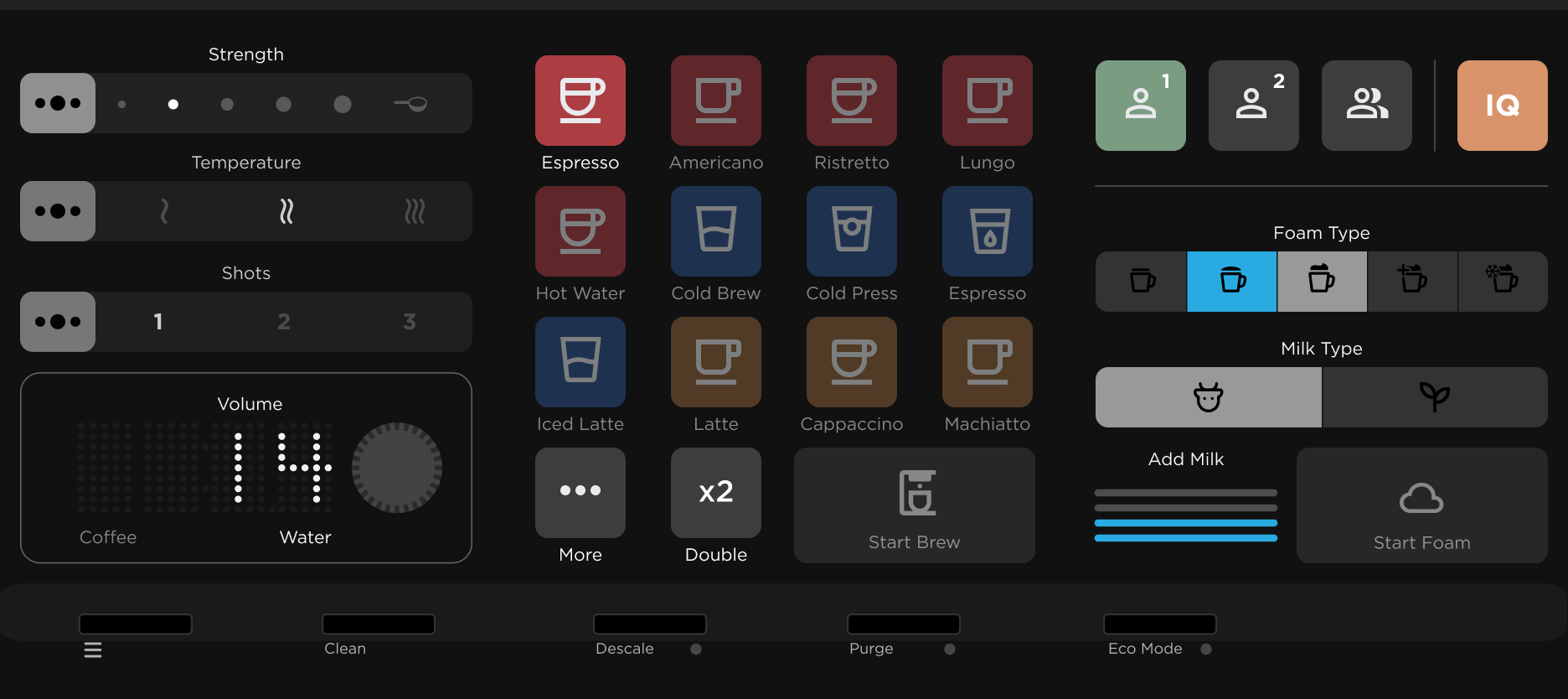
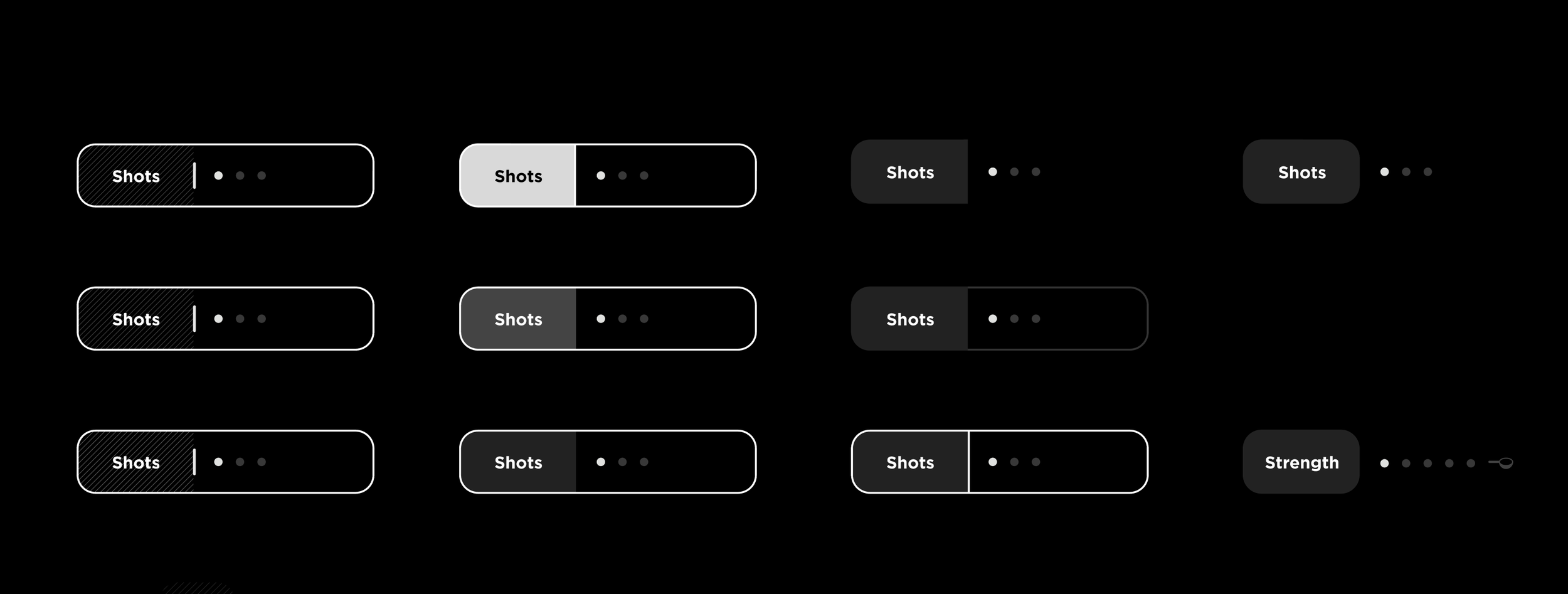
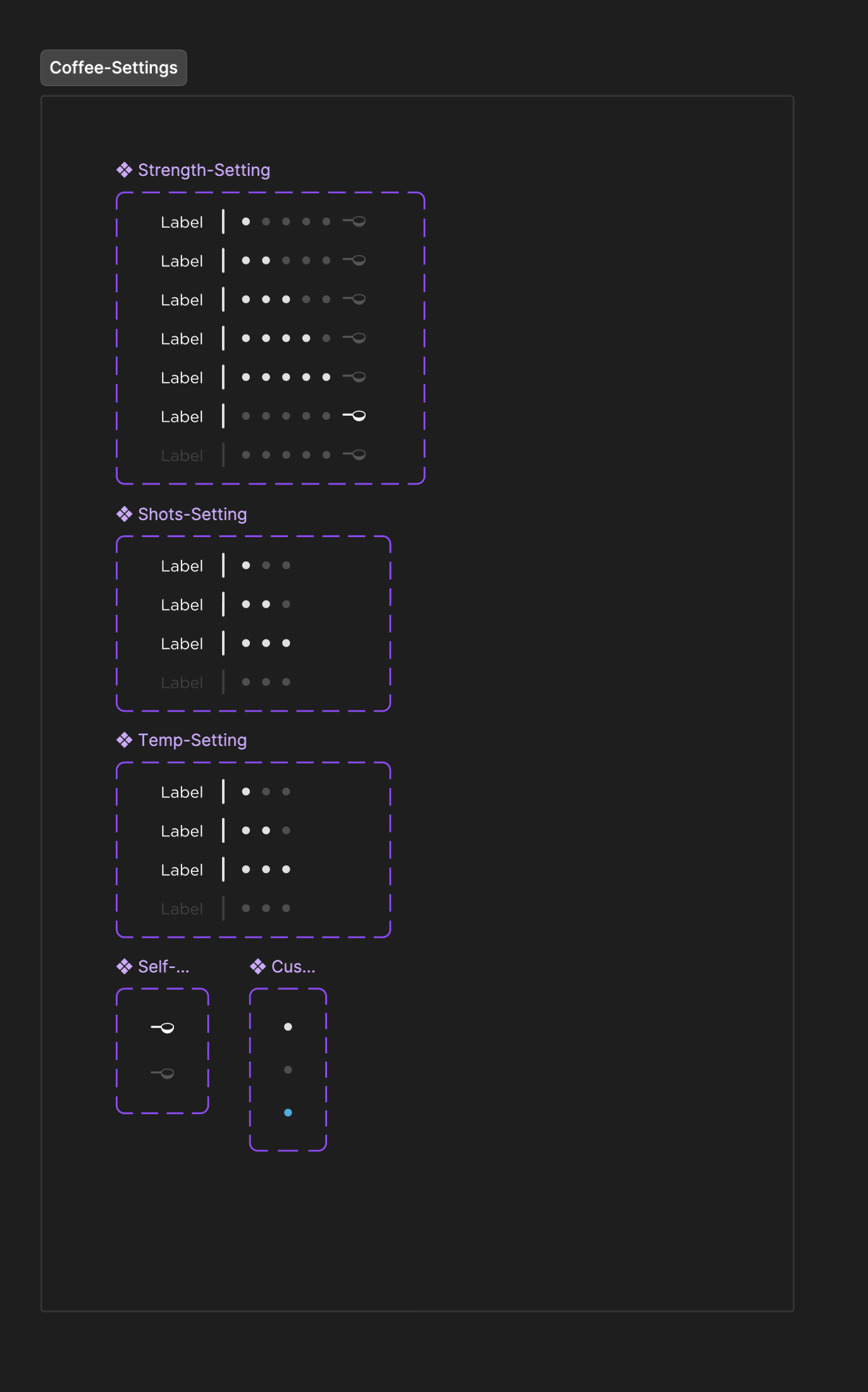
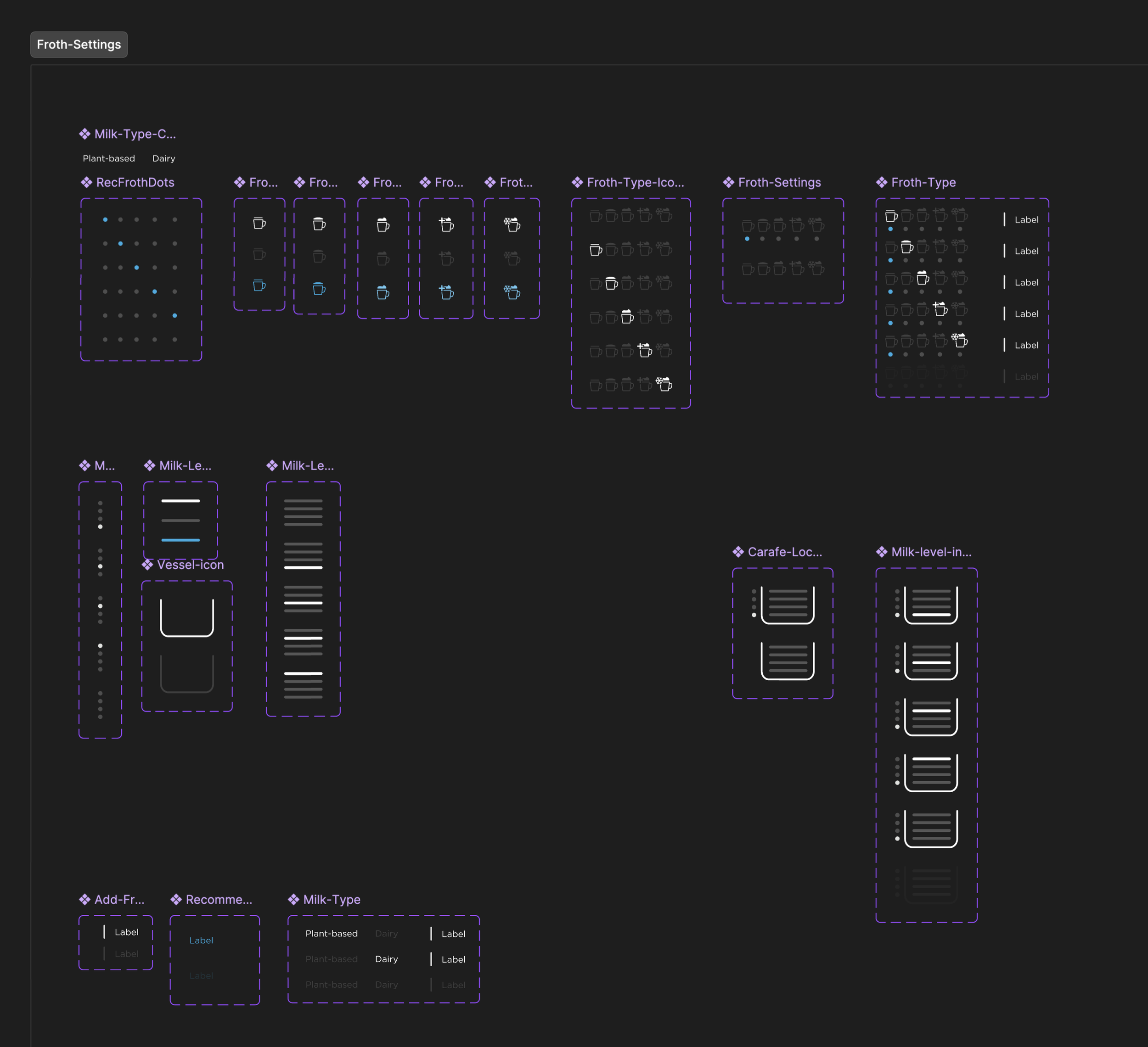
Building the Components
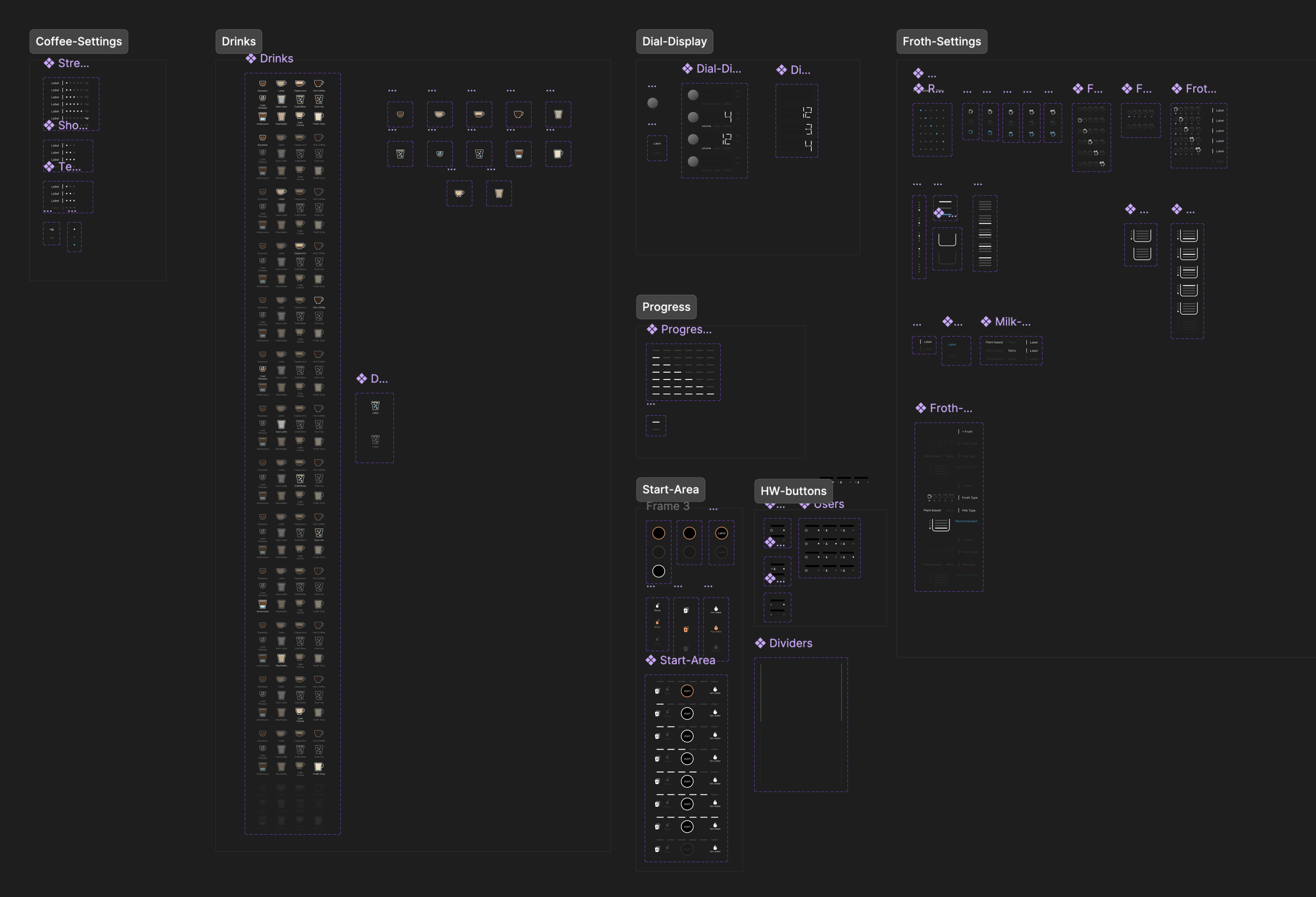
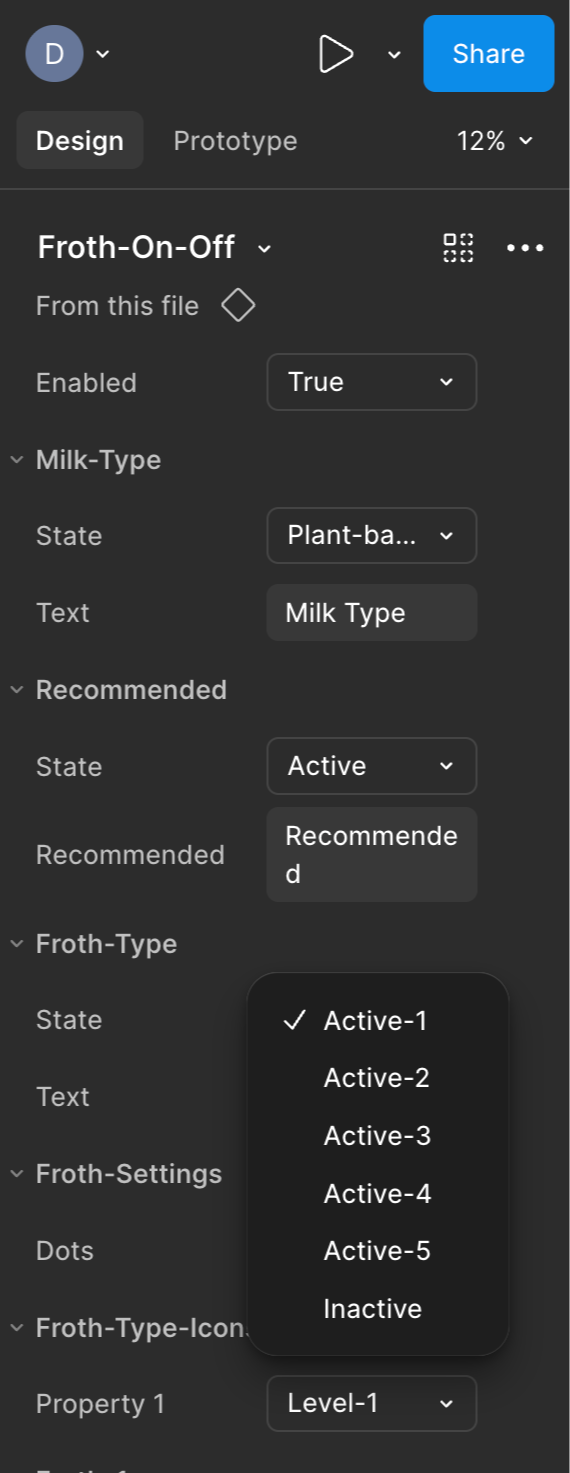
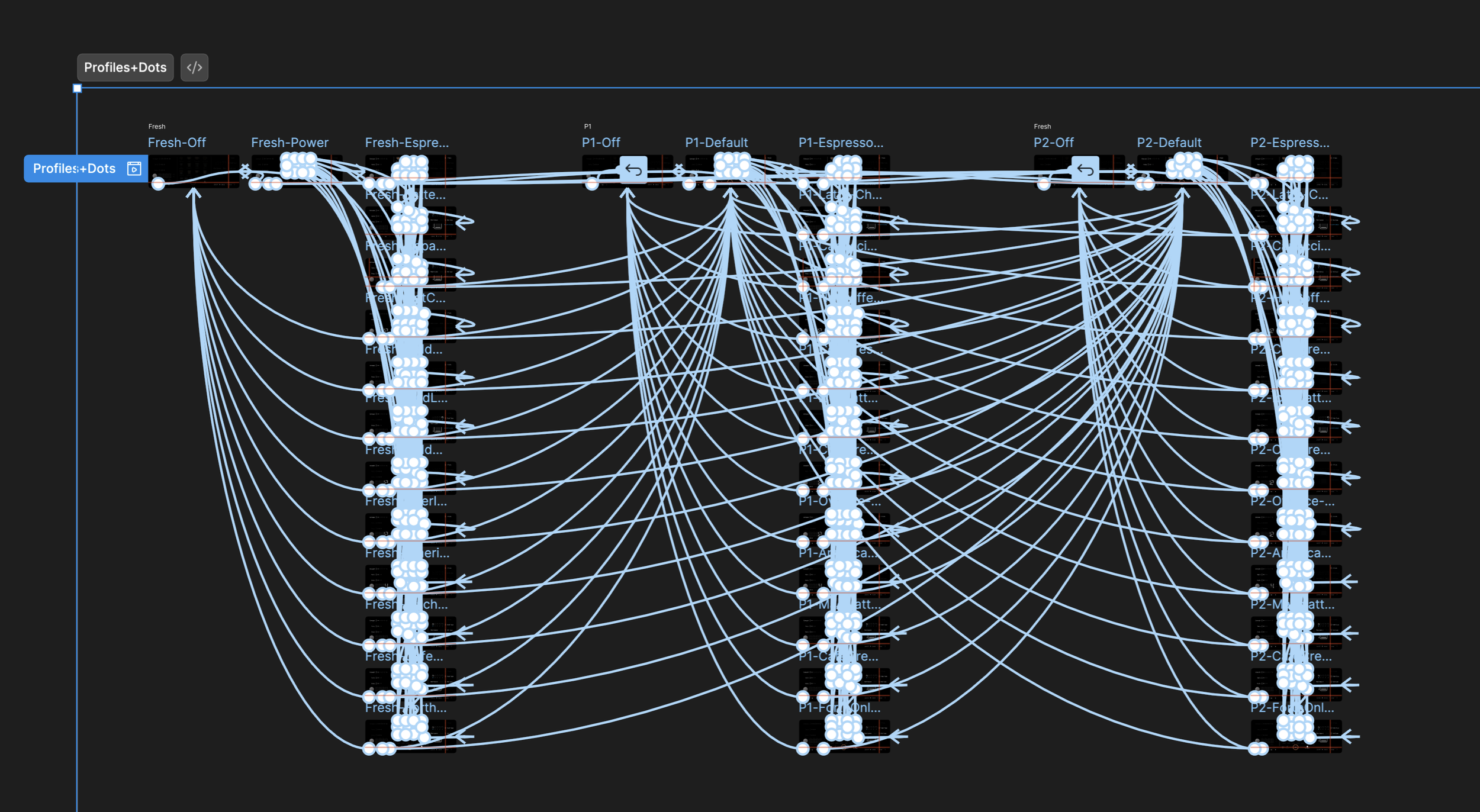
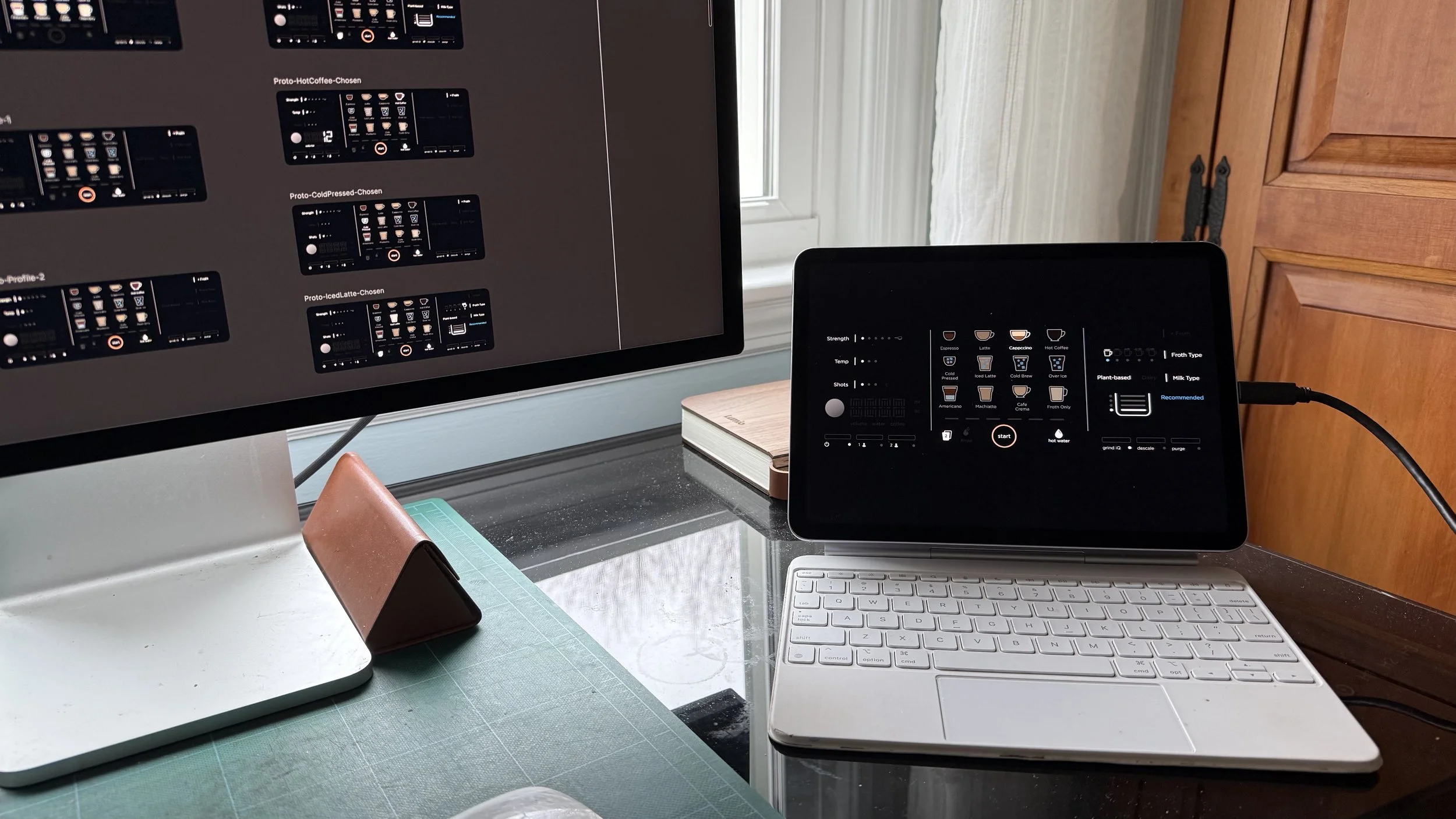
In order to help the team stress test various interaction models for the product, I built a series of prototypes in Figma to simulate the identified set of use cases. To most efficiently test and iterate on these interaction models, it was key for me to start by building a flexible and extensible set of interactive components.
Speed was the whole point. The team needed to argue about interaction models on a real touchscreen, not agree about them on a slide — which meant the prototype had to keep up with the conversation. Build the components flexible enough and a note from the room on Tuesday is a working flow by Wednesday.
Creating the Prototype
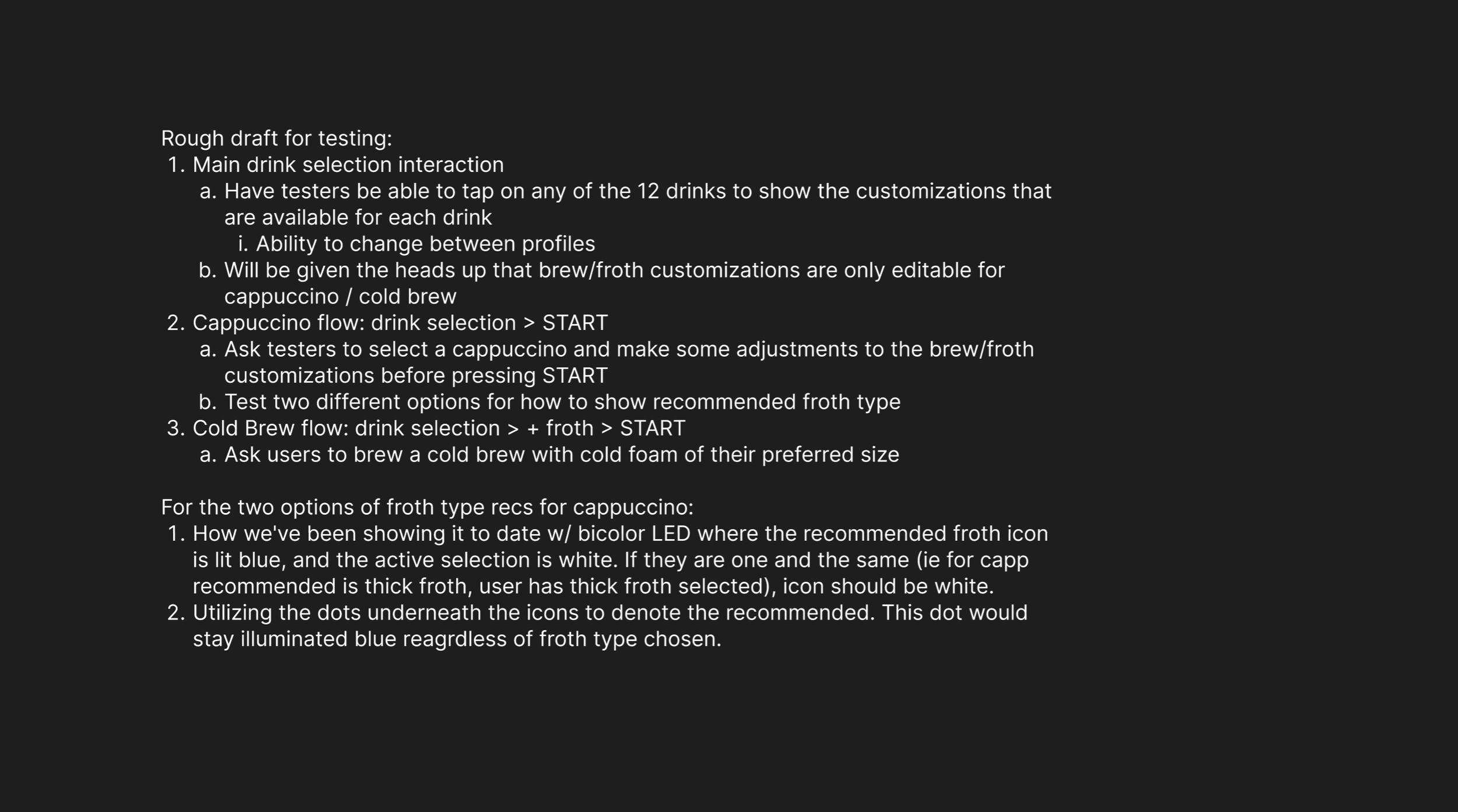
Once I had the components for the prototype built, the next priority was to align with the team on the primary use cases that we wanted to test. Knowing these primary flows would allow me to focus on building the functionality that would best help us learn how to support the target customers.
Increasing the Simulation
Because this product UI included a direct touch interface, it was key to get as close to that interaction as possible. Using an iPad and the Figma app, the team was able to more realistically test our prototypes, versus having to interact with them on a computer/non-touch interface.
See it in Action