Bose Sleepbuds

Sleep is deeply personal — and that shaped every design decision on this project. As Principal Designer at Bose, I led the UX and interaction design for the Sleepbuds, a connected wearable built to mask noise and help people rest. My work spanned the full product experience: physical hardware interactions, Bluetooth pairing, companion app architecture, and the moment-to-moment flows that guide a user from download to drifting off. Designing for the bedroom meant designing for low light, low attention, and high stakes.

Out of Box Experience
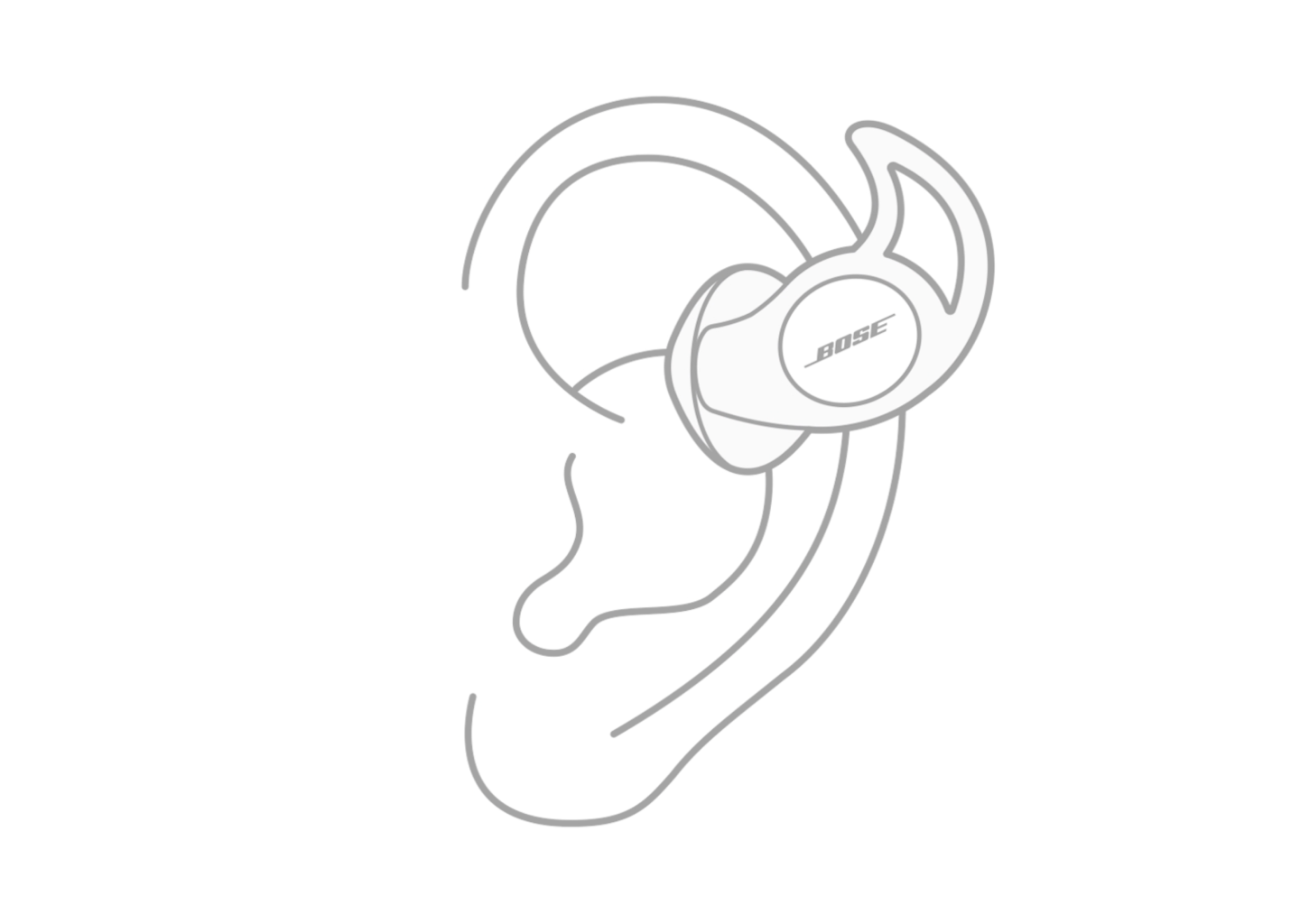
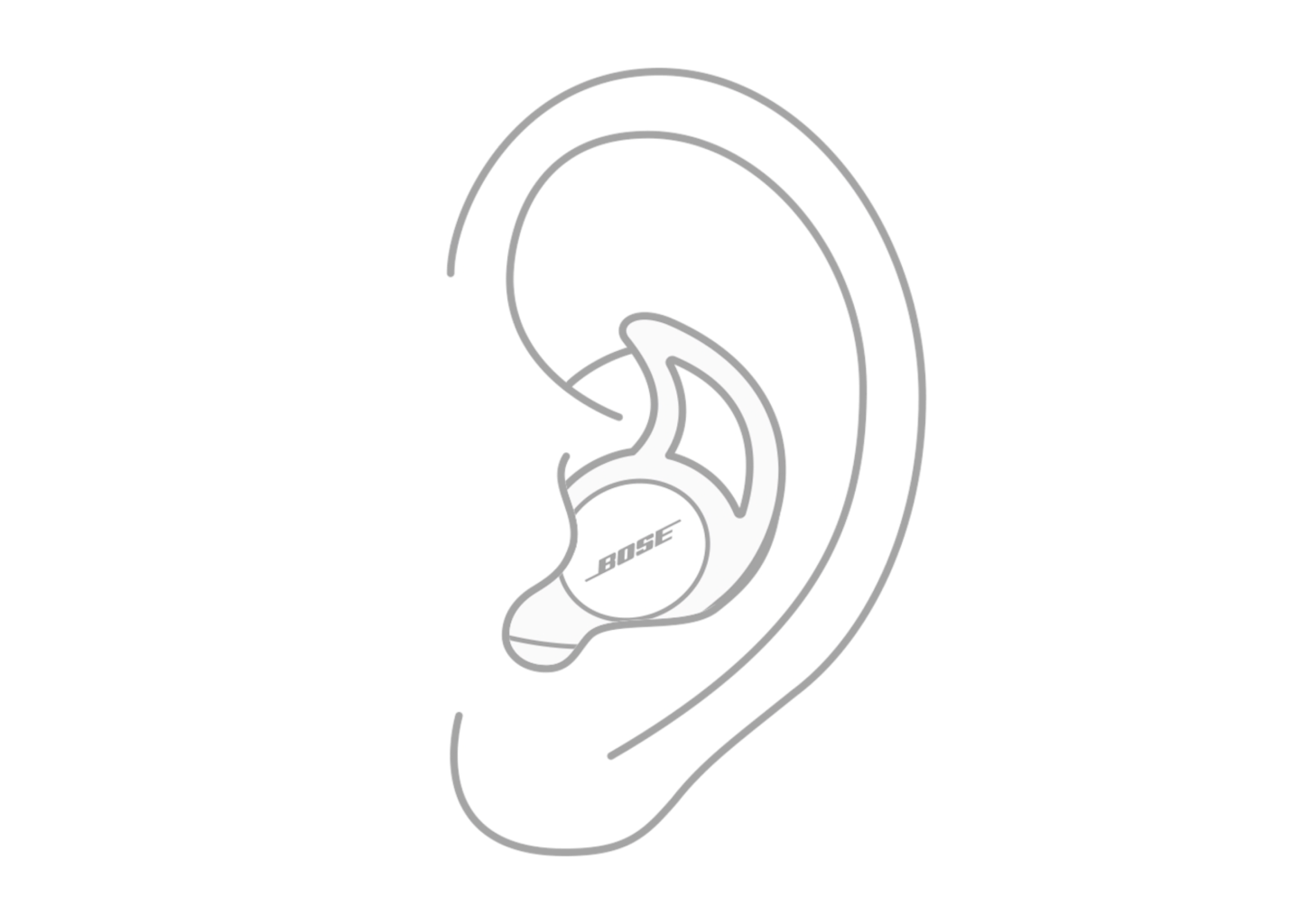
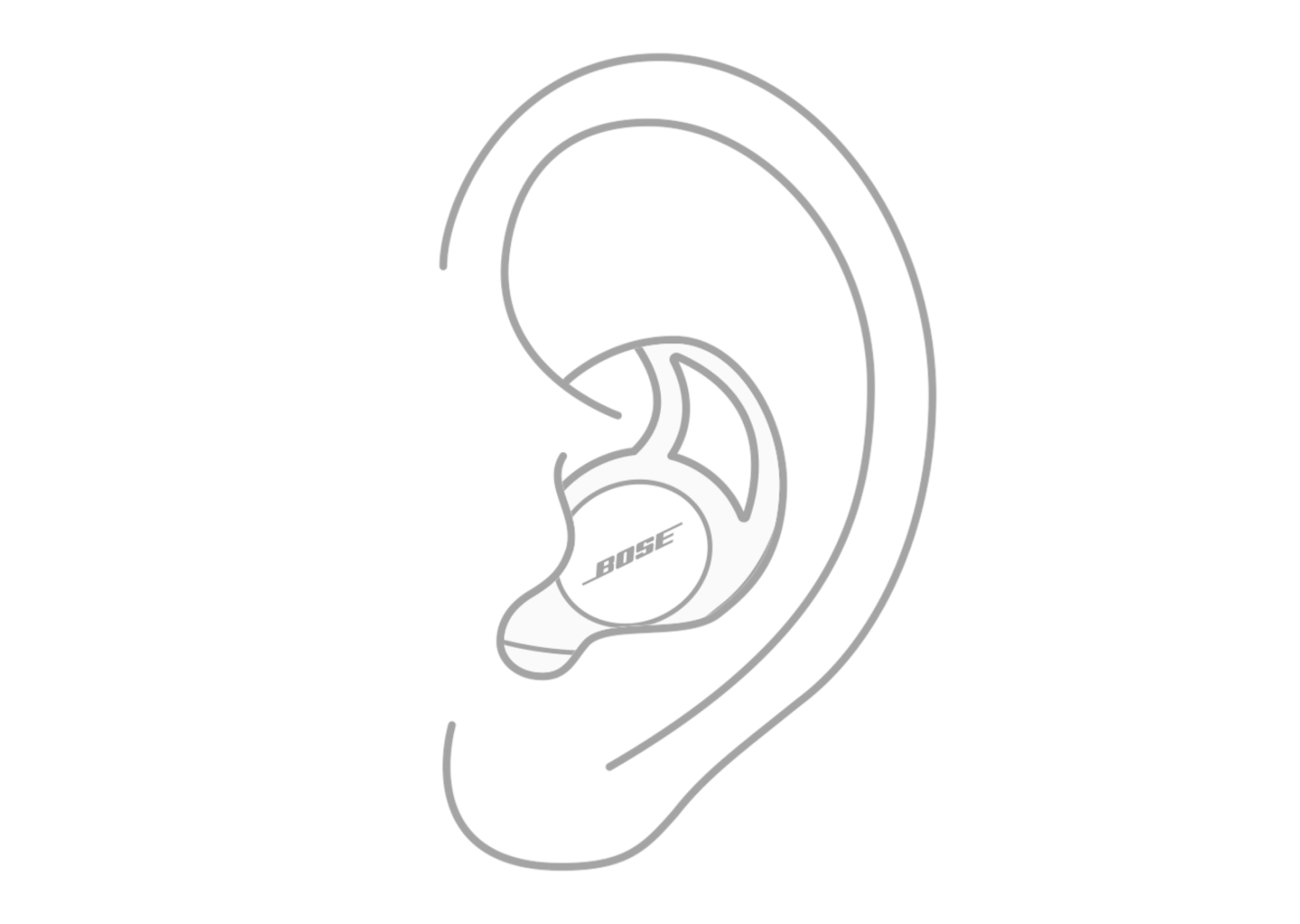
Outline of a human ear wearing Bose wireless headphones.
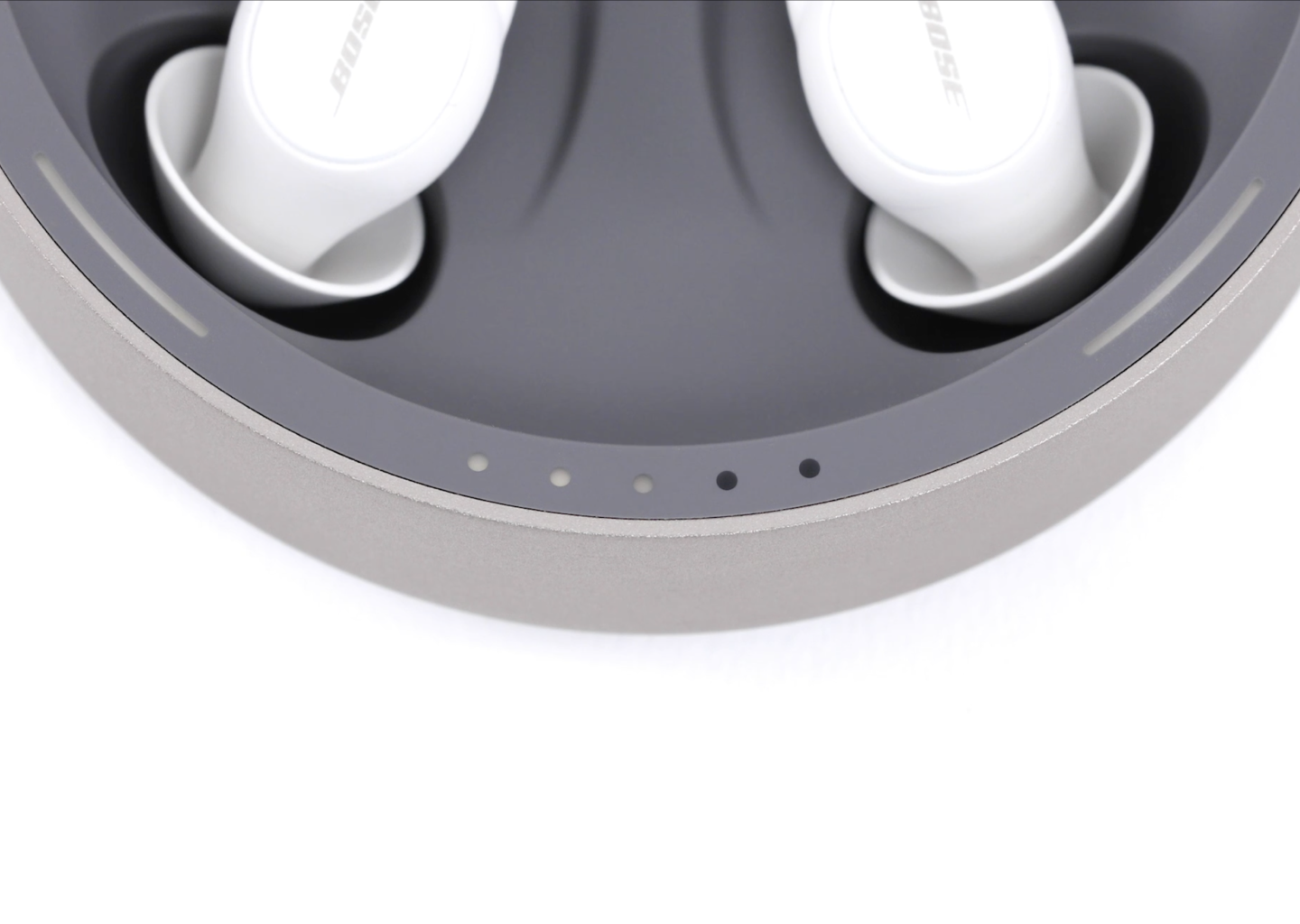
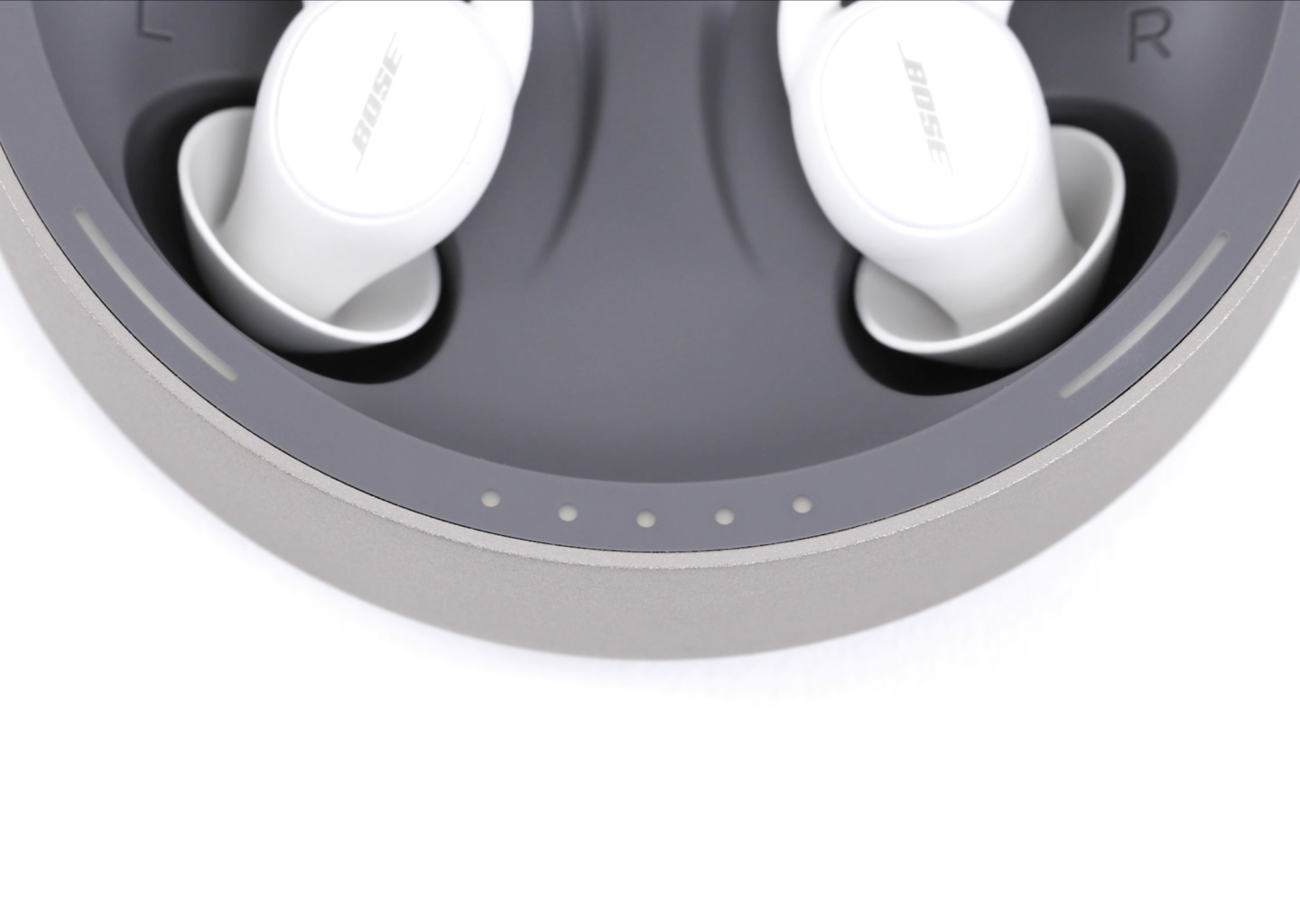
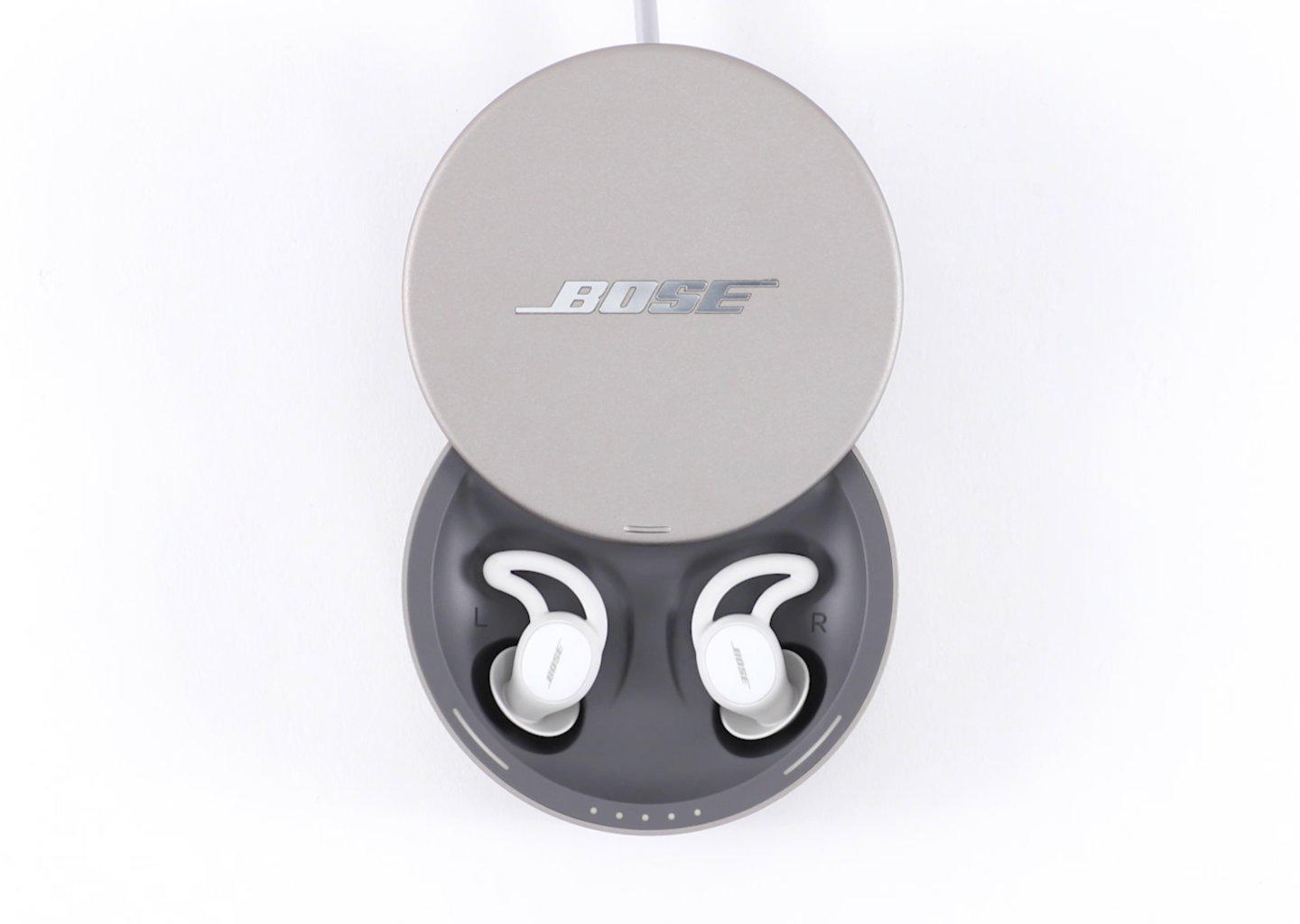
Close-up of Bose wireless earbuds inside a charging case, with indicator lights on the edge of the case.
App Store icon, sleep mode icon, Google Play Store icon
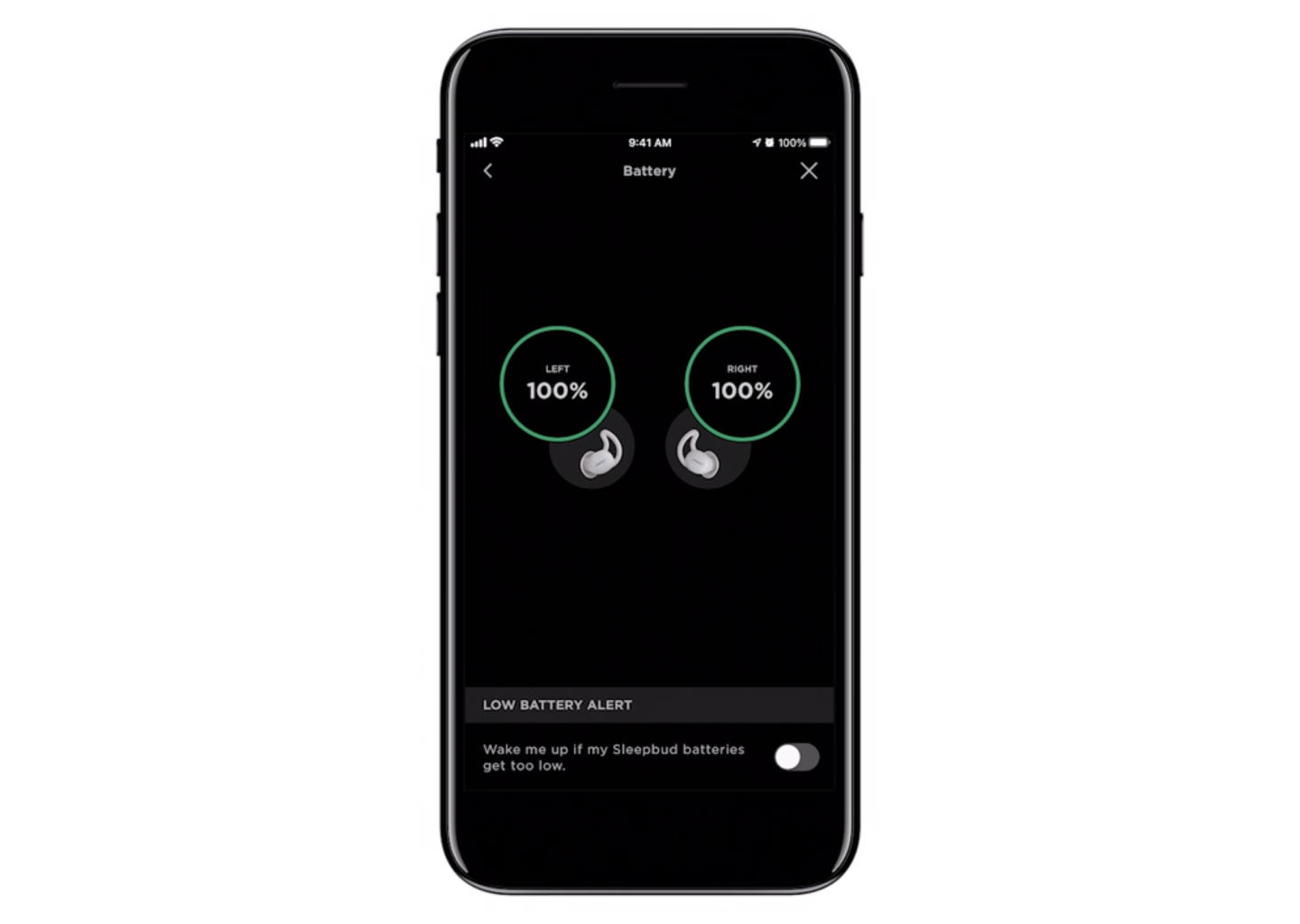
Smartphone screen showing battery levels of left and right Sleepbuds at 100% with options for low battery alert.
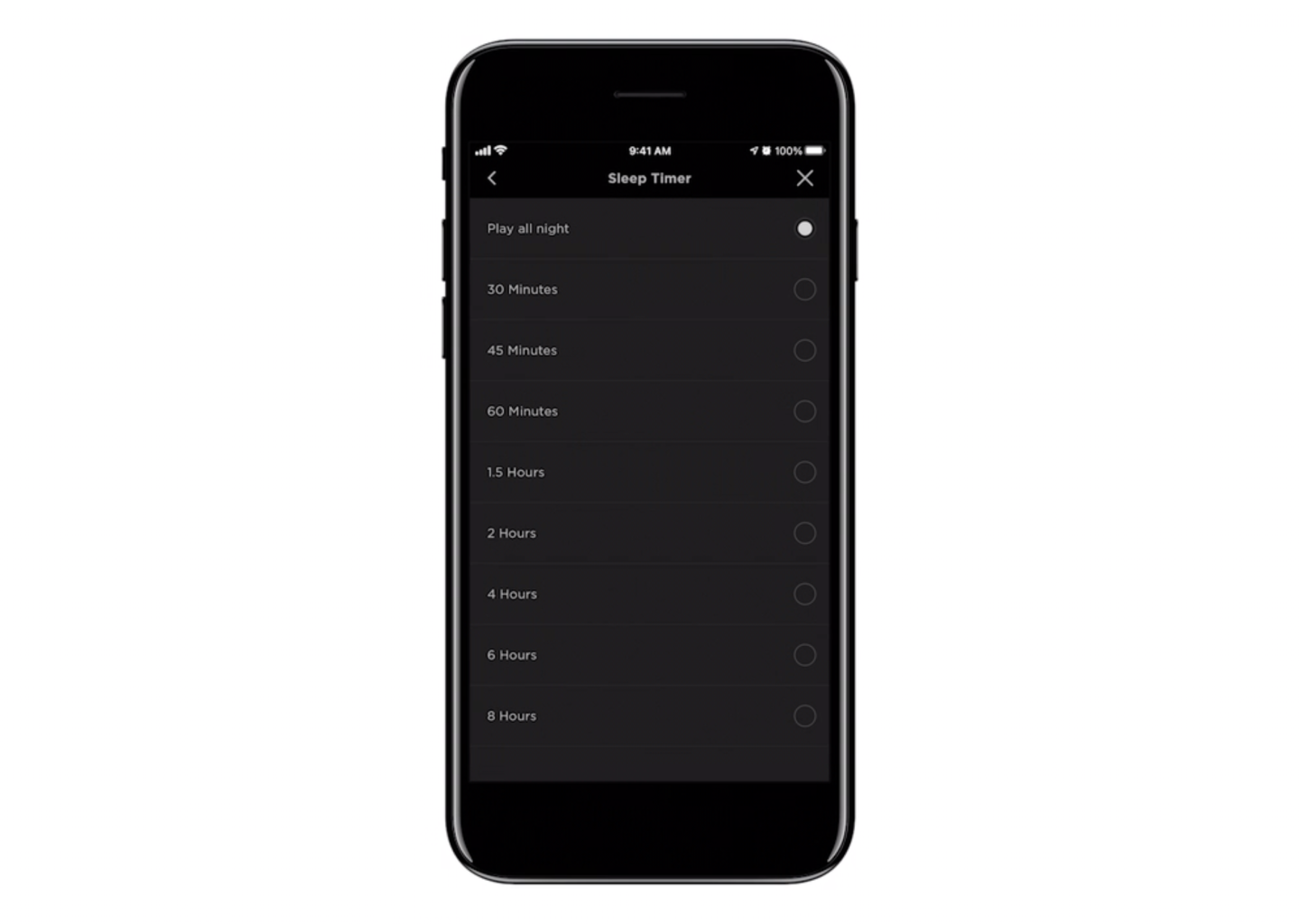
iPhone screen displaying sleep timer options including Play all night, 30 minutes, 45 minutes, 60 minutes, 1.5 hours, 2 hours, 4 hours, 6 hours, and 8 hours.
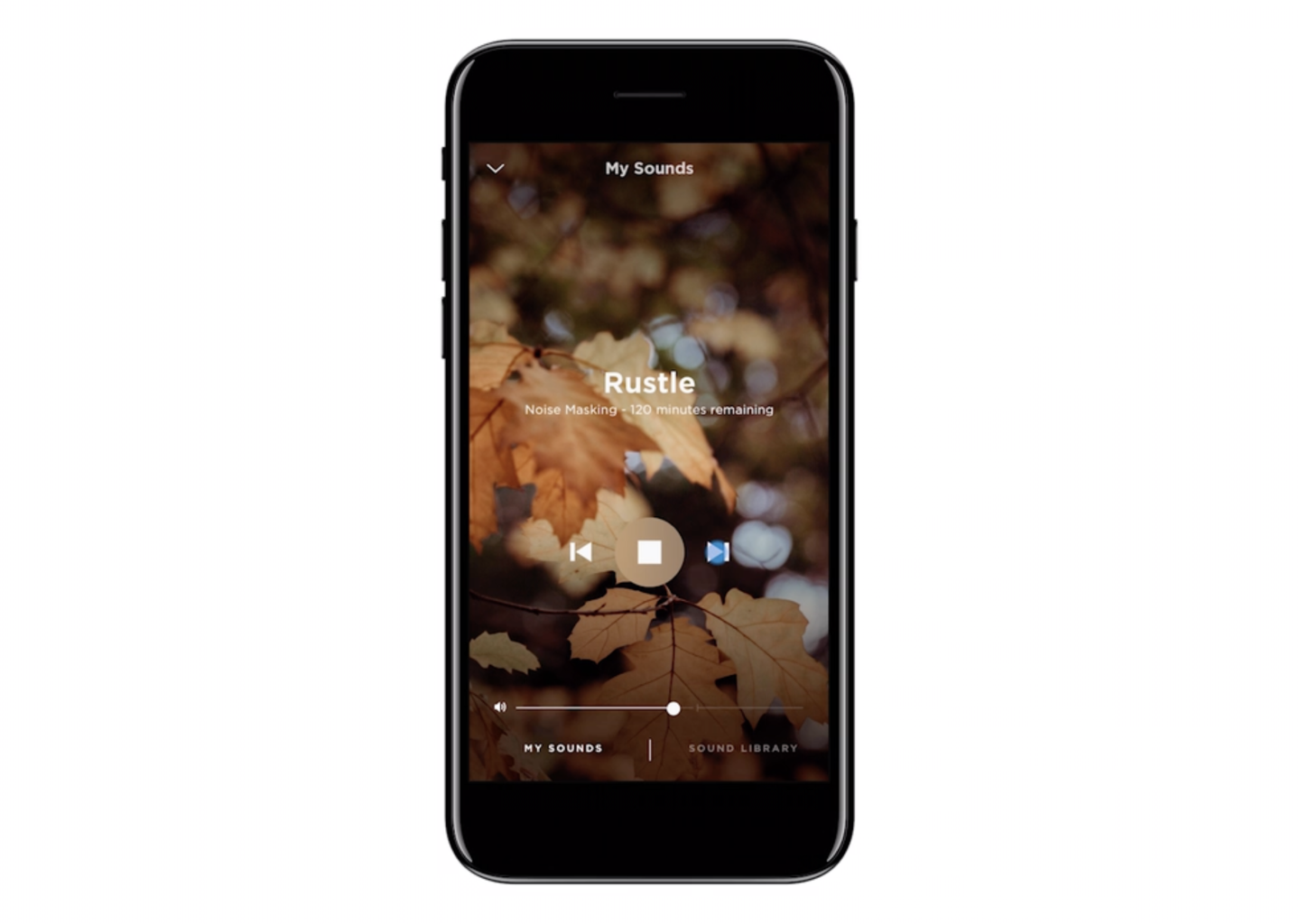
Smartphone screen showing a noise masking app with autumn leaves background, displaying 'Rustle' with 120 minutes remaining, play, pause, and skip buttons, and sound control sliders.
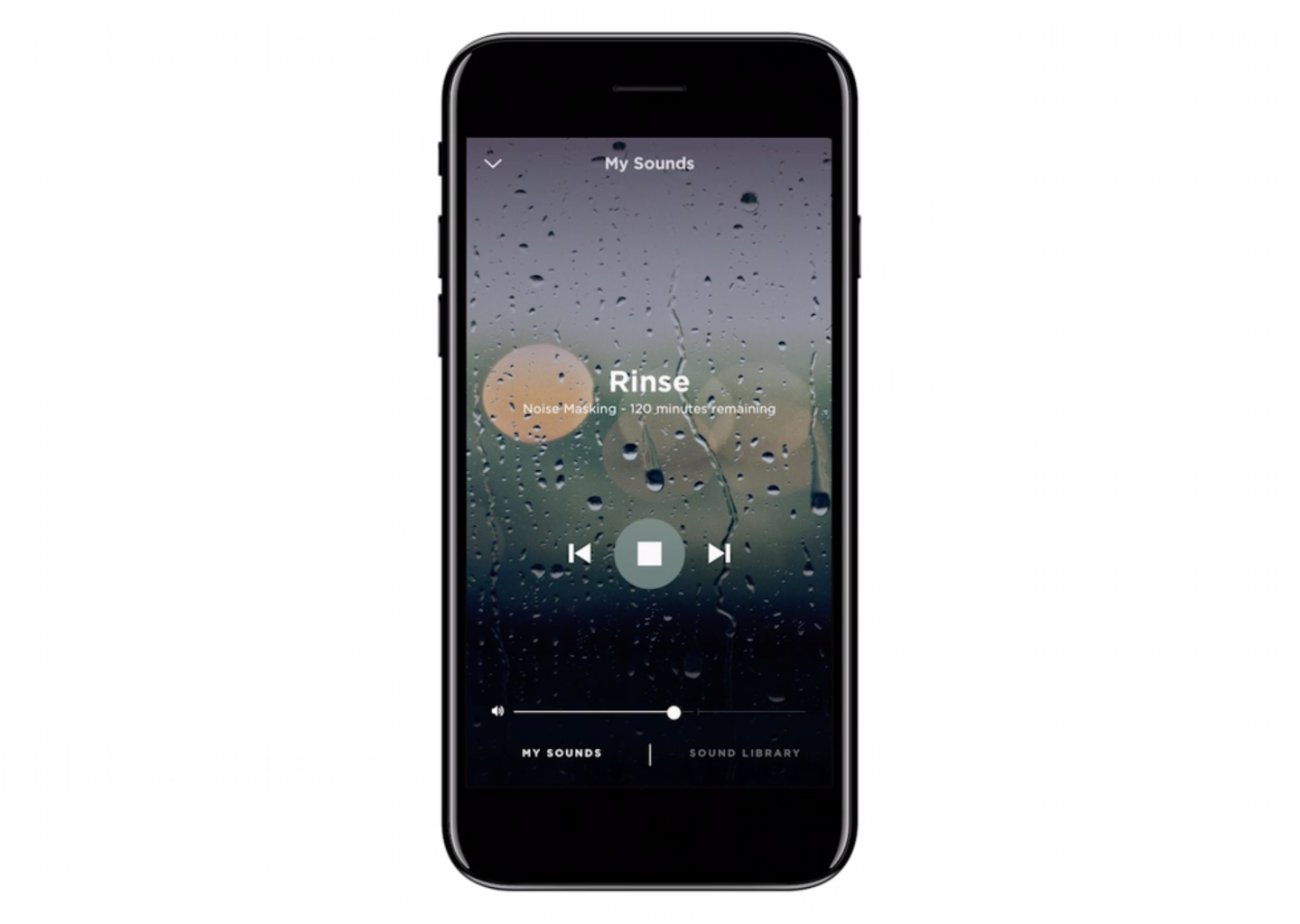
Smartphone displaying sounds app with rain sound titled Rinse, 120 minutes remaining.
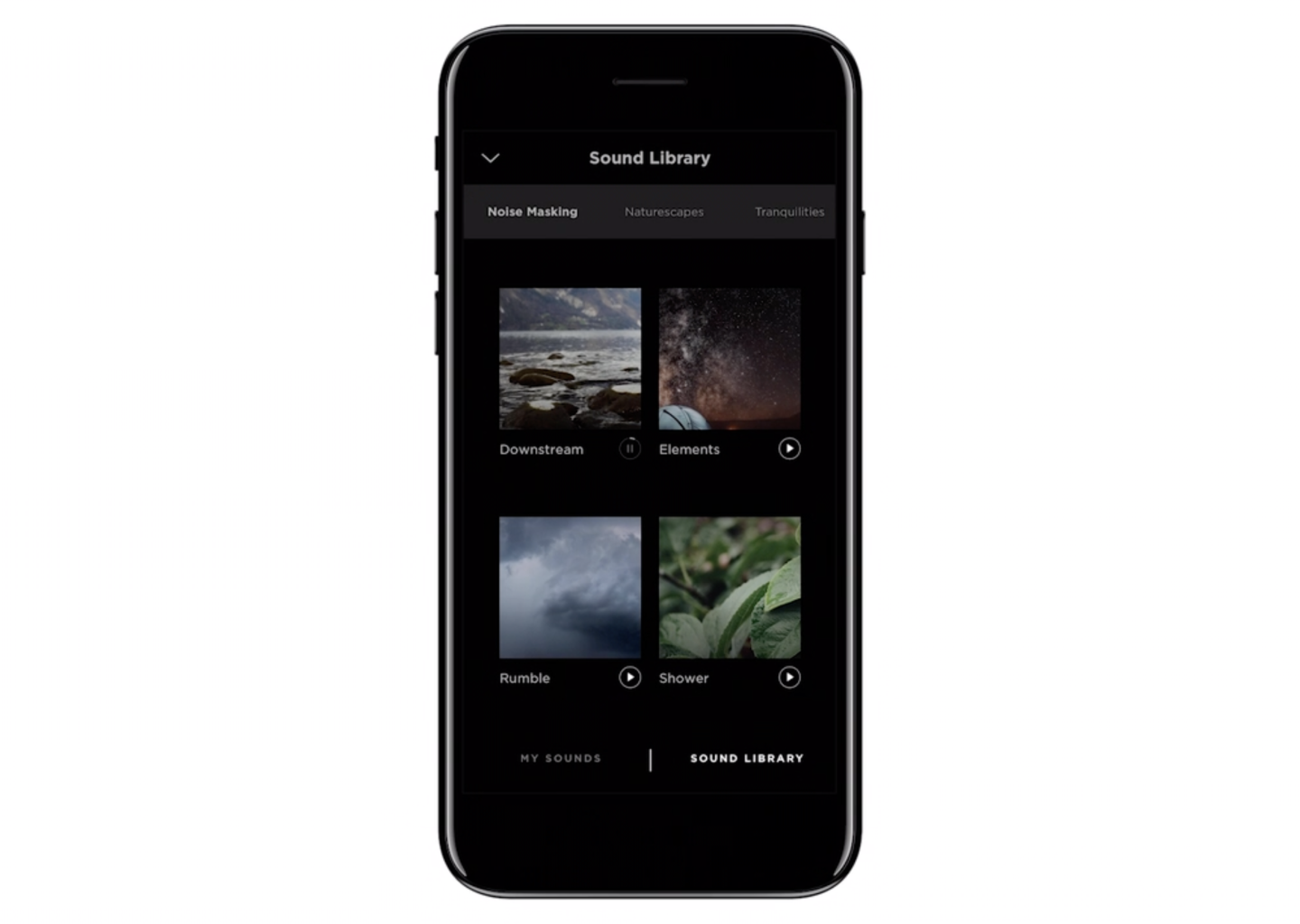
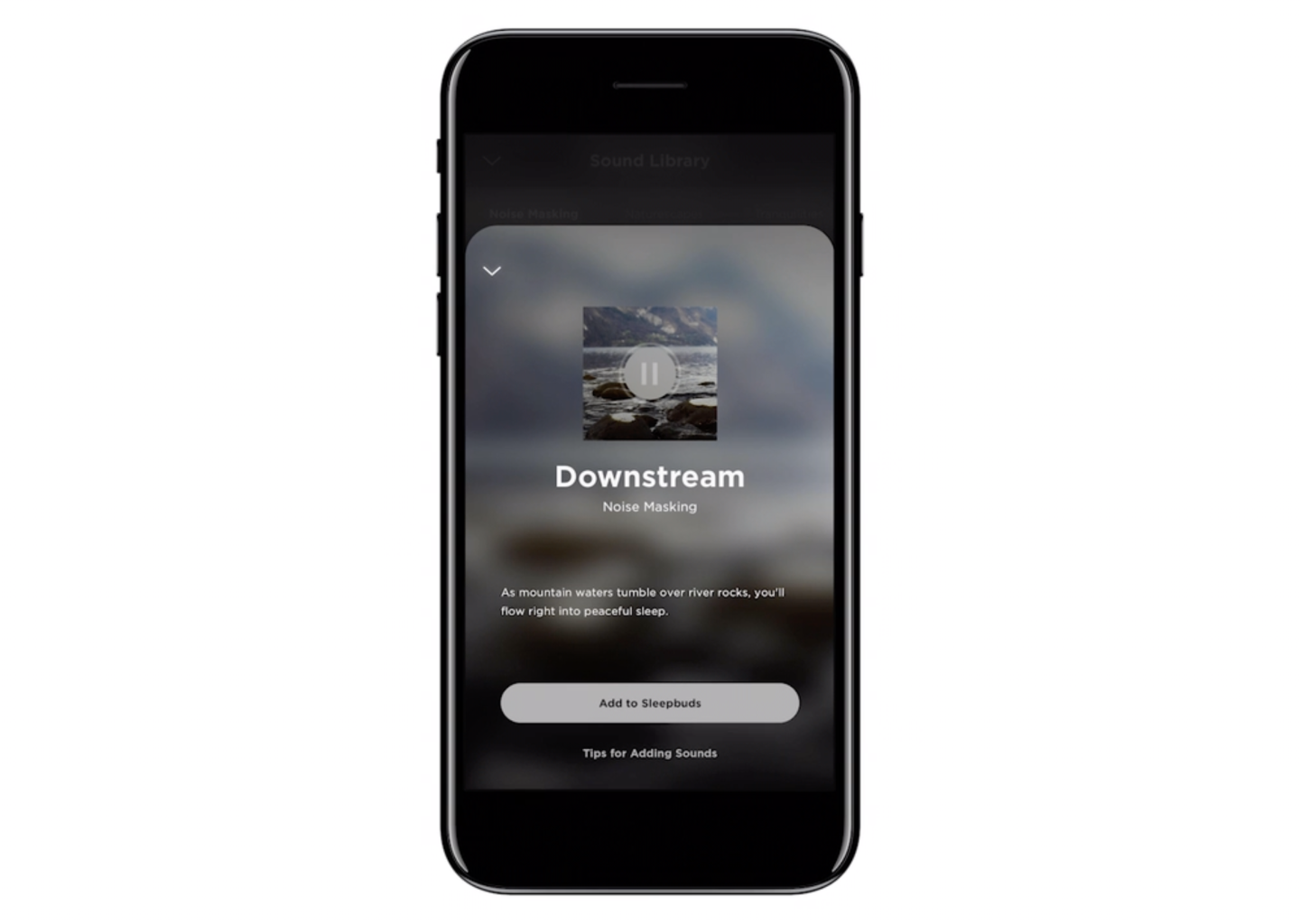
Smartphone displaying a sound library app with nature sounds like 'Downstream,' 'Elements,' 'Rumble,' and 'Shower' in the interface.
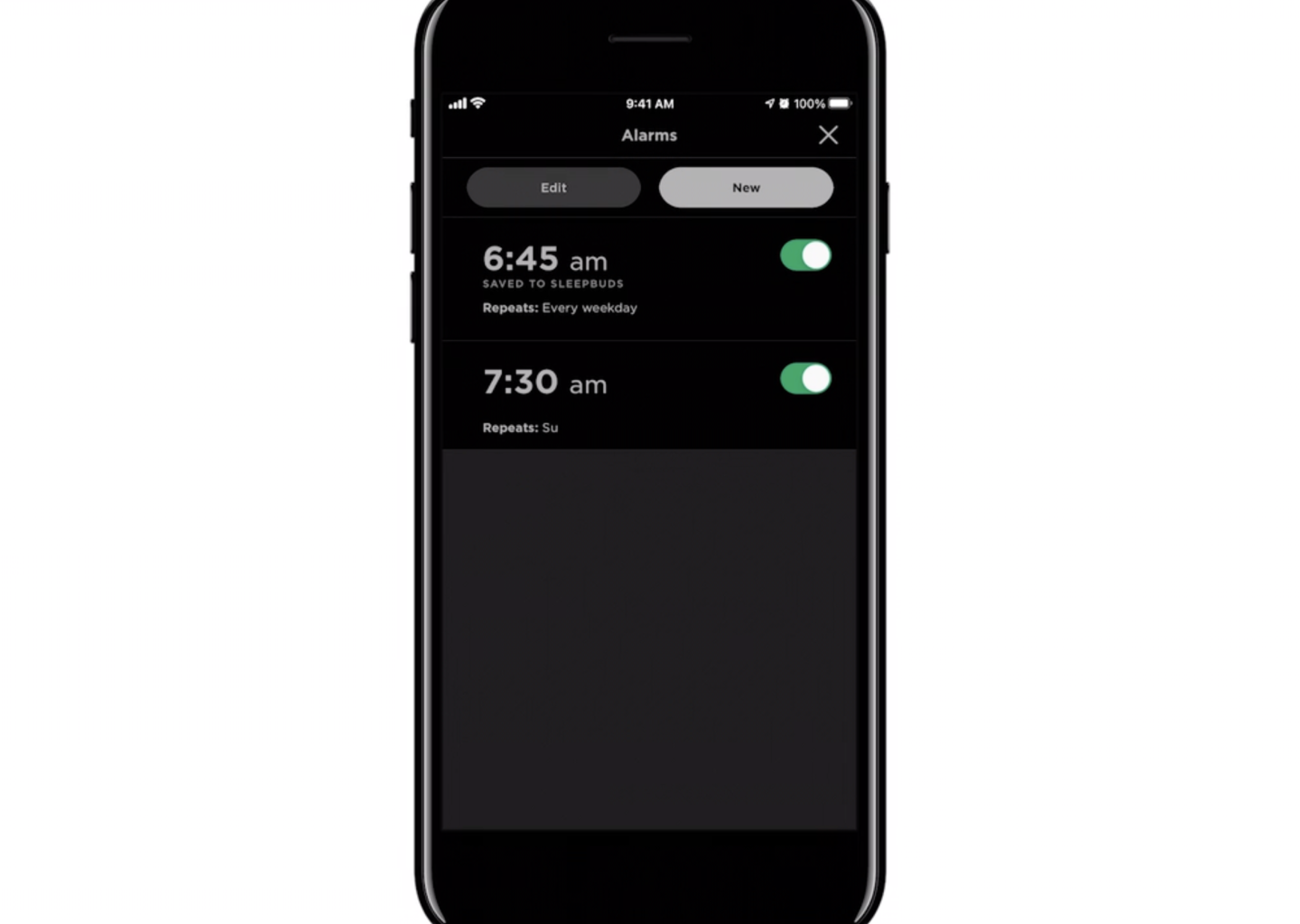
A smartphone screen displaying a list of two alarm times set for 6:45 am and 7:30 am, with toggles indicating they are turned on, and labels showing repetition days.
Smartphone screen showing a noise masking sleep aid app titled 'Downstream' with a nature image, a pause button, and options to add to sleep buds and tips for adding sounds.
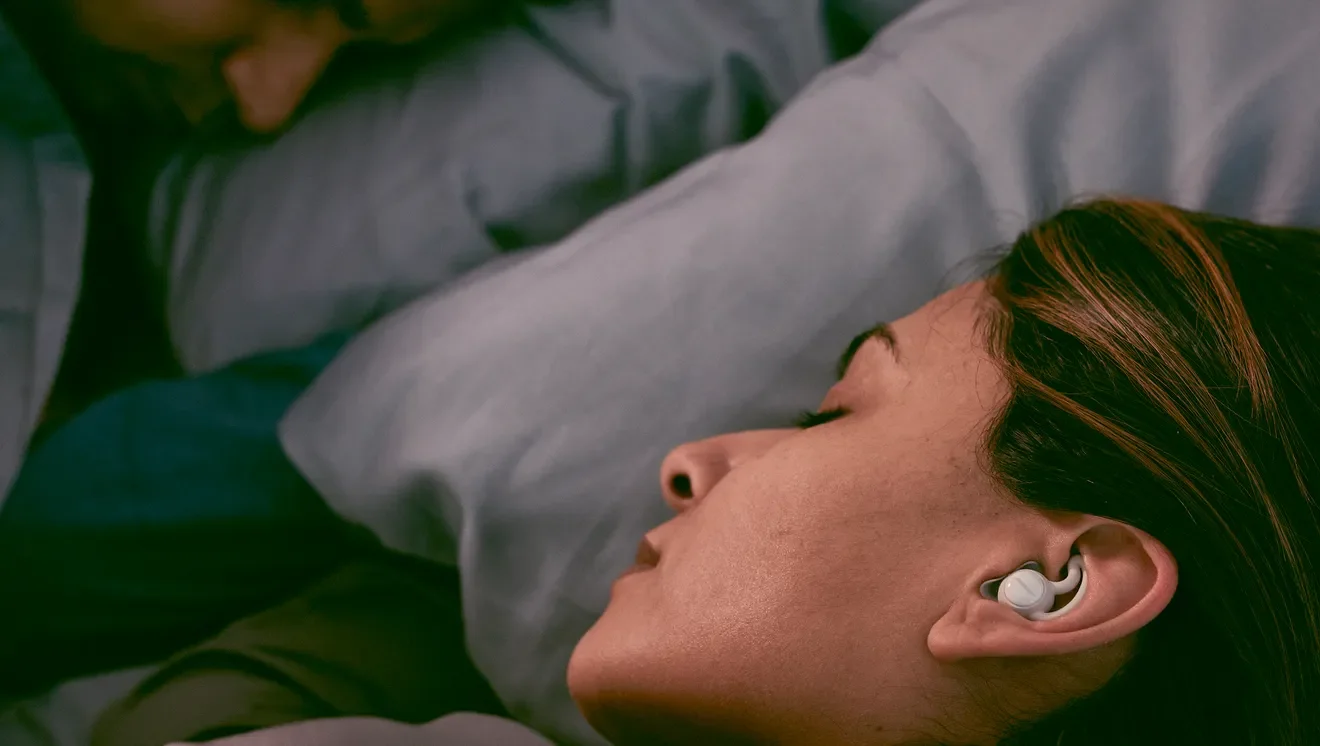
A woman sleeping with a hearing aid in her ear.
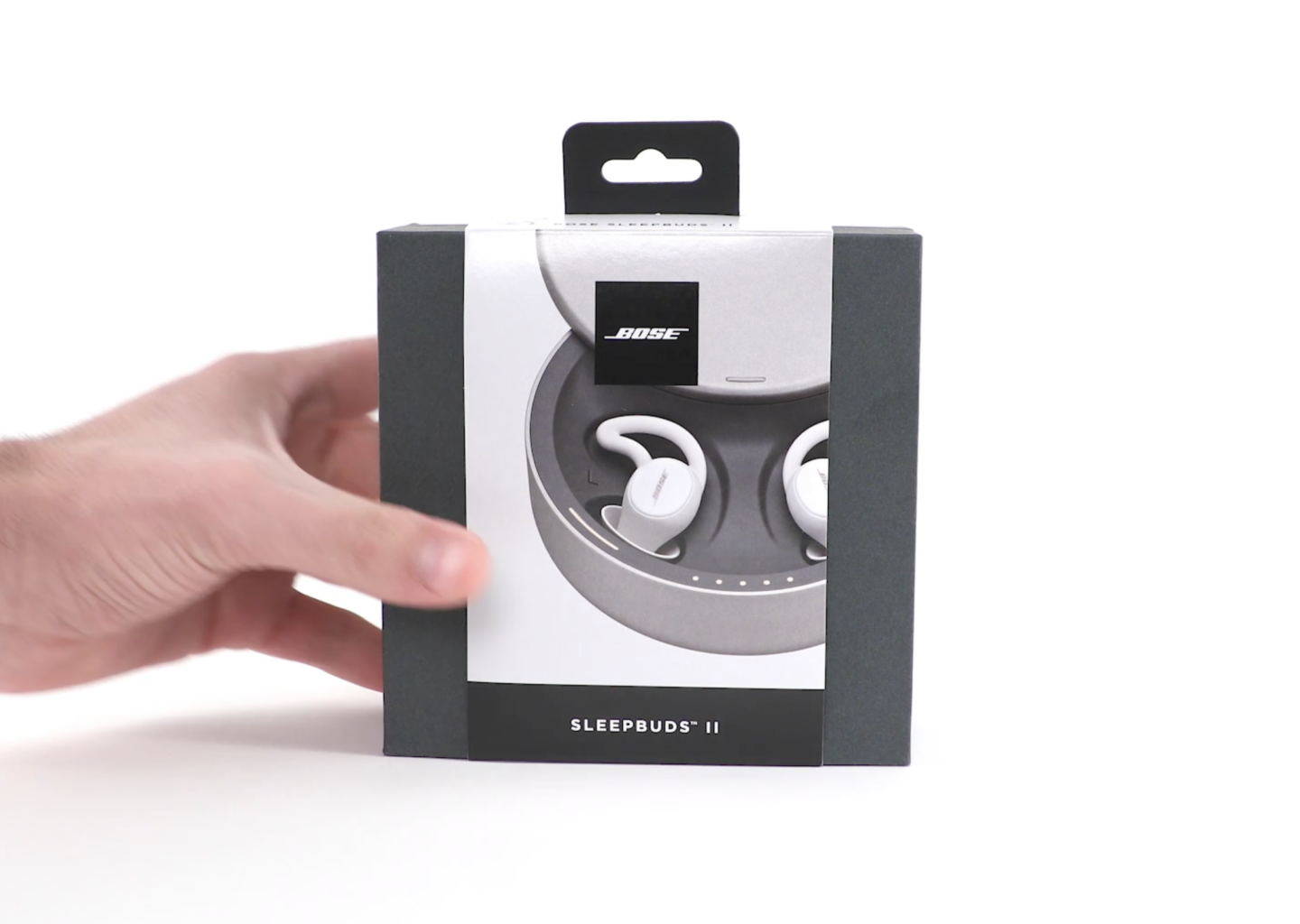
A hand holding a box of Bose Sleepbuds II, wireless earbuds designed for sleep, with an image of the earbuds and charging case on the packaging.
Line drawing of a human ear with a Bose in-ear headphone inside the ear canal.
Close-up of white Bose wireless earbuds in charging case on a white background.

Mobile App —
Setup and Settings
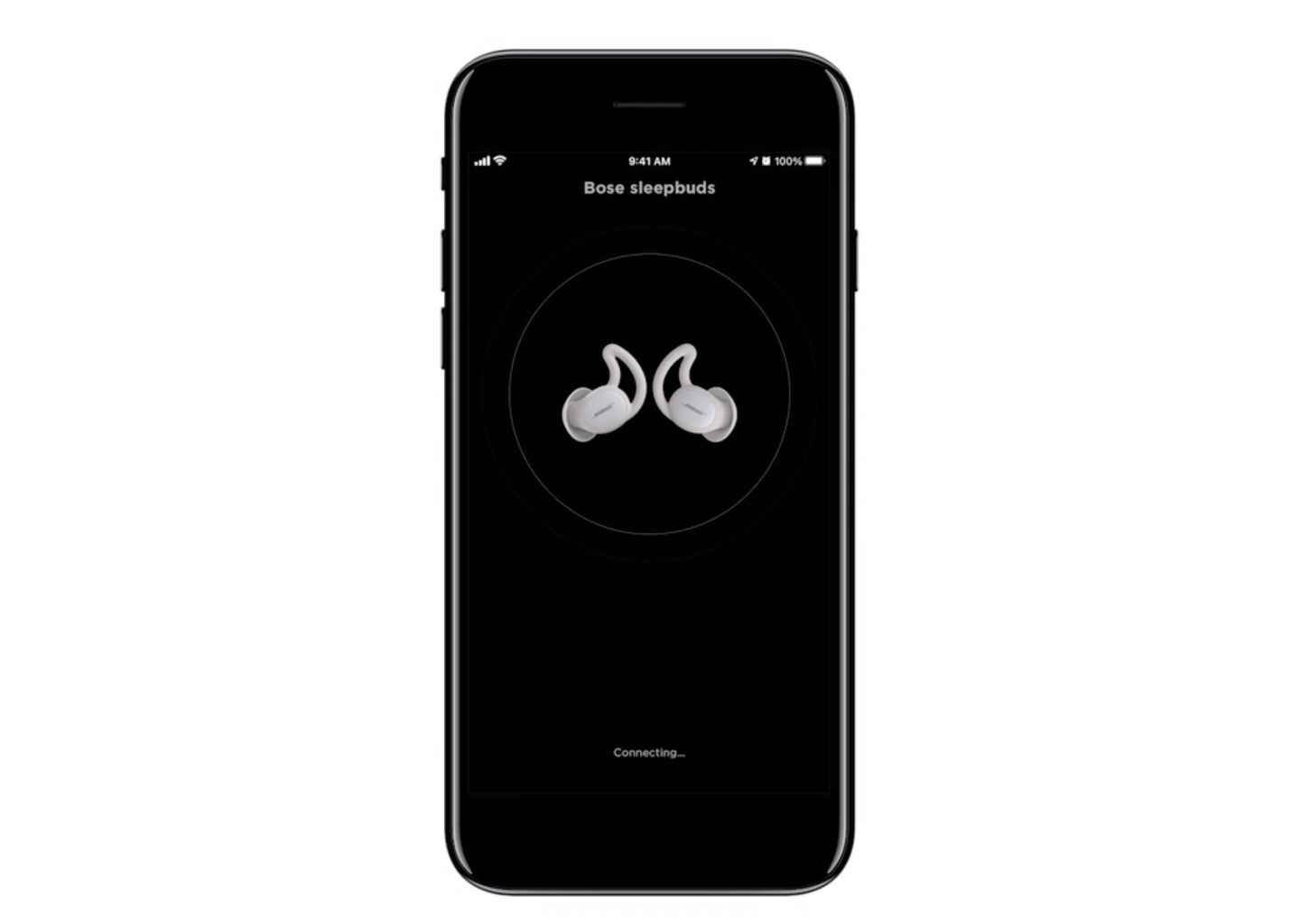
iPhone displaying the Bose sleepbuds app with headphones on a black screen.
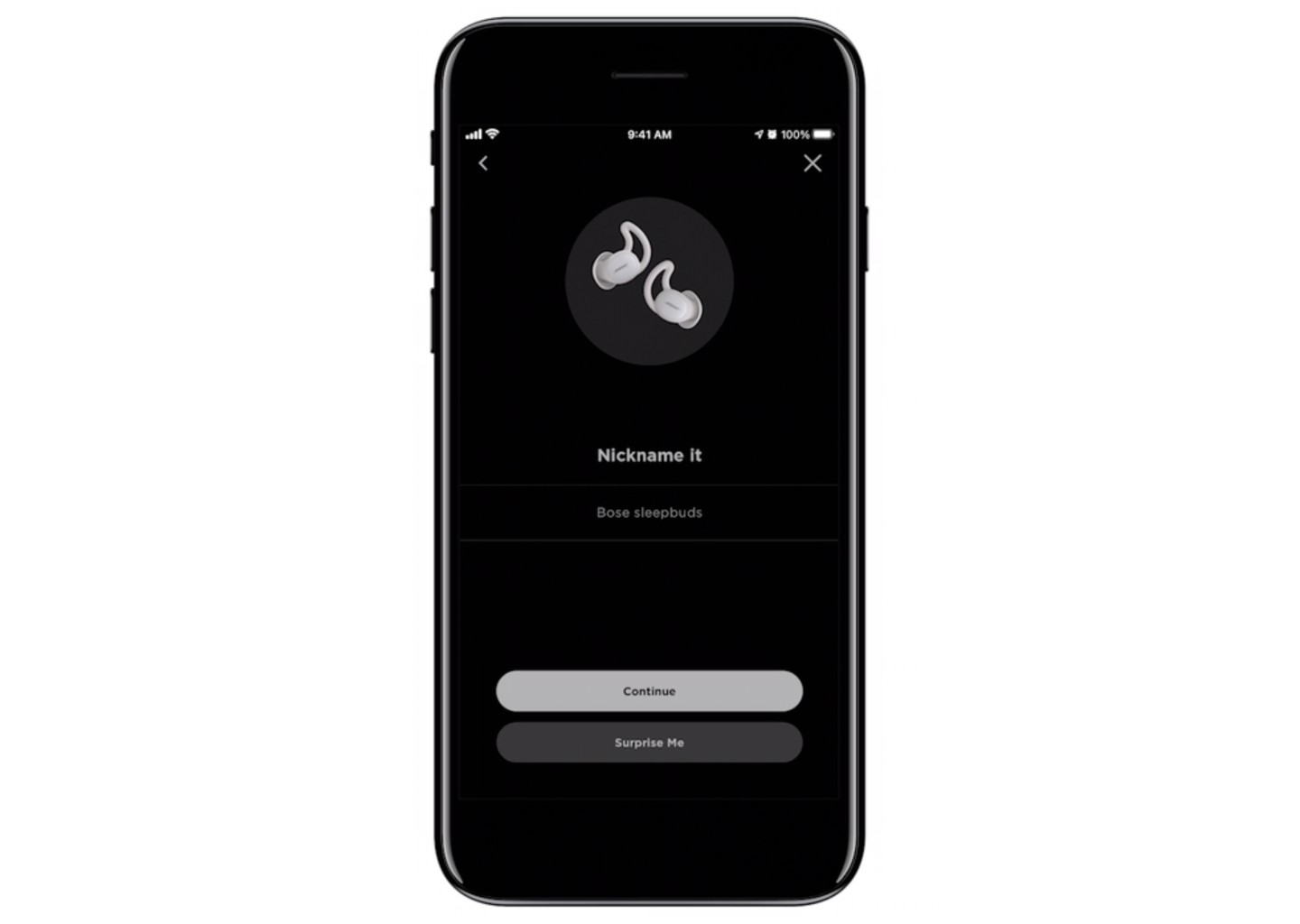
A smartphone screen showing the Bose Connect app with the nickname set as 'Bose sleepbuds' and options to continue or surprise me.
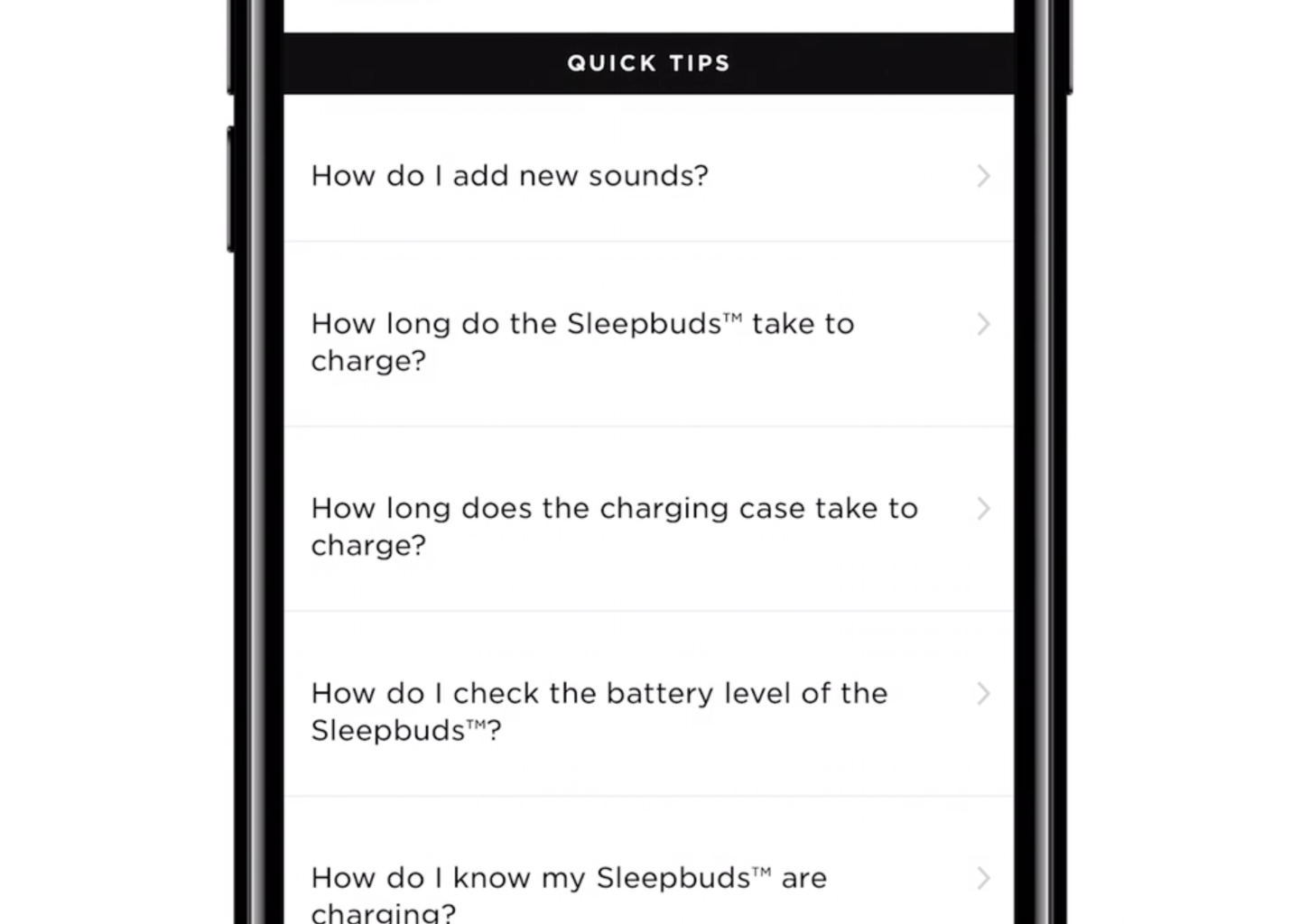
Mobile phone screen displaying a list of quick tips related to Sleepbuds, including questions about adding sounds, charging time, battery level, and charging status.

Mobile App —
Now Playing Screen

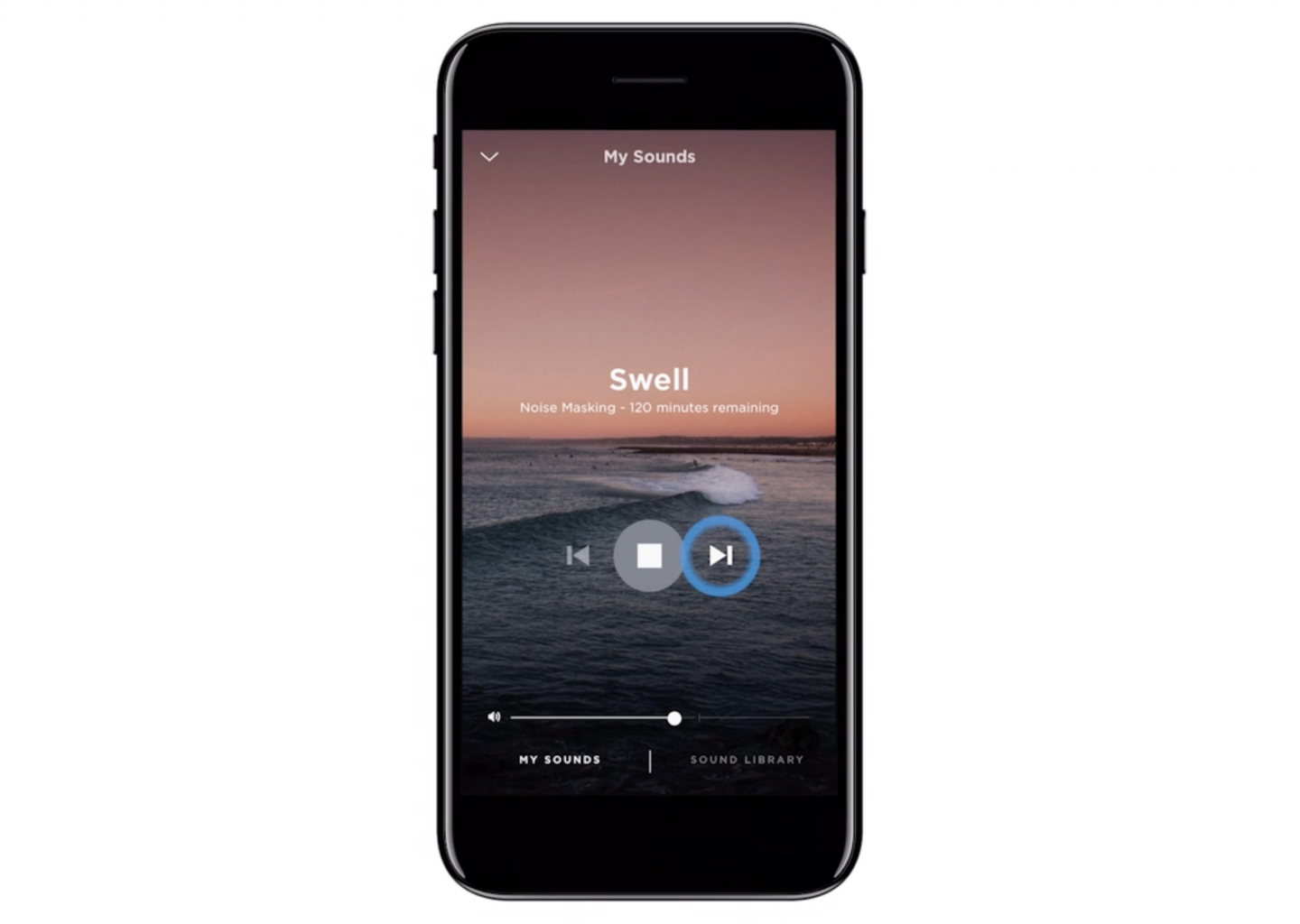
Smartphone displaying a sound masking app with a sunset over ocean background and playback controls.
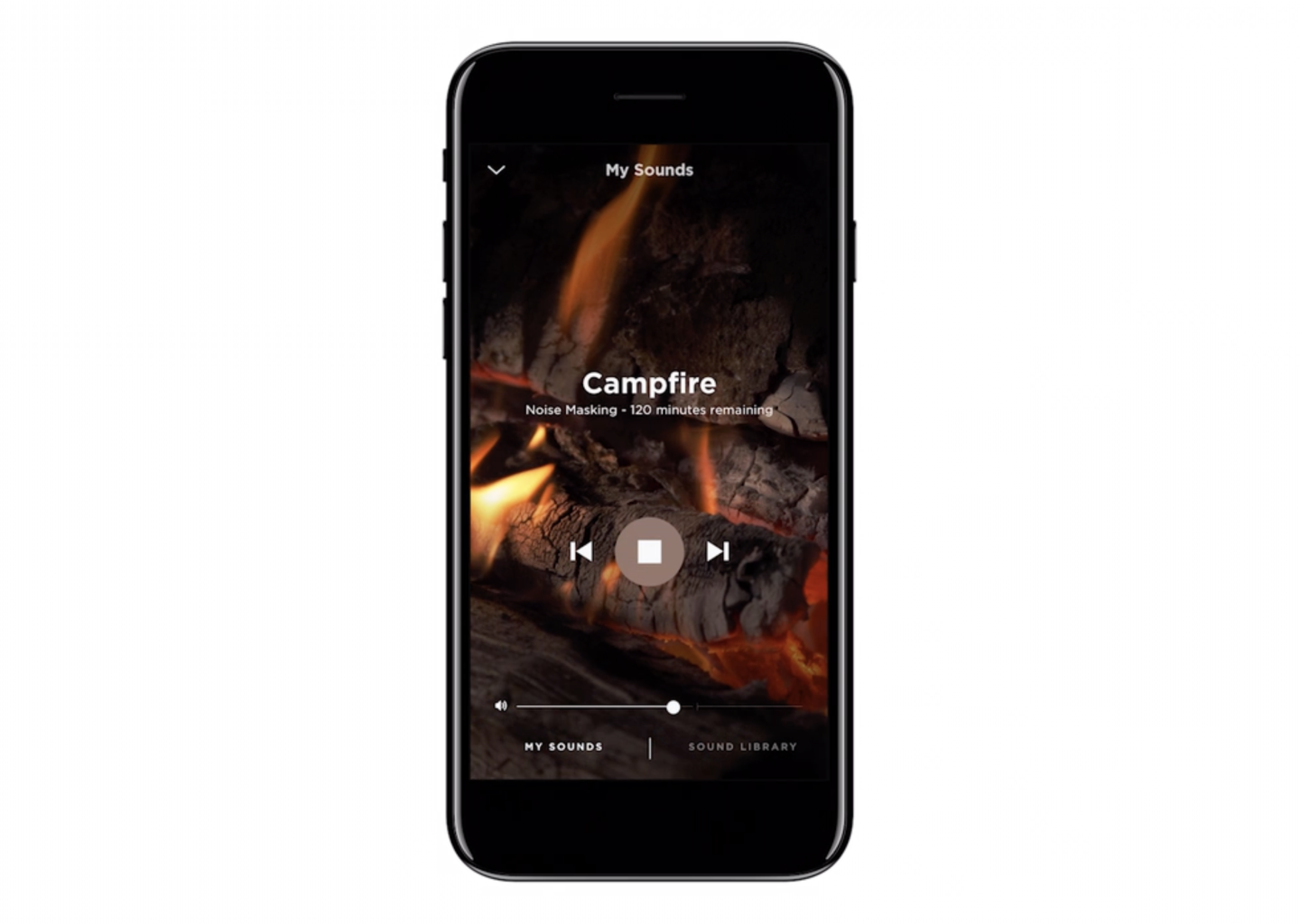
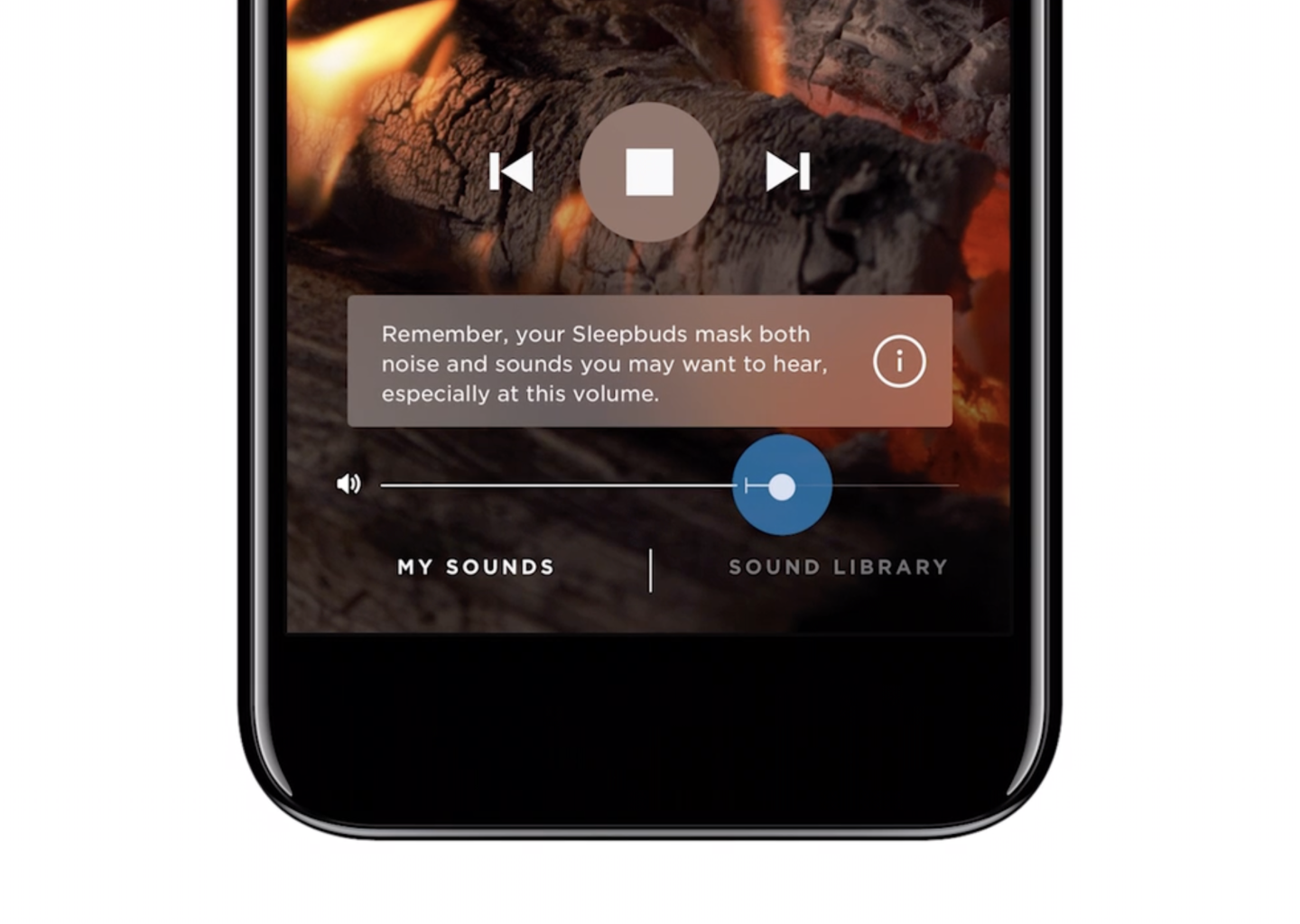
iPhone screen showing a noise masking sound called Campfire, with a background image of burning logs and fire, and controls for playback and sound volume.

Mobile App —
Discovering and Adding New Sounds

Mobile App —
Settings Alarms
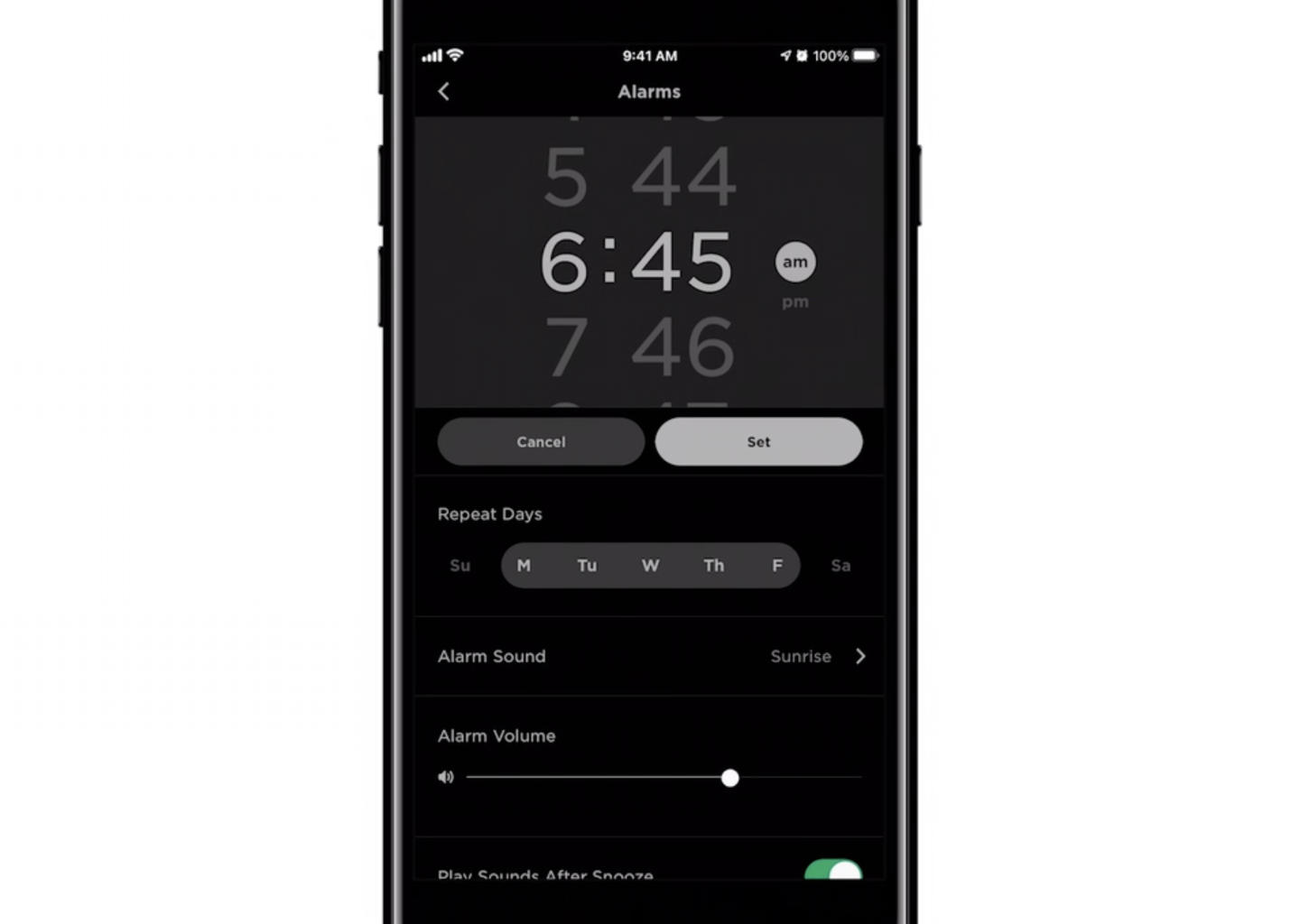
A smartphone screen displaying an alarm settings page with a set alarm time of 6:45 am, repeat days Monday through Friday, sunrise alarm sound, and adjustable volume. The interface includes cancel and set buttons, options for alarm sound and volume, and toggle for play sound after snooze.
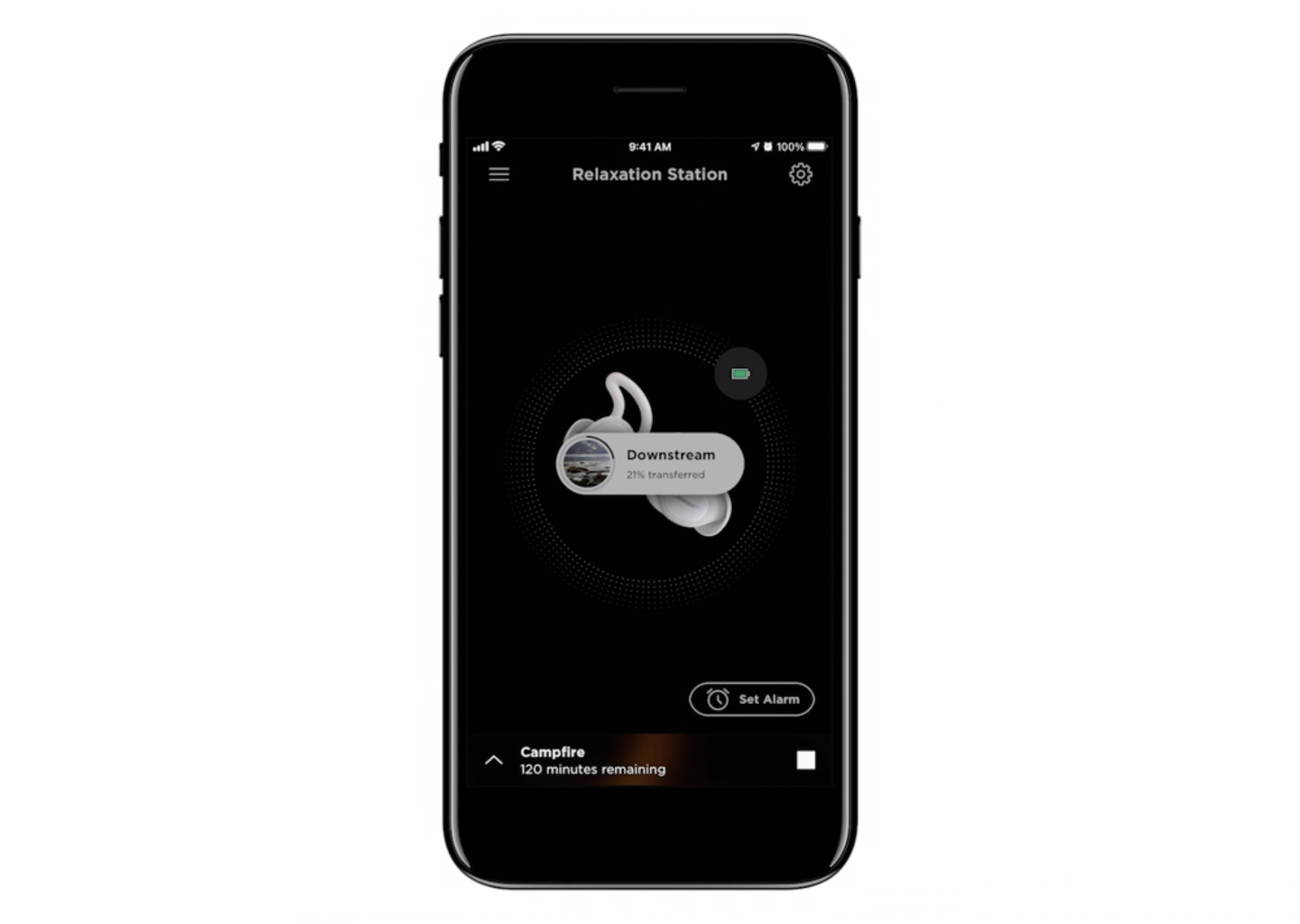
Smartphone screen displaying a wireless earbud charging and transfer app, with a black background, a circular progress indicator, and options to set an alarm, with a label indicating 120 minutes remaining for a campfire notification.
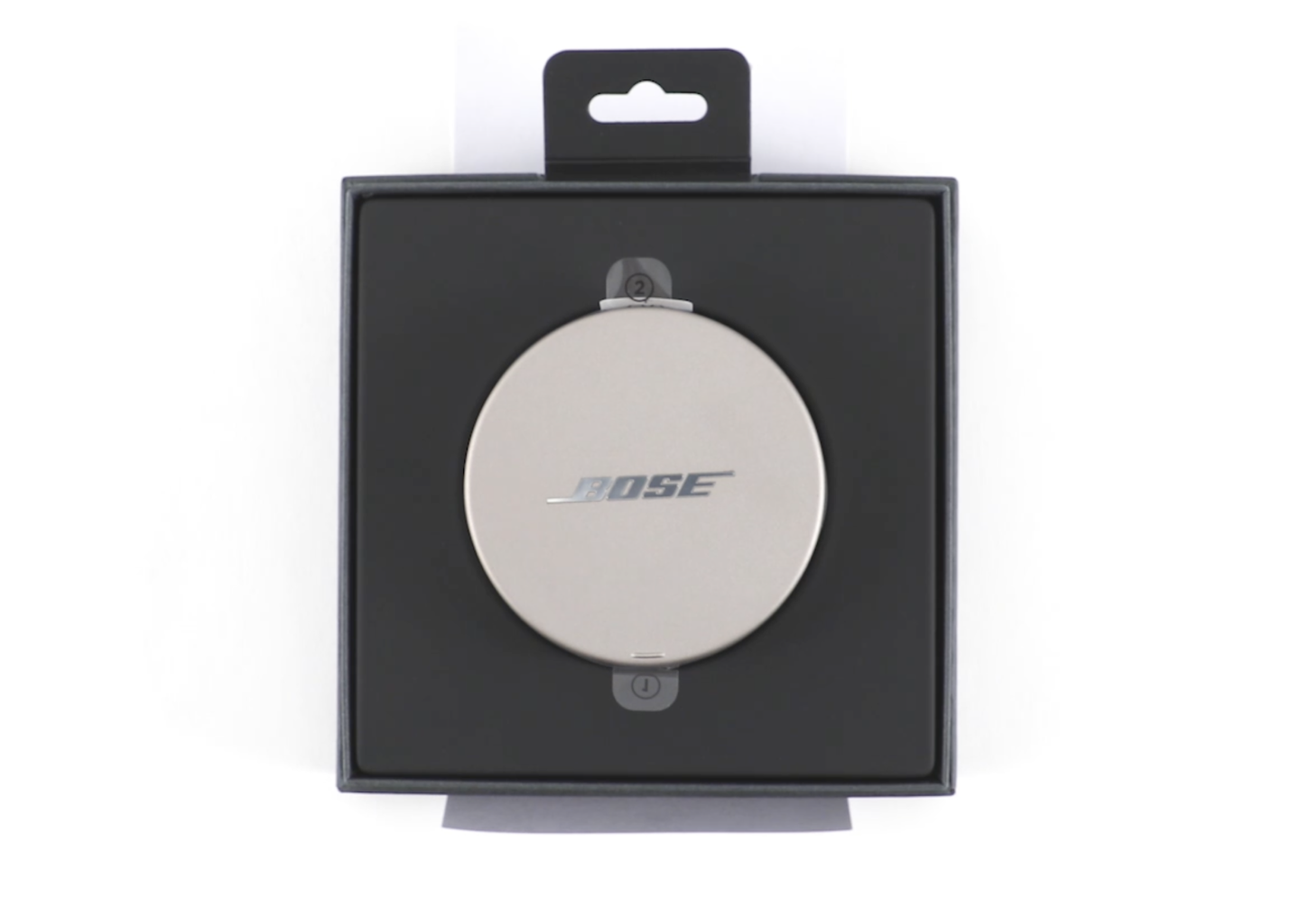
Bose headphones in black packaging with a circular silver case in the center
Line drawing of a human ear with an in-ear Bose branded headphone.
Silver Bose wireless earbuds in an open charging case on a white background.
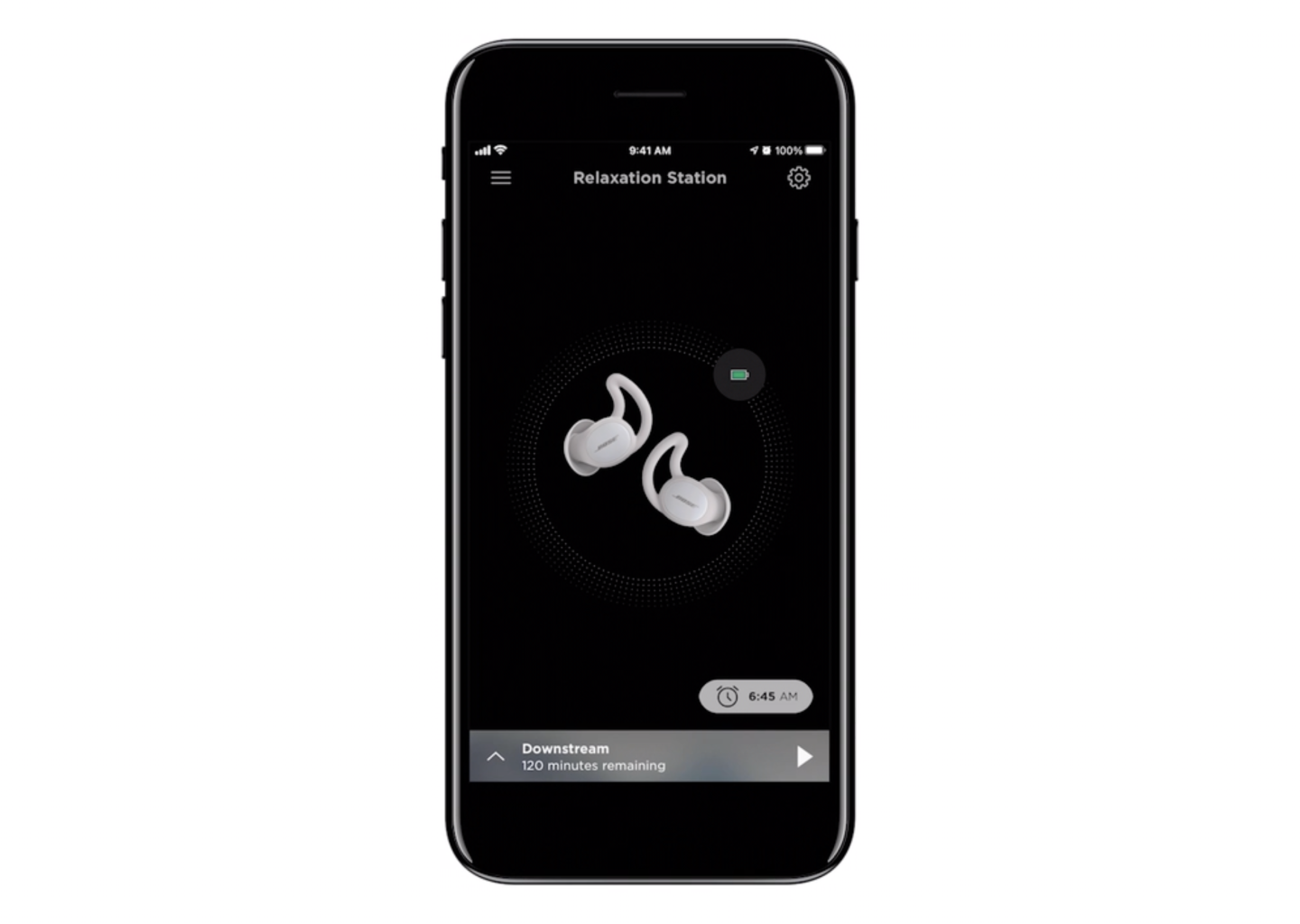
Smartphone screen displaying wireless earbuds charging with a battery icon, time, and remaining playback time, titled 'Relaxation Station'.
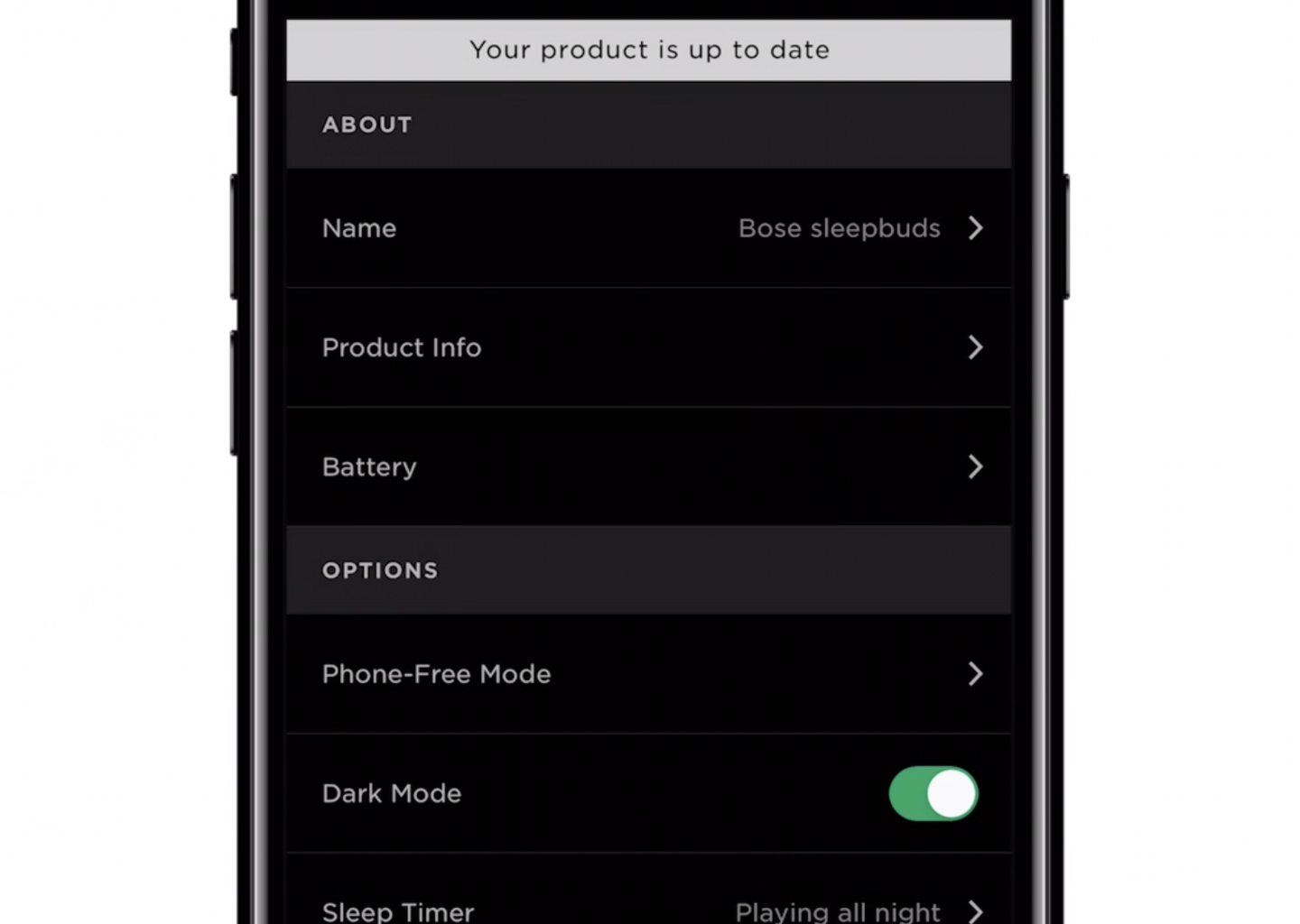
Smartphone screen displaying app settings with options for product info and dark mode enabled.
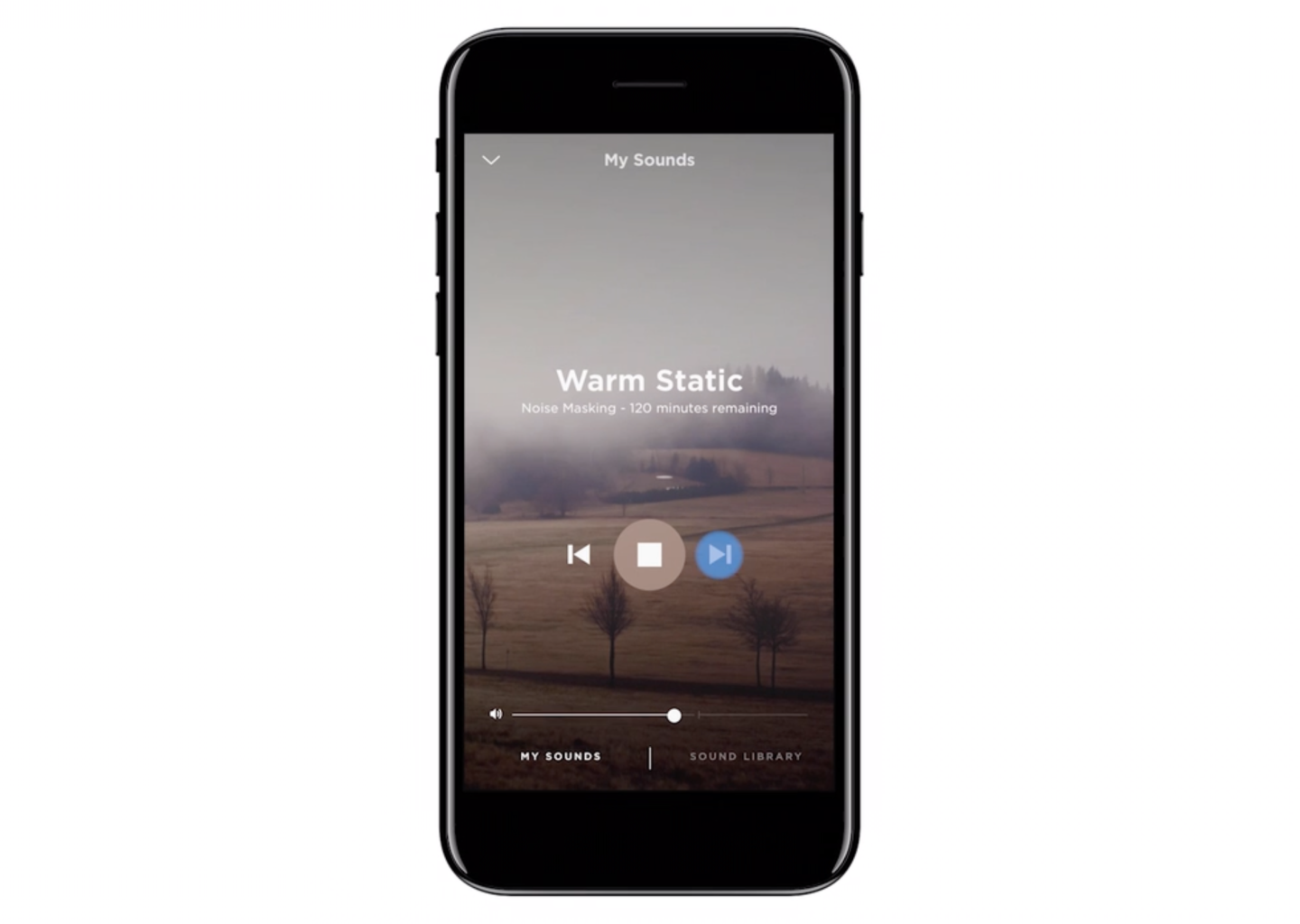
Smartphone screen showing a noise masking app titled 'Warm Static' with 120 minutes remaining, a landscape background of foggy fields, playback controls, volume slider, and options for sound library and my sounds.
Close-up of a smartphone screen displaying sleep audio settings with a warning about noise masking, volume slider, and options for sound library and my sounds.
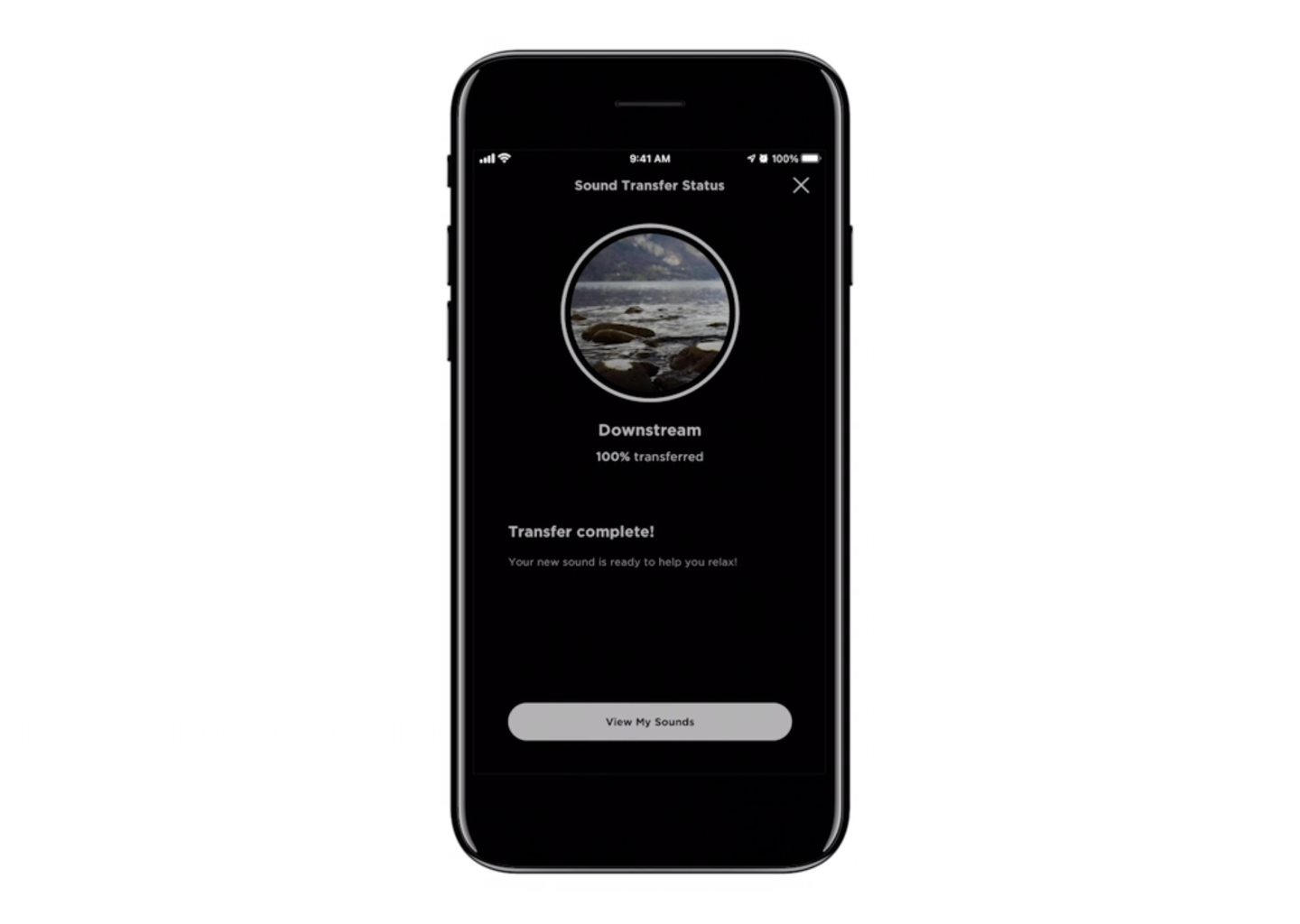
A smartphone screen displays a sound transfer app showing a successful transfer of a nature sound, with a scenic image of rocks and water in a circle at the top.