Bose AR Design Guidelines

Cover page of Bose AR design guidelines, version 3.0, with Bose logo on the left and Bose AR logo and title in the center, on a dark background.

As a Principal Designer at Bose in the Bose labs department, I lead a cross-disciplinary team to create a comprehensive set of Design Guidelines for the companies Audio Augmented Reality platform, Bose AR. this document was created to inform and empower both our internal teams across departments, as well as our direct company partnerships, and independent developers. The information in this document spans information on the technical specifications, design patterns, and branding of the platform.

Capabilities Performed

  • Branding

  • UI/UX Design

  • Design Pattern Development

  • Documentation

  • Project Leadership
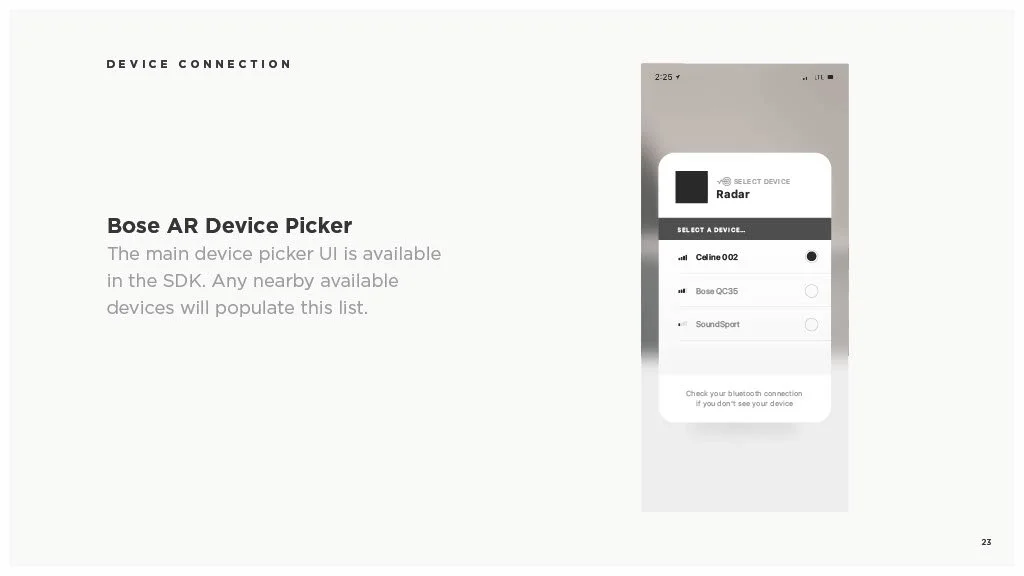
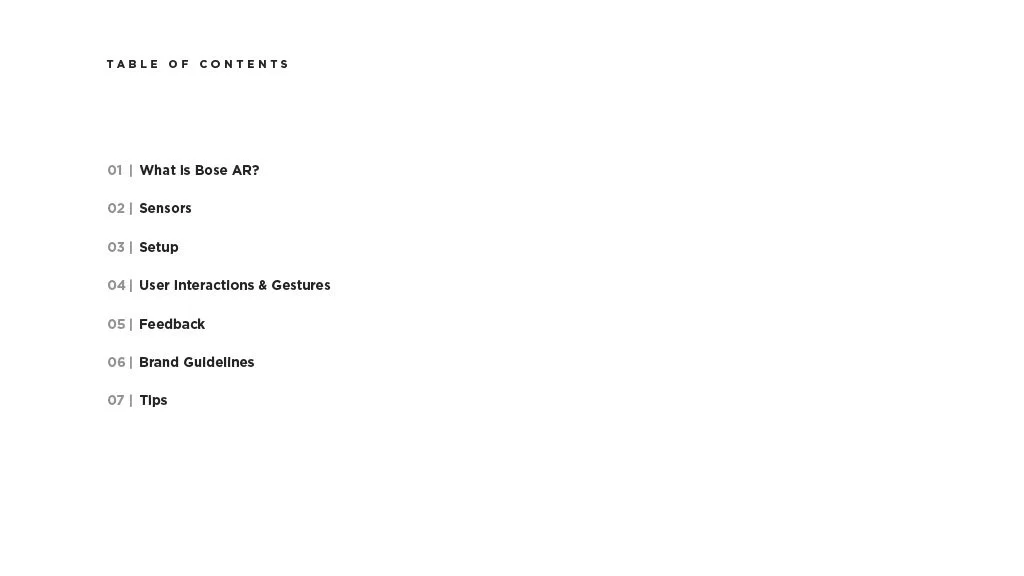
Photo of a table of contents page from a document titled 'What Is Bose AR?'. The sections listed include Sensors, Setup, User Interactions & Gestures, Feedback, Brand Guidelines, and Tips.
The image contains a dark background with minimalist text asking 'What is Bose AR?' in the center.
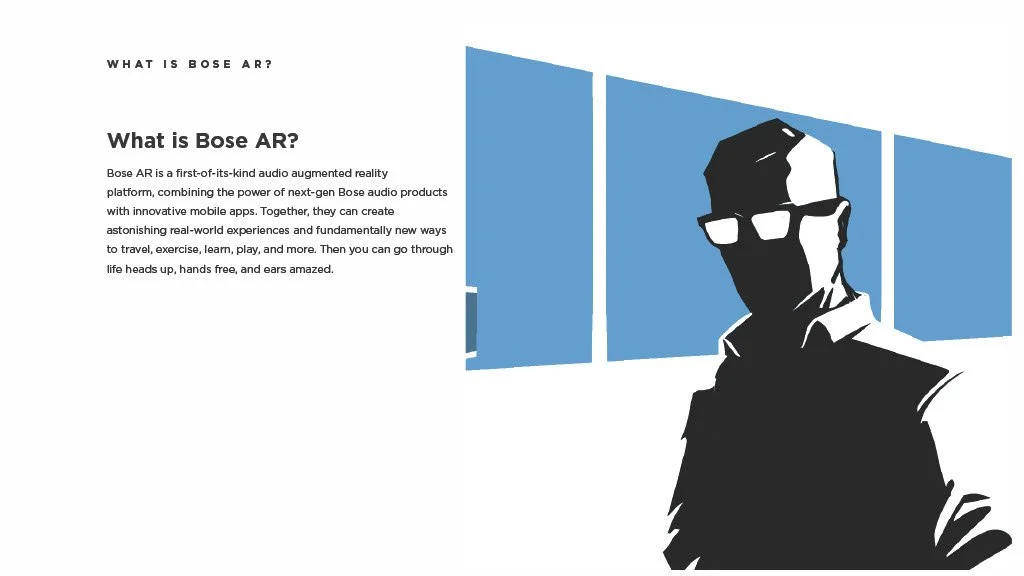
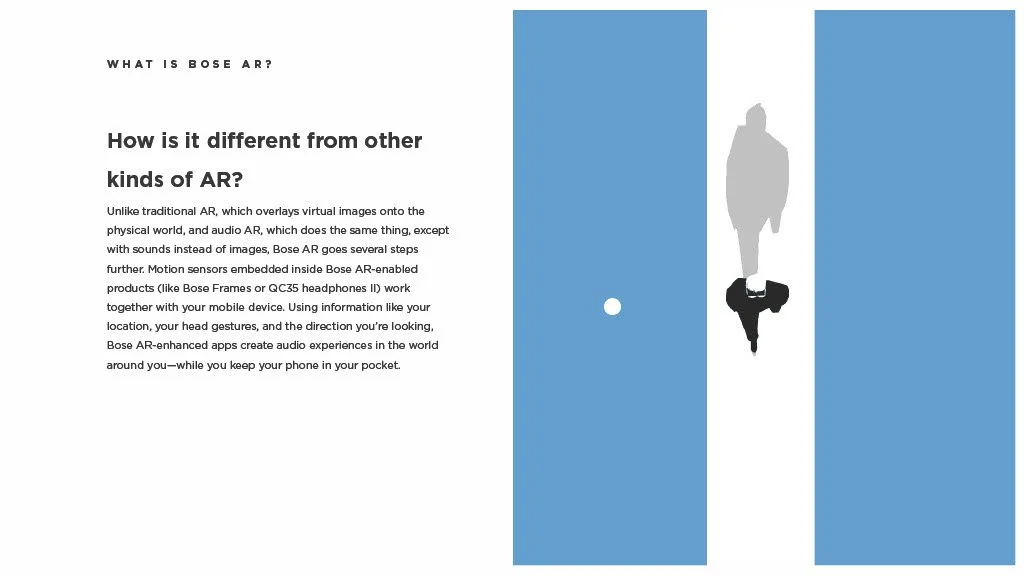
Illustration of a person wearing glasses and a jacket, with a background of abstract blue shapes.
Text explaining what Bose AR is with a shadowed person wearing Bose AR headphones in a minimalistic graphic design
Text document explaining Bose AR product compatibility and detection methods.
A document page with the title "What is Bose AR?" and sections explaining how to use Bose augmented reality features and access Bose AR experiences, with text details about compatible devices and app requirements.
A webpage with a title 'What Bose AR-enhanced apps are available?' and a list of three categories: Travel, Entertainment, and Activity.
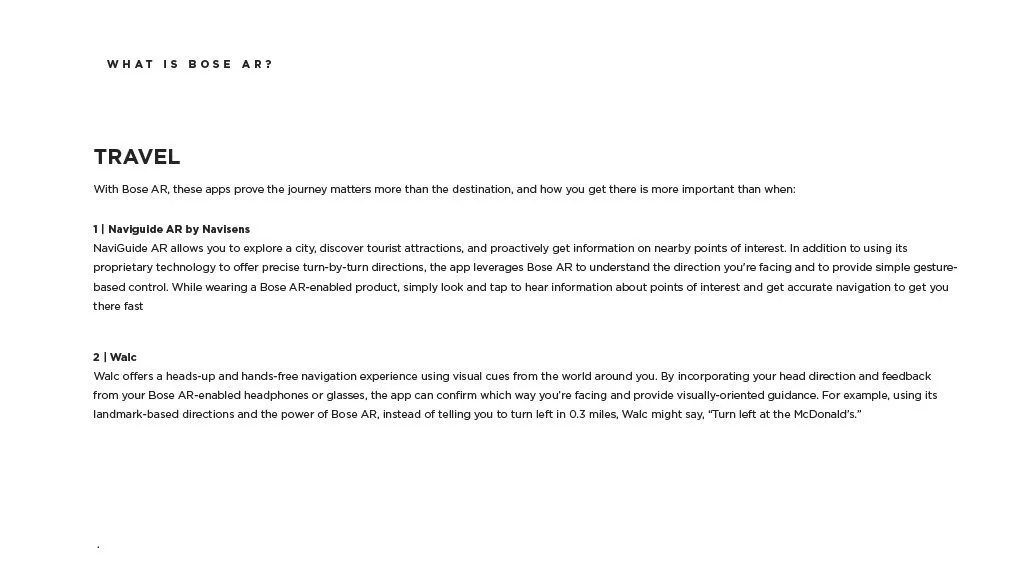
A document titled 'What is Bose AR?' explaining travel-related features of Bose augmented reality technology, including Naviguide AR by Navisens and Walc.
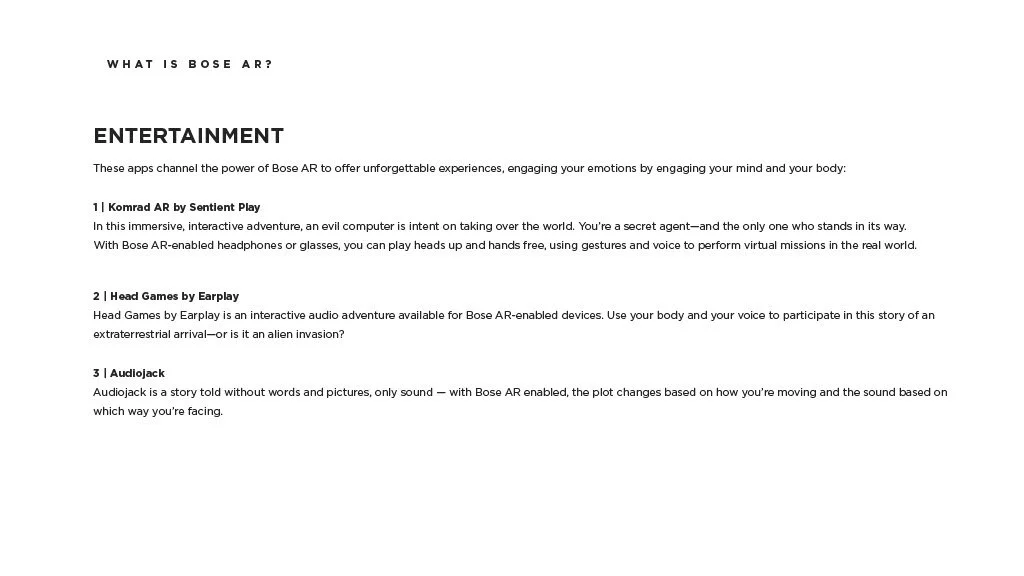
Document explaining Bose AR entertainment apps, including Komrad AR, Head Games by Earplay, and Audiobjack.
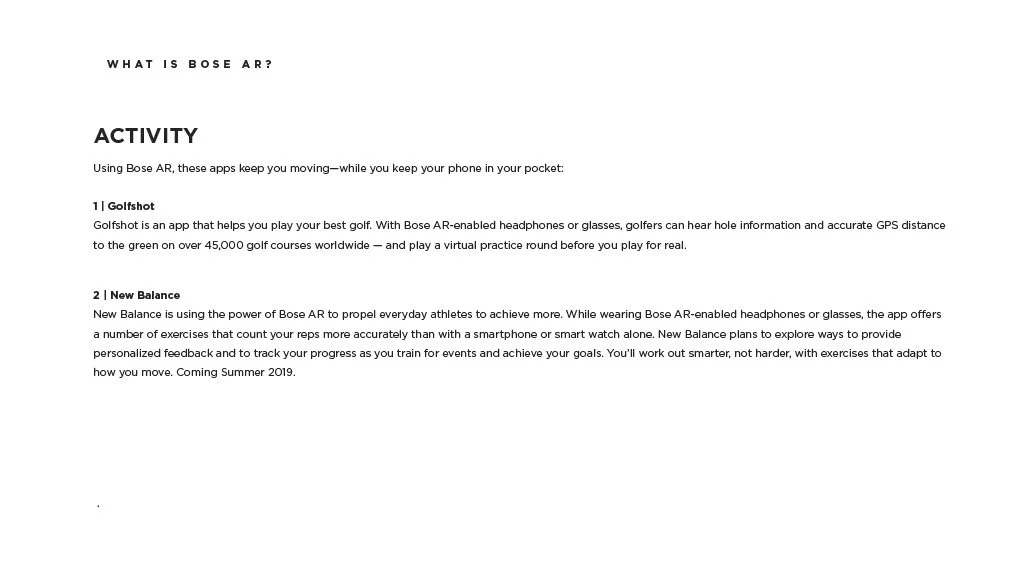
Text document explaining Bose AR activity features, including Golfshot for golf practice and New Balance for workout tracking.
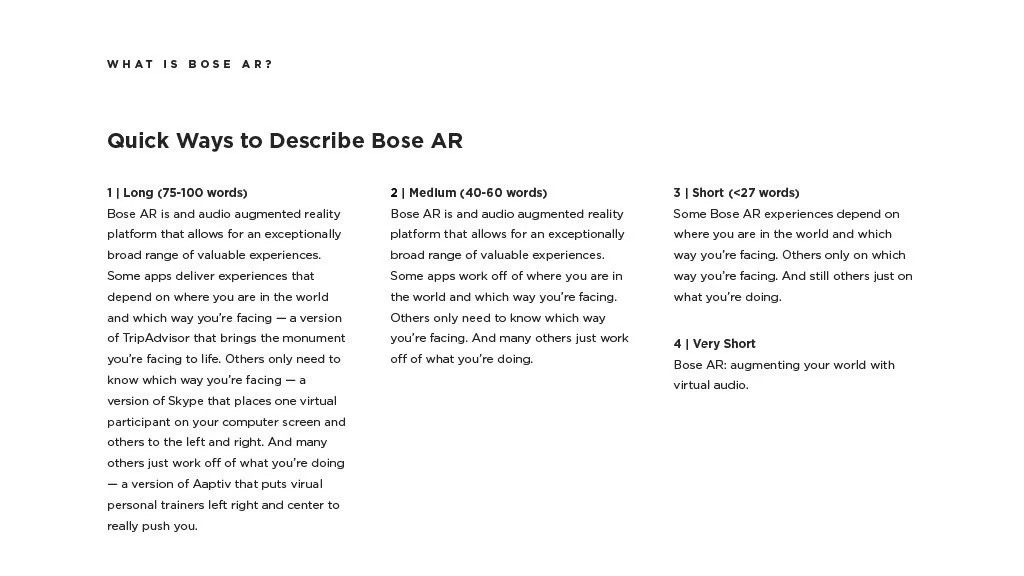
Text explaining different ways to describe Bose AR, including long, medium, short, and very short descriptions with examples.
Slide titled '02 SENSORS' with a dark background
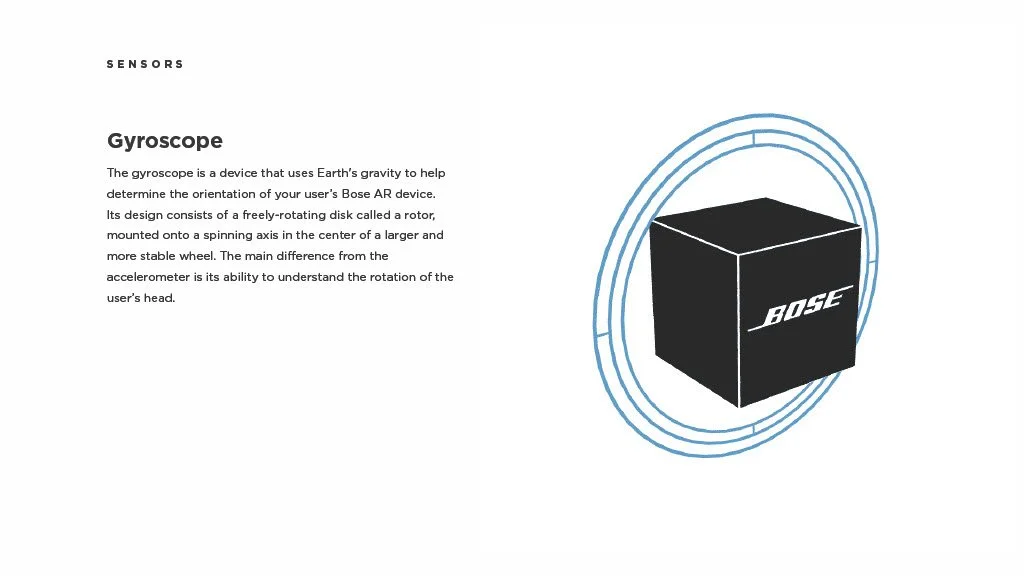
An illustration of a black cube with the Bose logo, surrounded by blue circular lines, representing a gyroscope sensor.
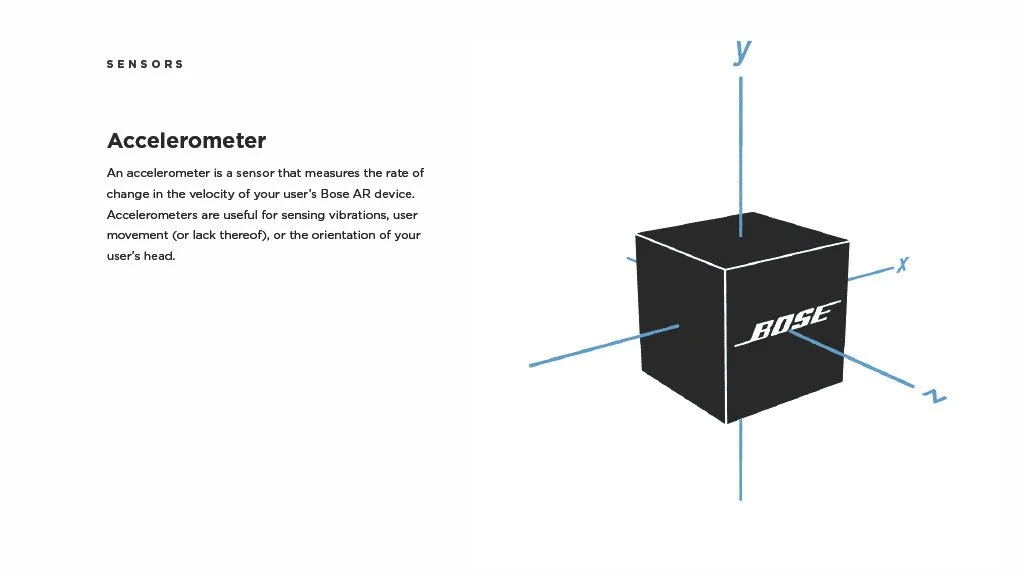
Diagram of a black cube labeled 'Bose' with axes labeled x, y, z, representing an accelerometer sensor.
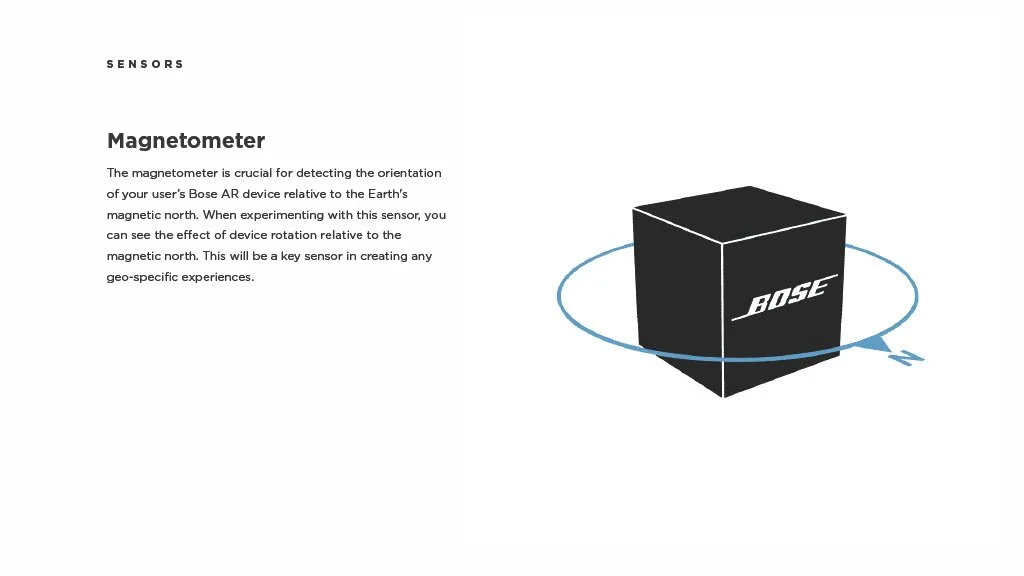
Illustration of a black cube with the Bose logo, surrounded by a blue axis indicating rotation or orientation.
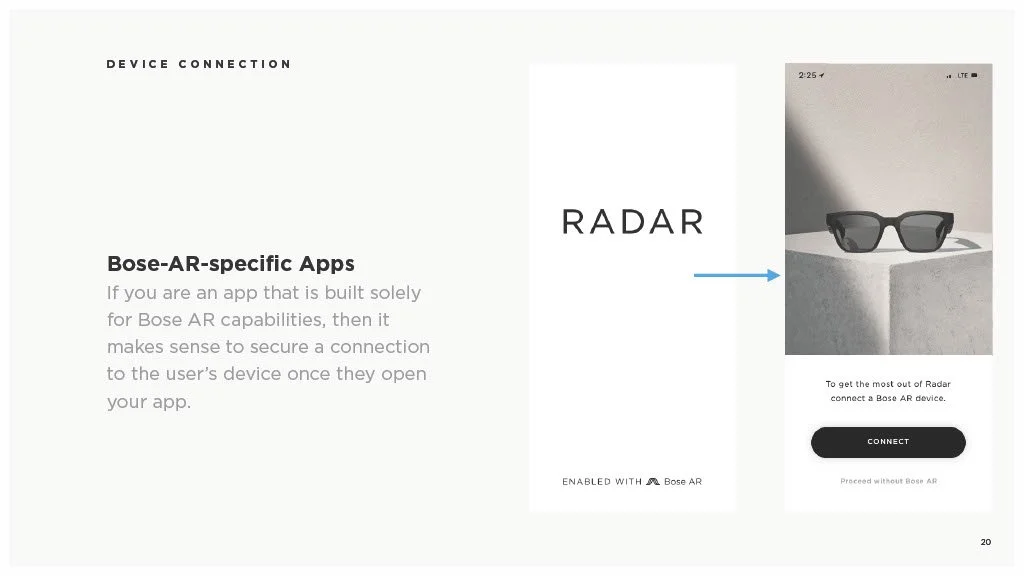
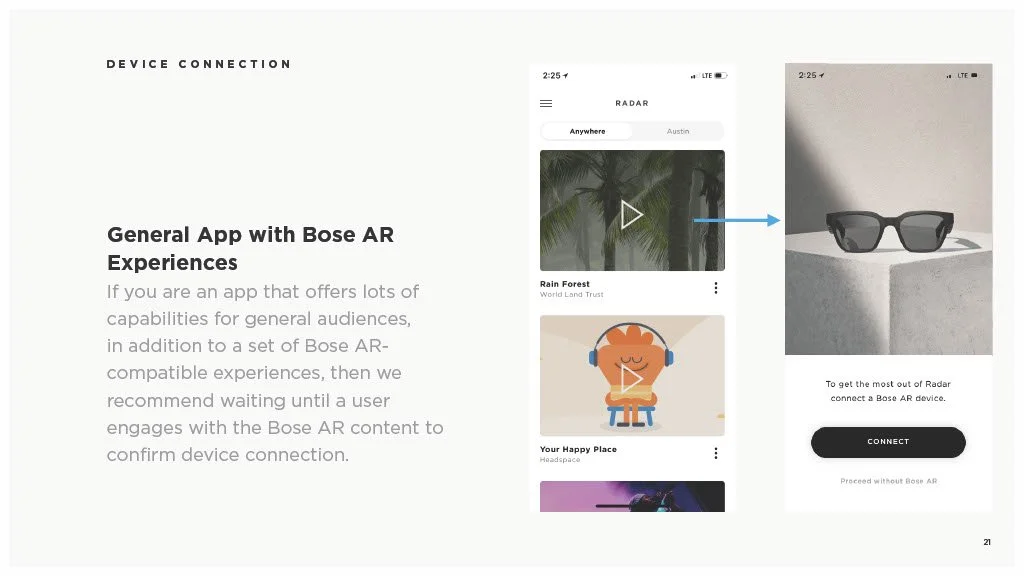
A presentation slide explaining Bose AR-specific apps, with instructions to connect a Bose AR device to use the Radar feature, showing a pair of sunglasses in a vertical phone screen image.
Screenshot of a presentation slide about Bose AR experiences, showing a mobile app interface with options to connect Bose AR devices to explore augmented reality content.
Slide with a dark background, labeled '04 | SETUP' in white and gray text
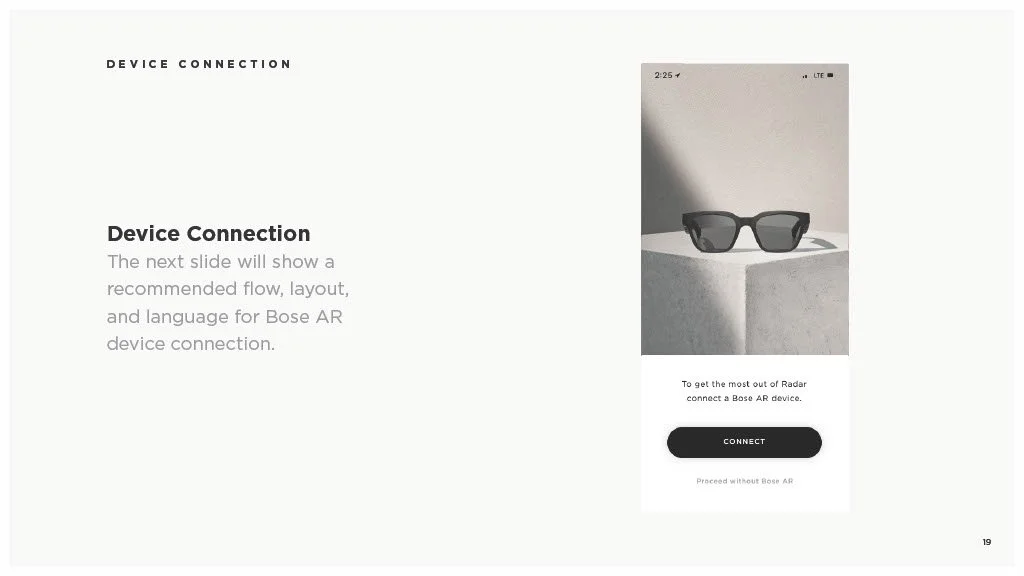
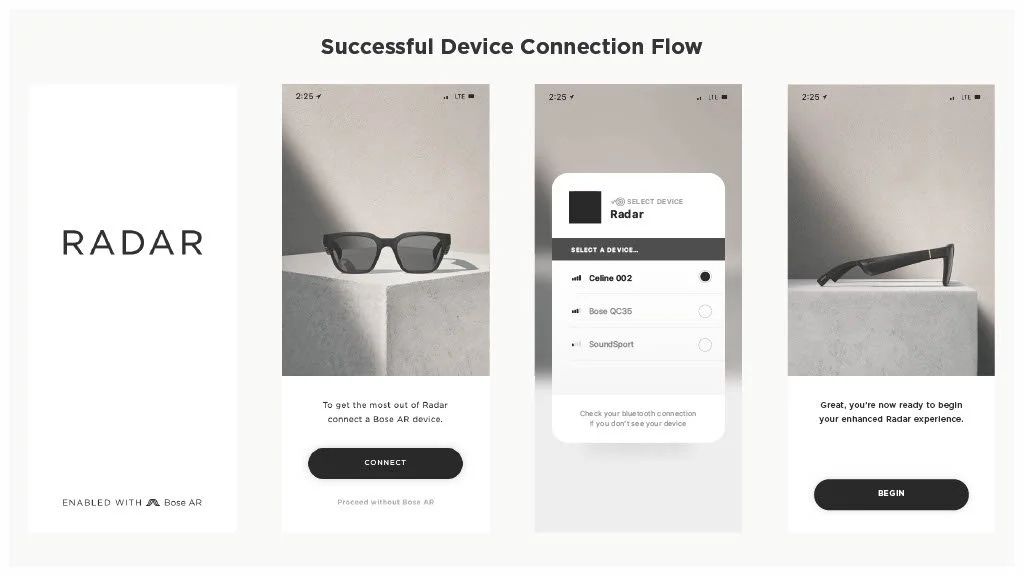
Slide showing a section titled 'Device Connection' with an image of sunglasses on a white pedestal and a 'Connect' button below, related to Bose AR device connection.
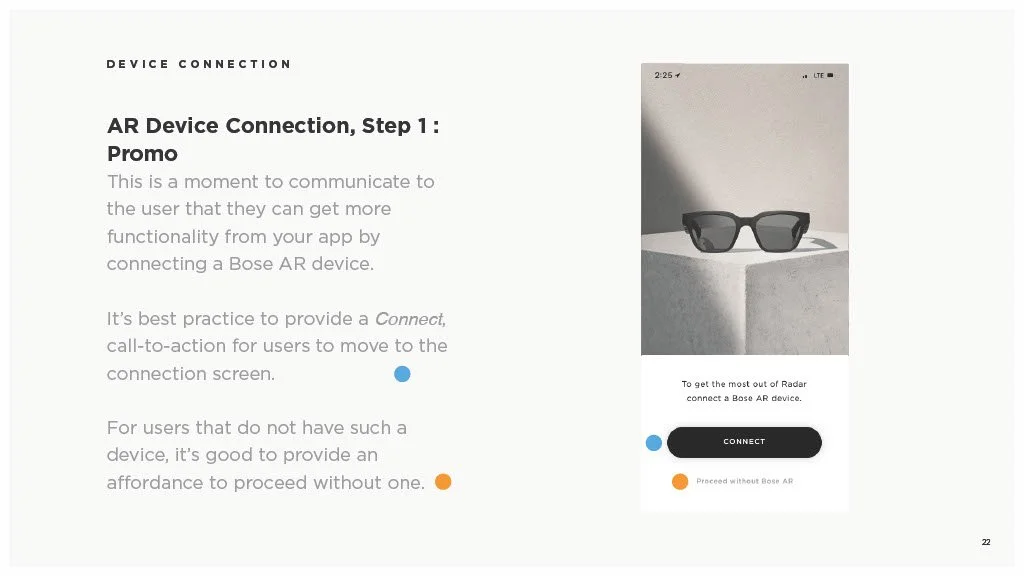
Screenshot of a step-by-step guide on connecting a Bose AR device, showing a photo of sunglasses and a connect button, with instructions on AR device connection and an option to proceed without one.
Screenshot of a mobile app interface showing a device connection page for Bose AR Device Picker, listing available nearby Bluetooth devices including Caline 002, Bose QC35, and SoundSport.
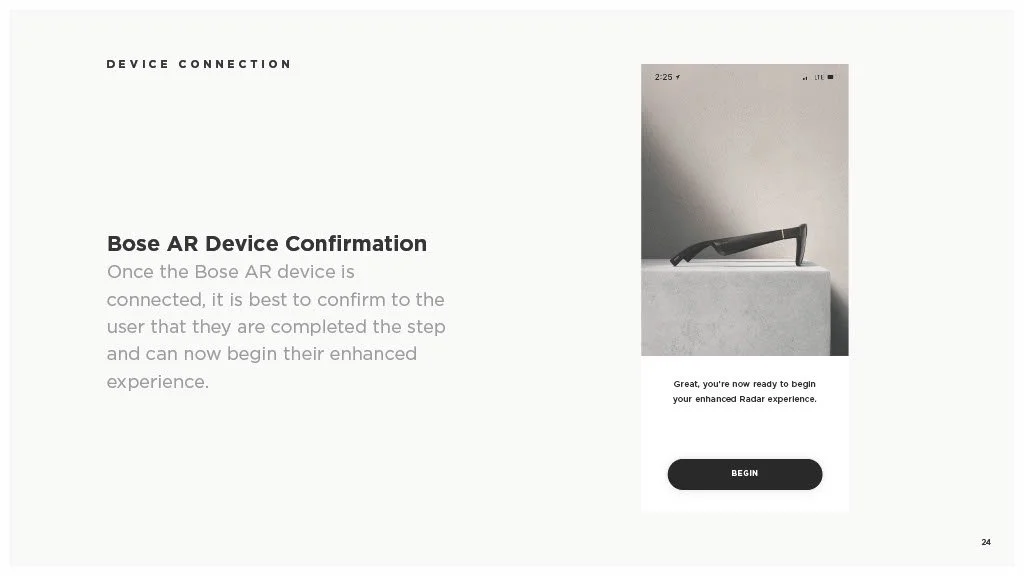
Screenshot of a device connection confirmation page for Bose AR device, showing an image of glasses on a white surface and a 'Begin' button.
Screenshots illustrating the process of connecting and starting a new device for a pairing process named Radar, including options for selecting a device and confirming the connection.
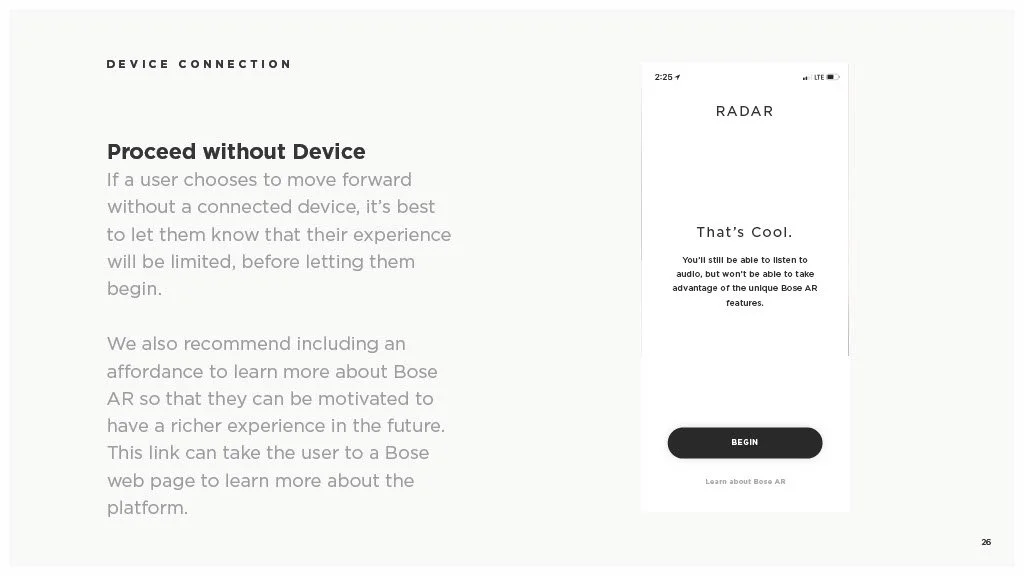
Screenshot of a mobile app with a section titled 'Device Connection' and instructions for proceeding without a device. The app mentions Bose AR features, a 'Begin' button, and a link to learn more about Bose AR.
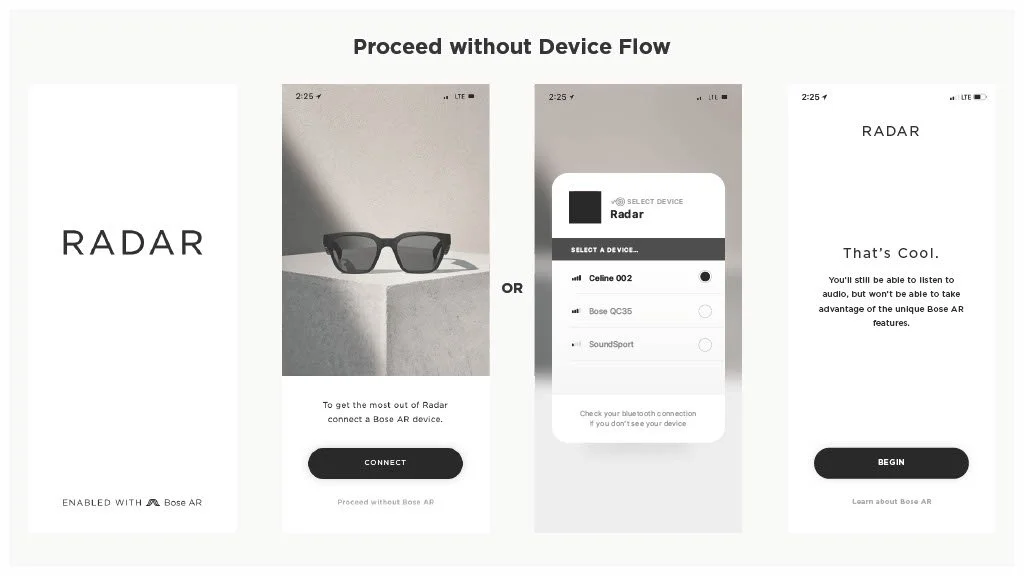
Screenshot of a tutorial for using Radar mode without a device flow, showing an image of sunglasses, a mobile device selecting a Radar device, and instructions to connect a Bell AR device.
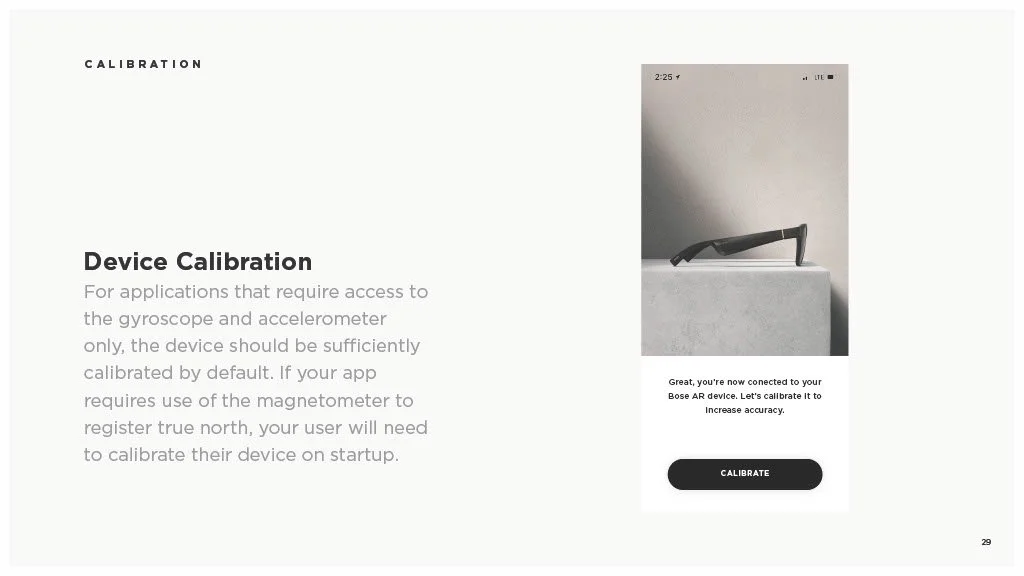
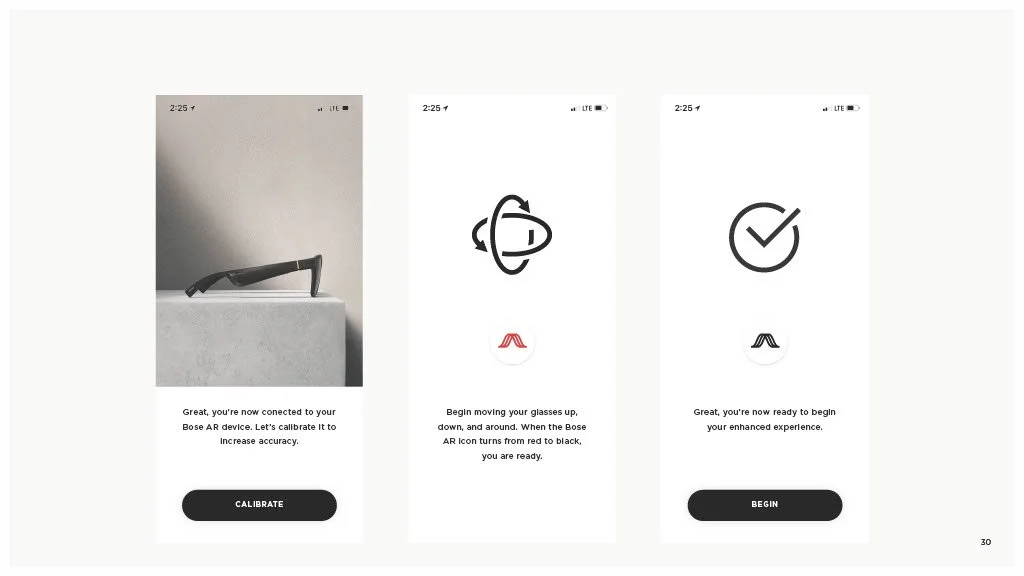
Screenshot of a device calibration page with instructions for calibrating a Bose AR device. Includes a photo of the device, a message confirming connection, and a "Calibrate" button.
Screenshots of a mobile app interface for calibrating and beginning to use Bose augmented reality glasses, showing calibration, movement, and ready screens with icons and buttons.
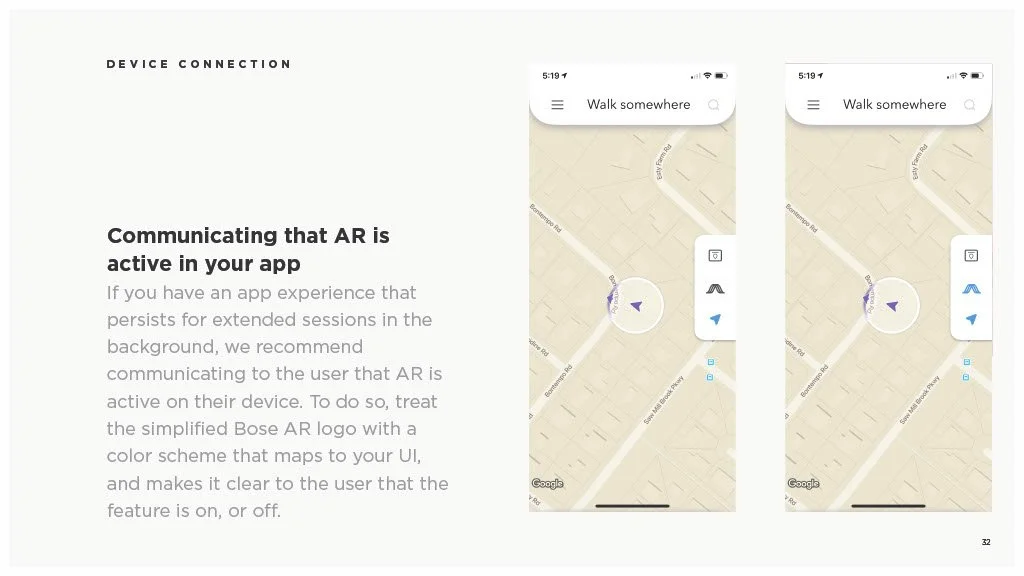
Screenshots of a mobile app showing a map with AR navigation active, indicated by the Bose AR logo and a purple arrow on the map.
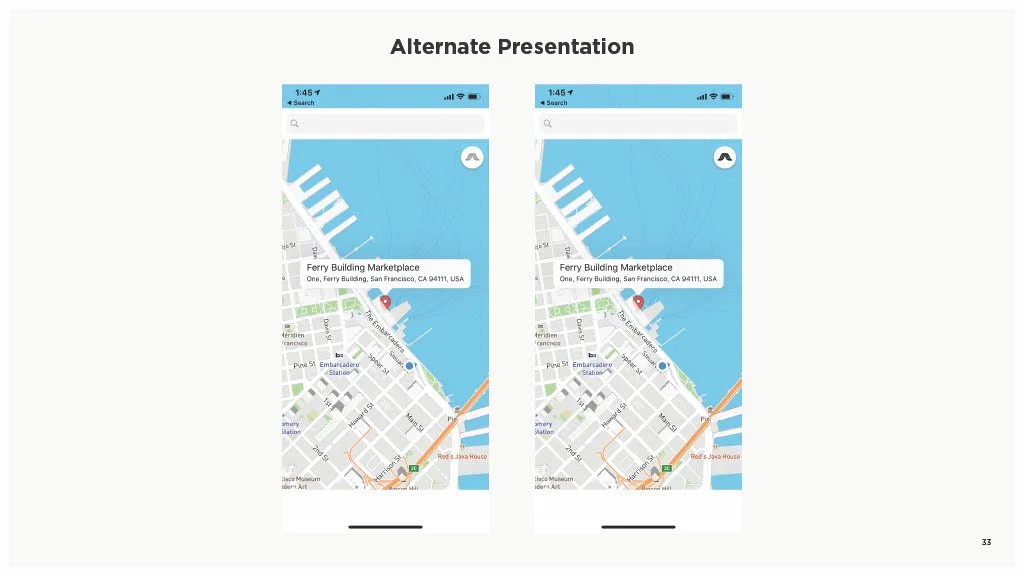
Comparison of two mobile app screens showing a map of San Francisco near Ferry Building Marketplace with a pin and label at one point, titled 'Alternate Presentation'.
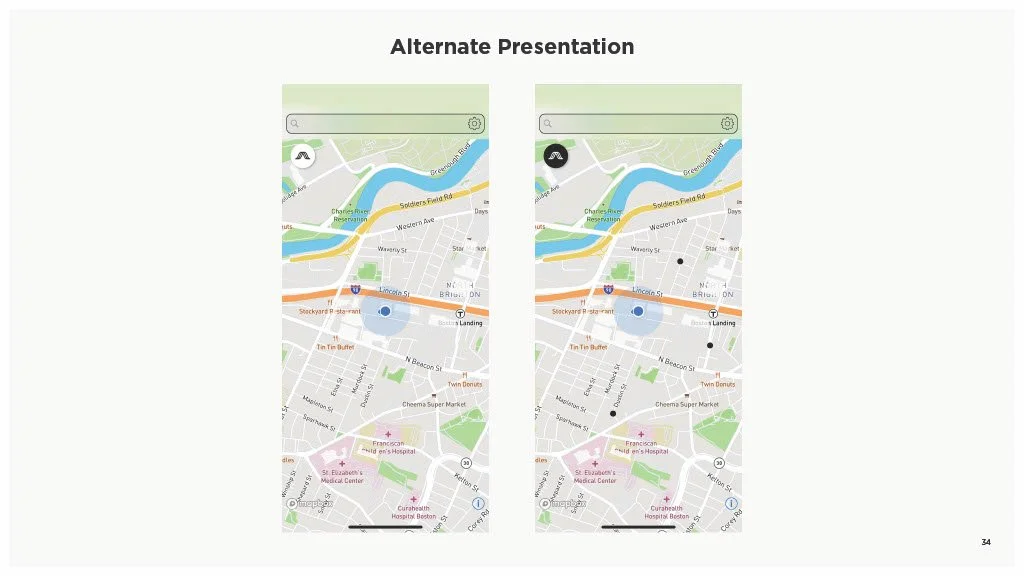
Comparison of two maps labeled 'Alternate Presentation,' showing streets and landmarks in Boston, with variations in map markers and highlights.
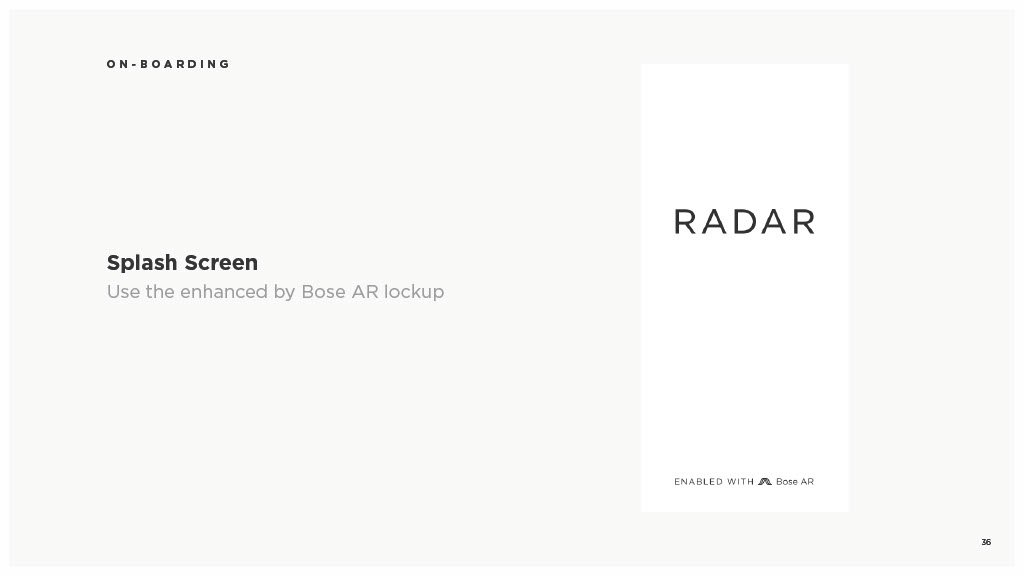
Onboarding splash screen for radar with a note about Bose AR lockup and Bose AR enabled.
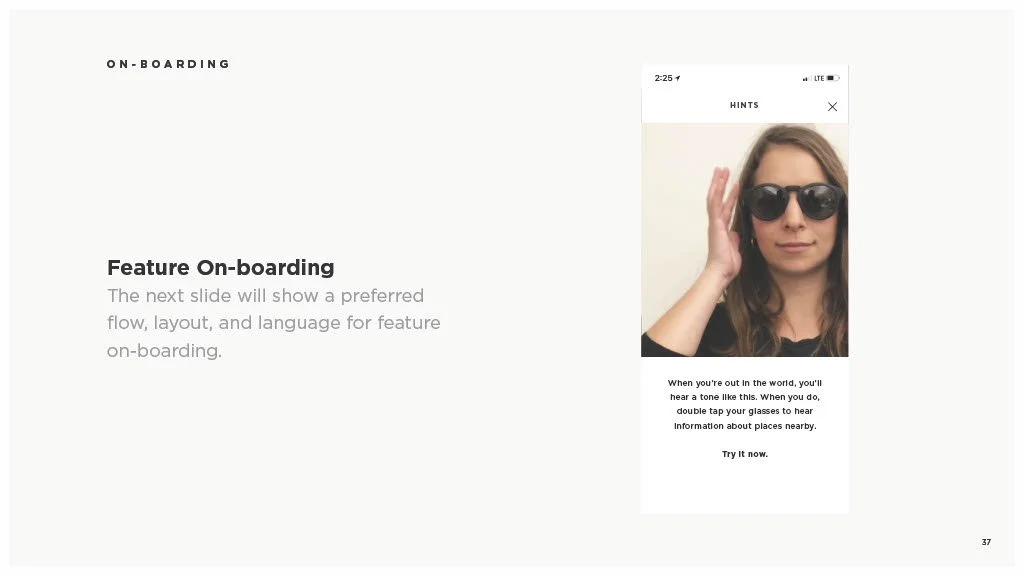
A woman wearing black sunglasses and a black shirt, holding her right hand up to her ear, on a smartphone screen with a hint button and text about using the phone to hear information about nearby places.
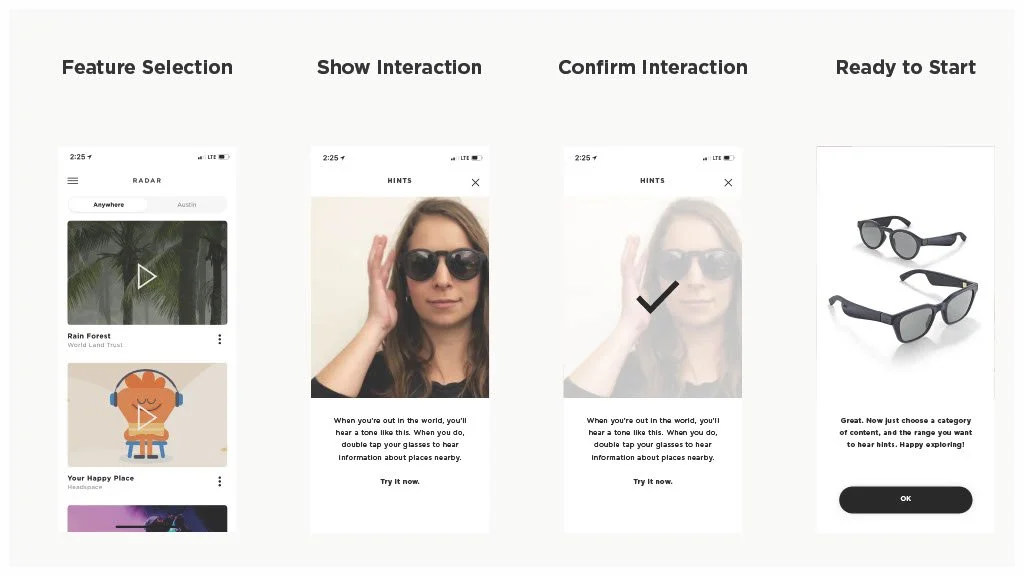
Step-by-step guide illustrating how to use a sunglasses finder app on a smartphone, including feature selection, showing interaction, confirming interaction, and being ready to start with a pair of sunglasses.
A presentation slide with a dark gray background that reads '04 | USER INTERACTIONS & GESTURES' in white and gray text.
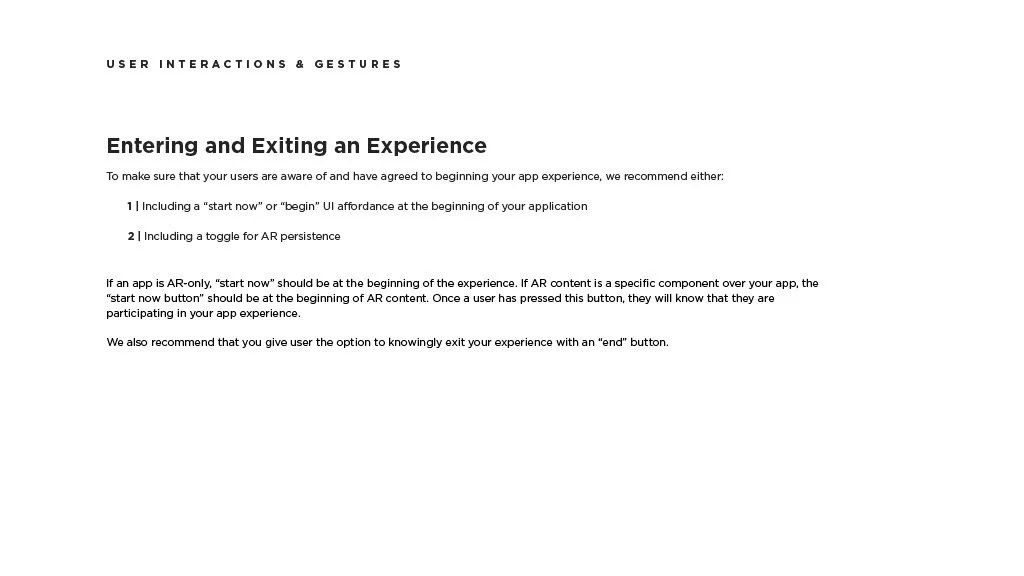
A digital document titled 'Entering and Exiting an Experience' providing guidelines for user interactions, including starting an app, using AR toggle, and ending the session.
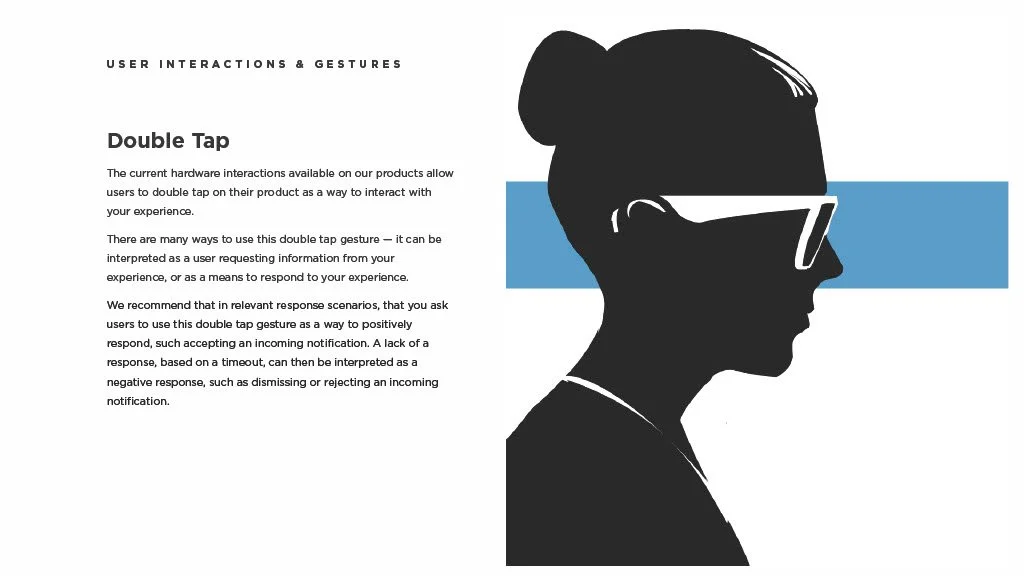
A silhouette of a woman wearing glasses and a bun hairstyle, facing to the right, with a blue horizontal stripe behind her head. Next to the silhouette is text describing 'Double Tap' user interaction for hardware devices.
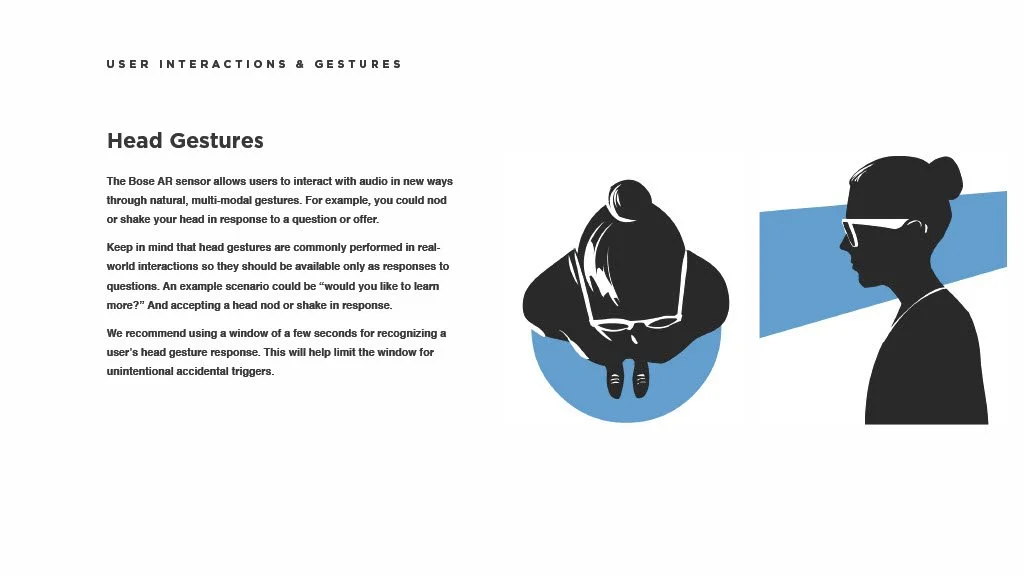
An infographic about head gestures for user interaction, showing a person nodding and a person shaking her head.
Slide titled '05 | Feedback' with a dark background and light text.
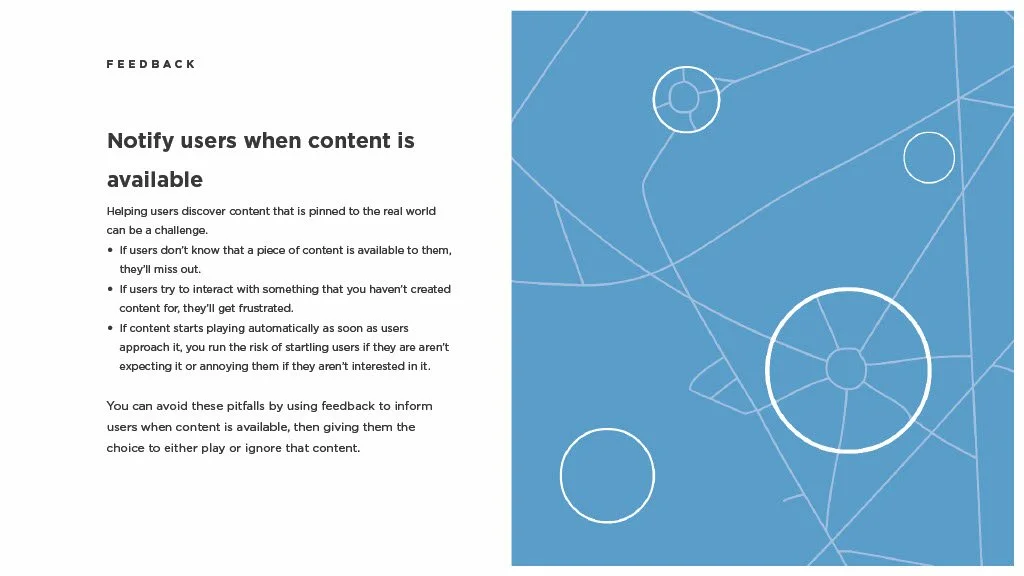
A two-page document with a feedback message about notifying users when content is available. The left page contains text, and the right page has a blue background with a white geometric line design and circles.
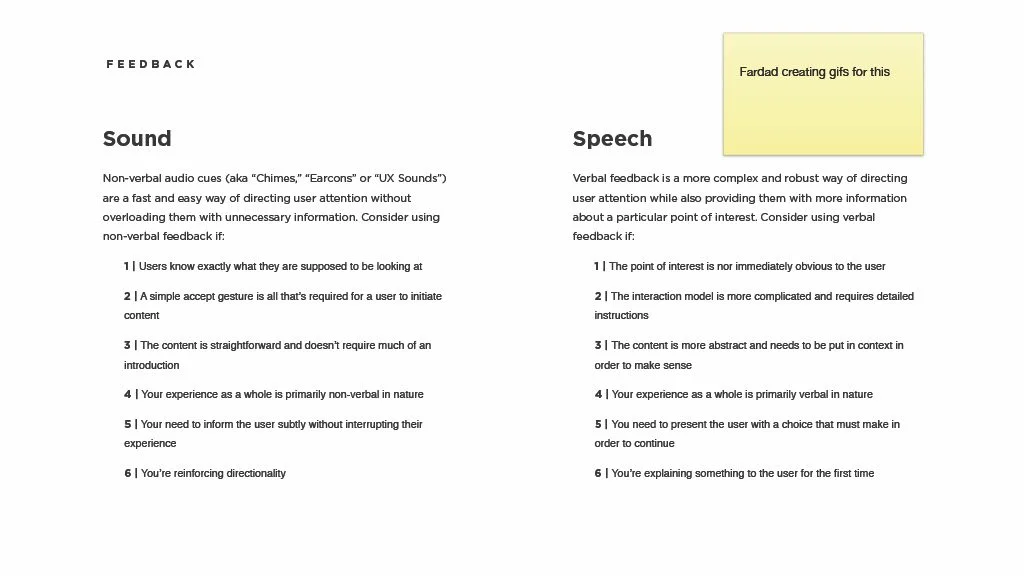
A two-column document discussing feedback types for sound and speech, with a yellow sticky note stating "Fardad creating gifs for this".
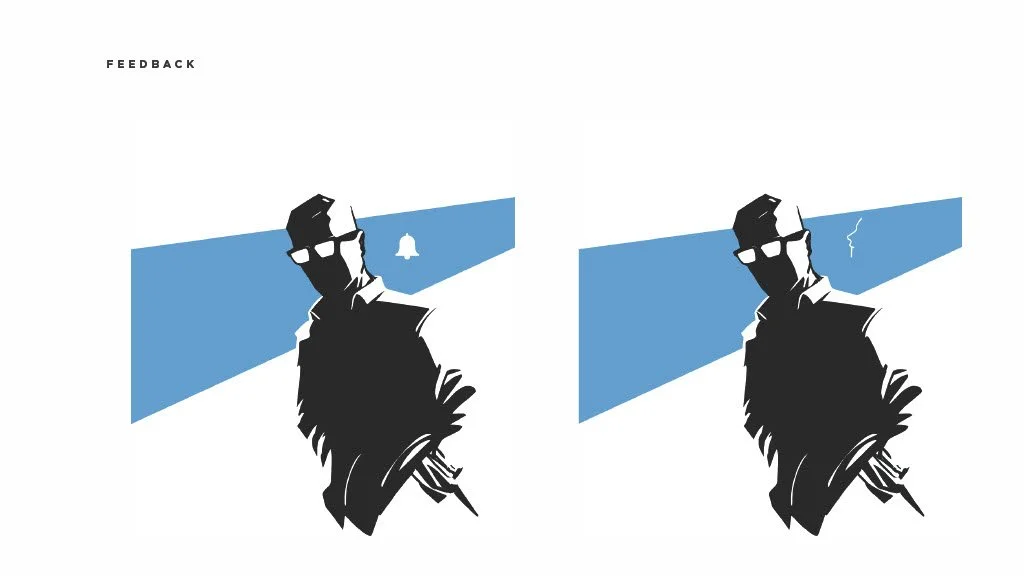
Stylized digital illustration of a man wearing glasses with a shadowed face, background divided by a diagonal blue section. The left side shows a silent alarm bell with the man, suggesting feedback or alert, while the right side shows a crack in the wall, indicating damage or potential issue.
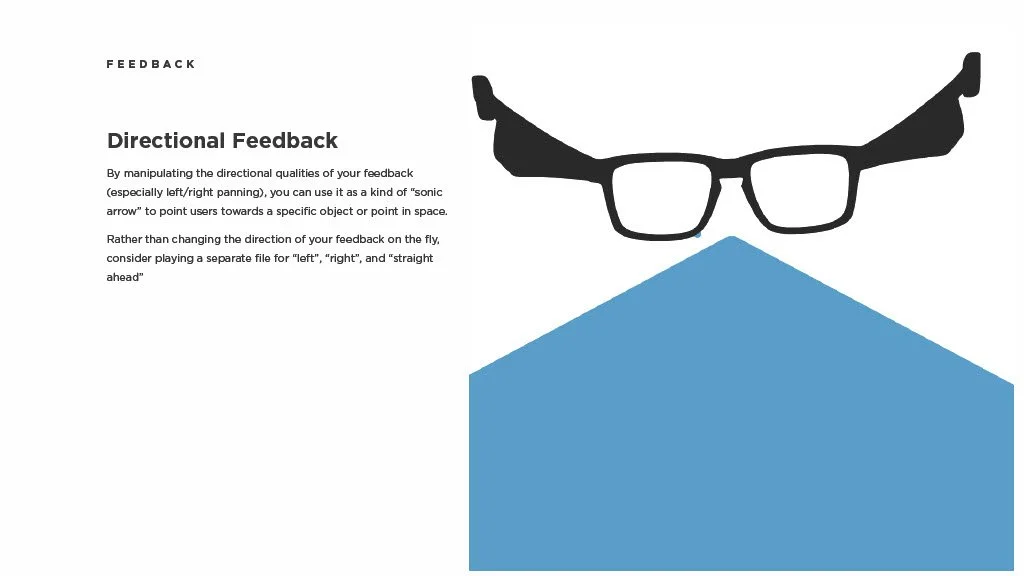
An instructional page about directional feedback with an illustration of glasses and a blue arrow pointing downward.
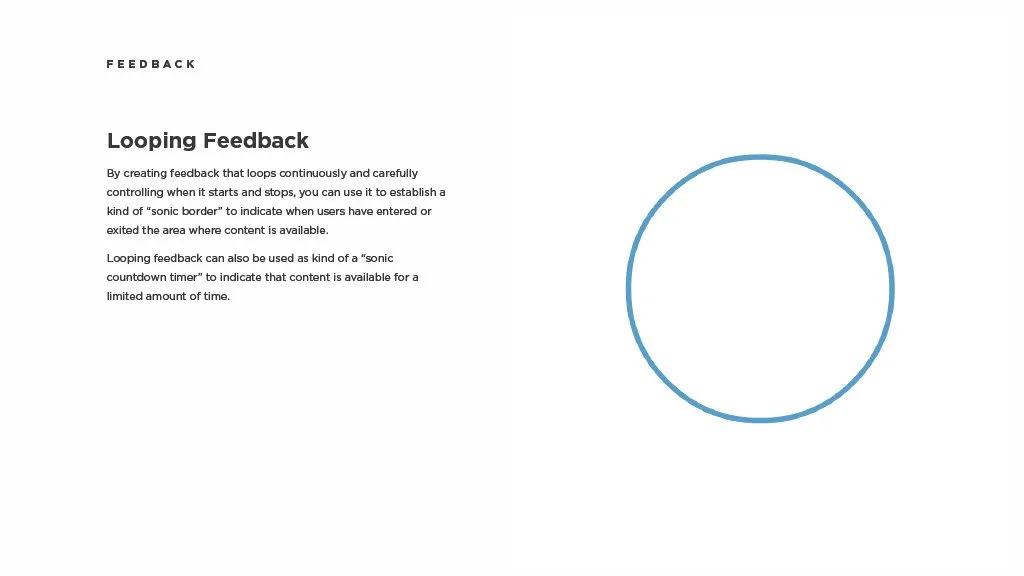
A page from a guide about looping feedback, featuring a title, a paragraph of explanation, and a large empty blue circle on the right side.
Two pages of a document discussing user feedback design, with a sticky note containing sample text in the upper right corner.
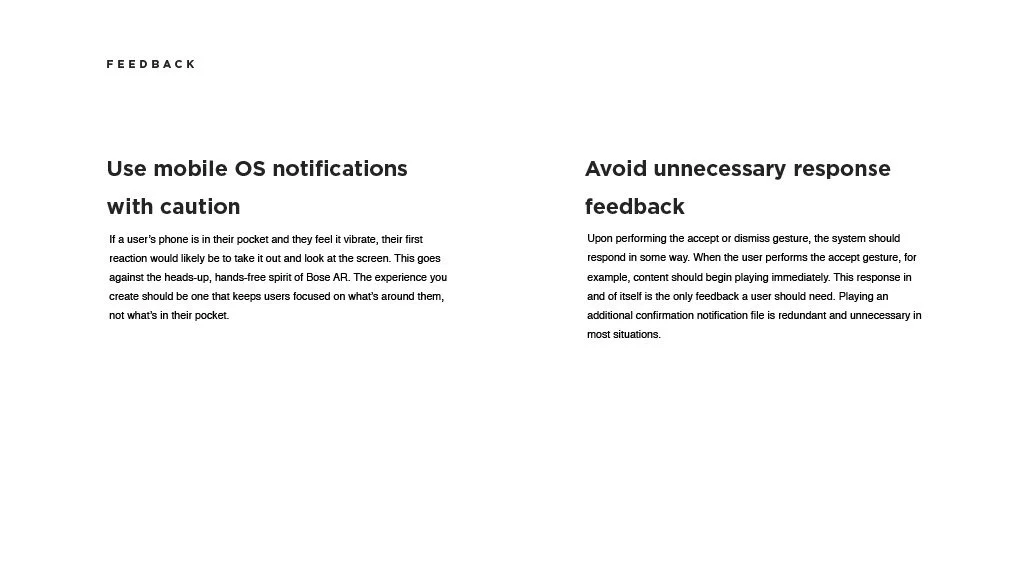
Text document with headings 'Use mobile OS notifications with caution' and 'Avoid unnecessary response feedback' and detailed paragraphs about user interactions and system responses, with a minimal font style and a plain white background.
Slide titled '06 | Brand Guidelines' with a dark gray background and white text.
A presentation slide explaining the Bose AR logo, which features a stylized, layered line design representing audio layers, with the text 'Bose AR' below. The slide has a black background with white text.
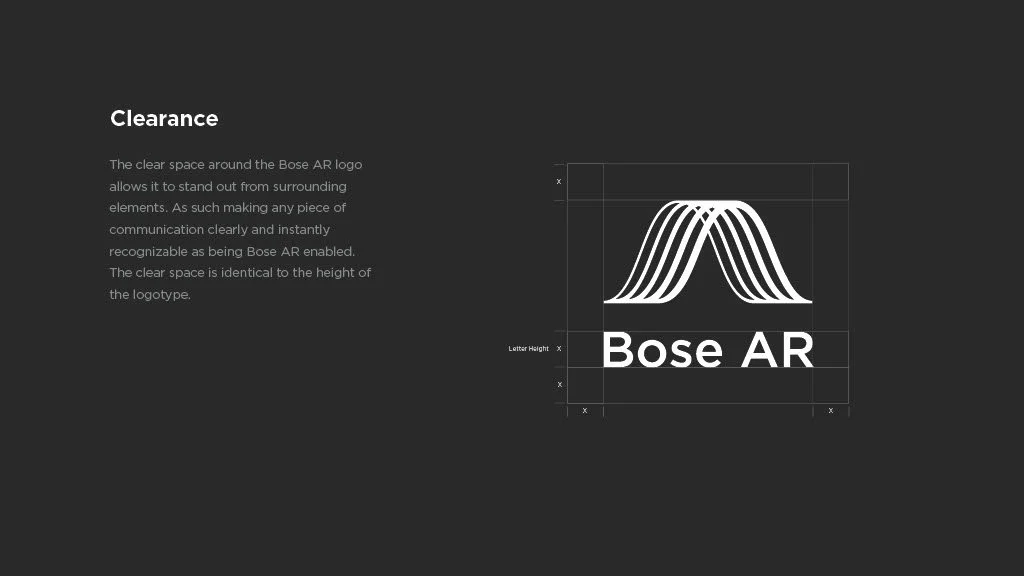
Black presentation slide showing Bose AR logo in white with a descriptive paragraph about the logo's design and clarity features.
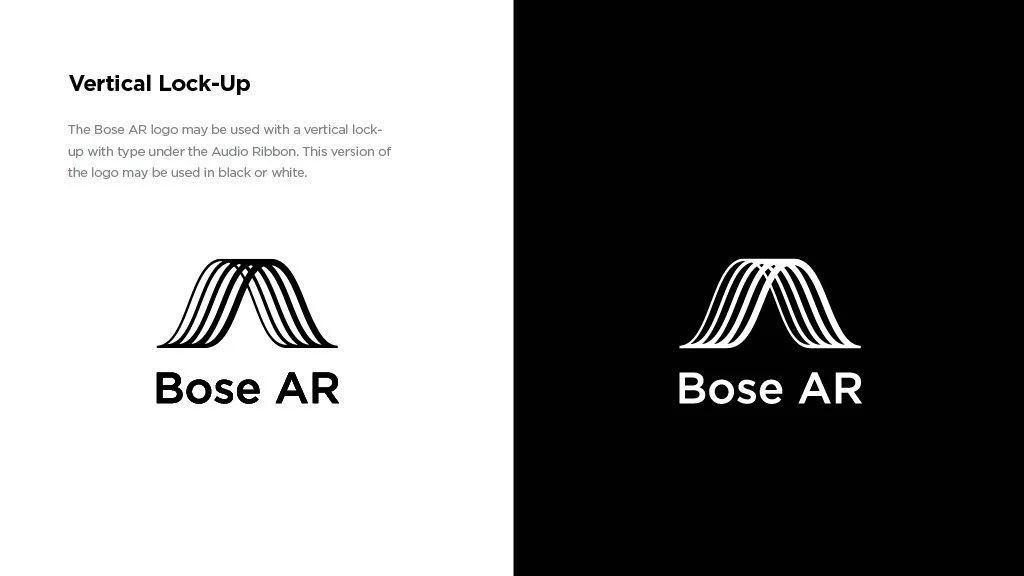
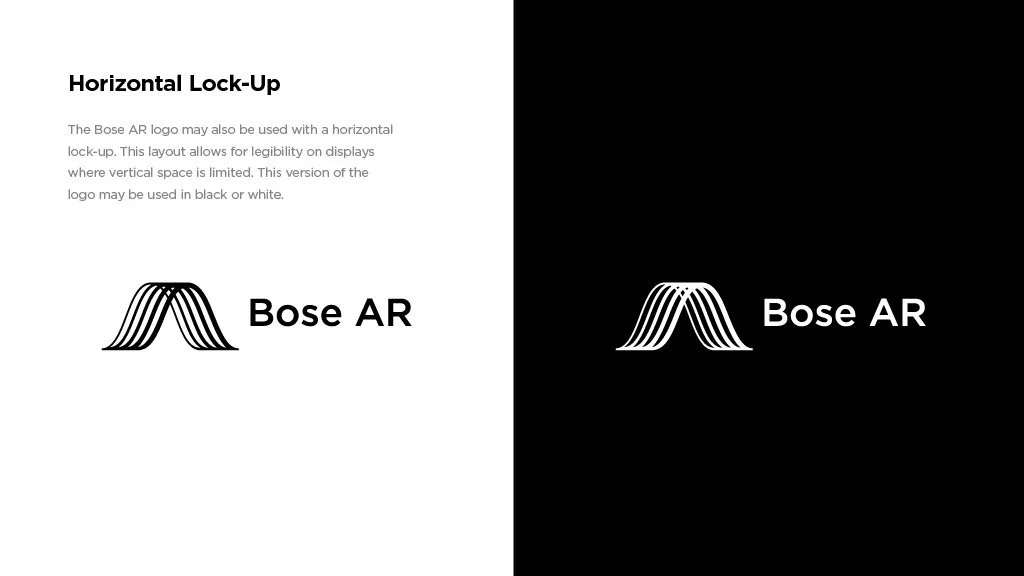
Comparison of Bose AR logo on white background and black background. The logo features a stylized black and white wave pattern with the text 'Bose AR' underneath.
Comparison of Bose AR logo displayed on light background and dark background, showing the logo consisting of curved lines and the text "Bose AR".
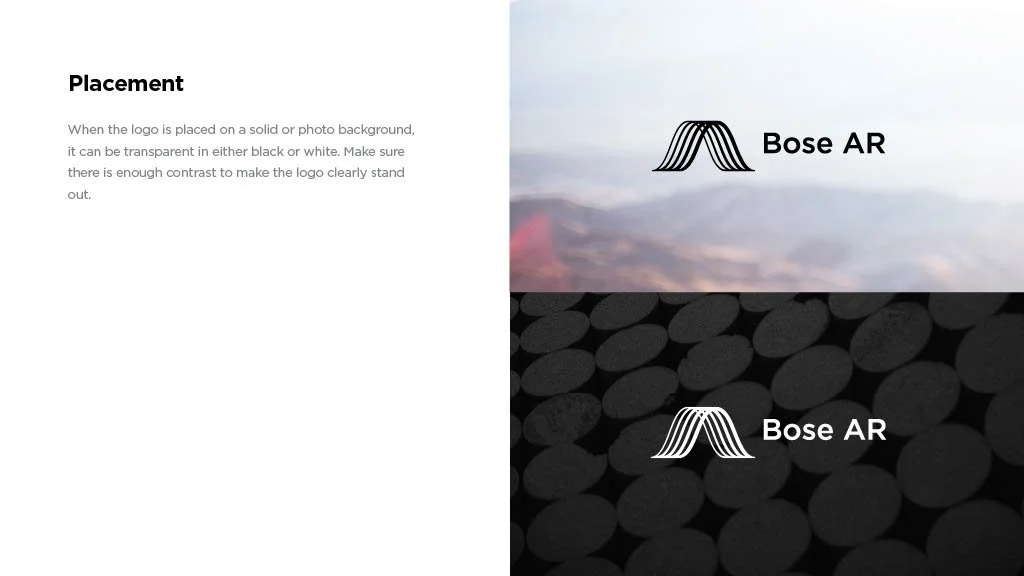
Side-by-side comparison of two logo placements; the top logo is on a light background with a mountain-like icon and the text 'Bose AR', the bottom logo is on a dark, coin-patterned background with the same icon and text.
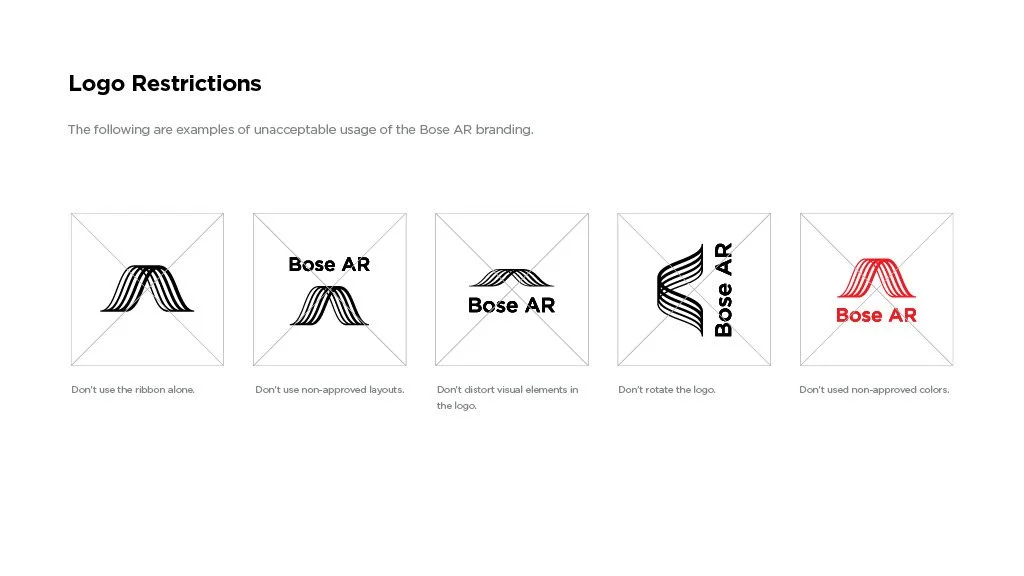
Guidelines for acceptable logo usage for Bose AR, including not using the ribbon alone, not using non-approved layouts, not distorting visual elements, not rotating the logo, and not using non-approved colors.
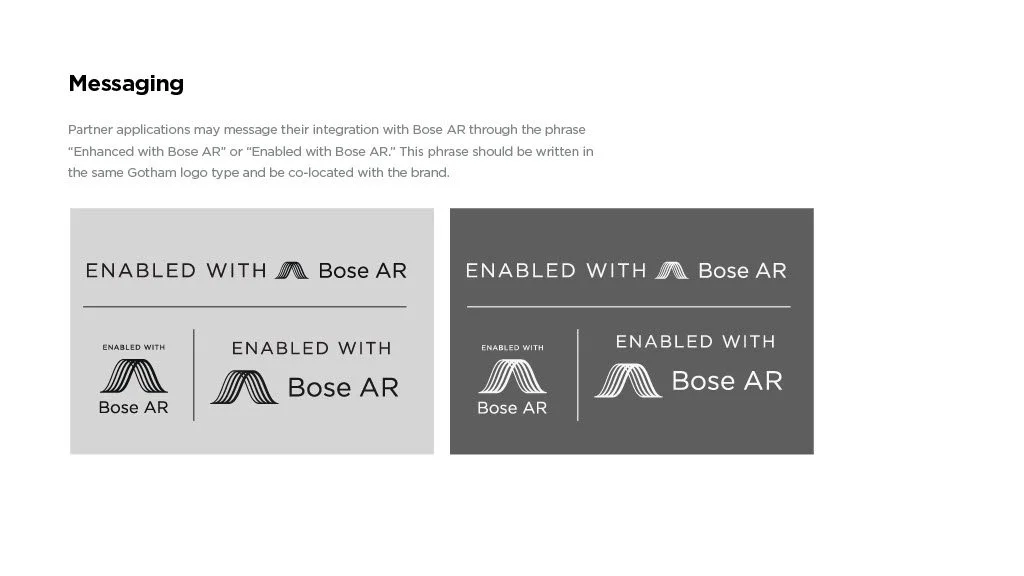
Comparison of two branding styles for 'Enabled with Bose AR', showing one with a light gray background and one with a dark gray background, each featuring different logo styles and text arrangements.
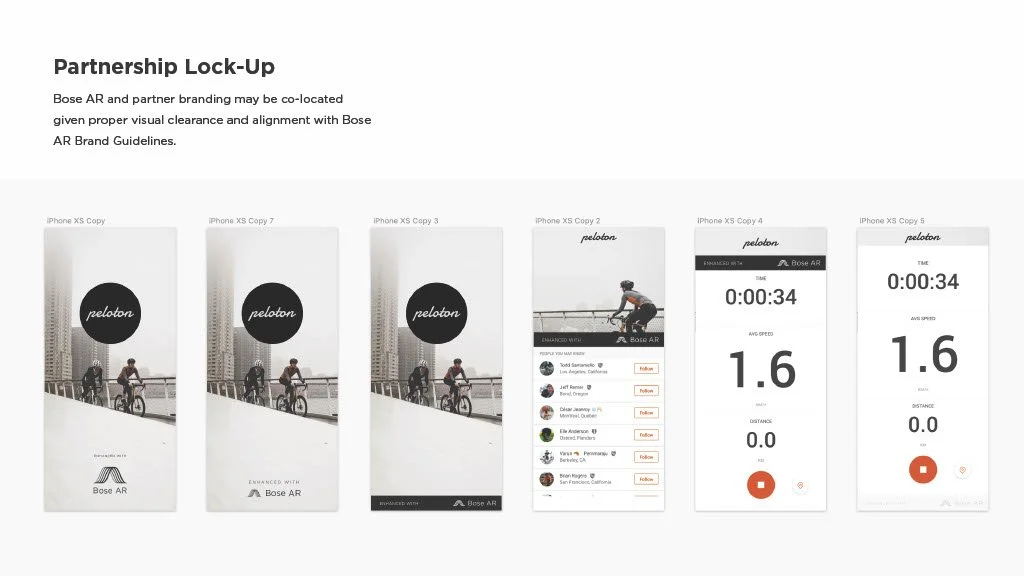
Screenshots of an iPhone displaying the Peloton app, showing different screens related to workout tracking and social features.
Developer message section with a black logo featuring stylized lines resembling a mountain range, the text 'Bose AR' and 'DEVELOPER' underneath, on a white background.
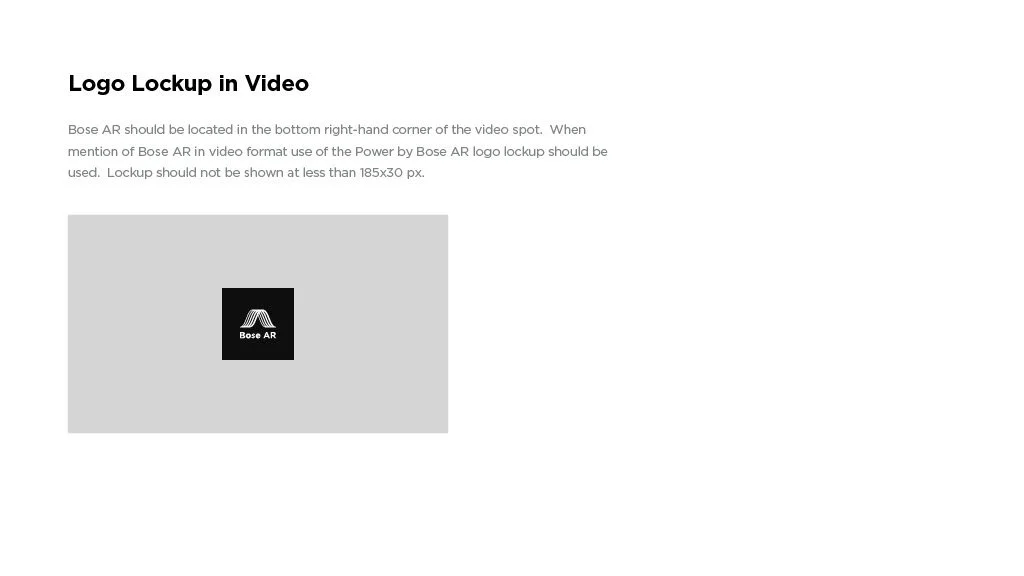
Screenshot of instructions for overlaying the Bose AR logo in a video, with a placeholder image of the Bose AR logo and text explaining logo placement and size.
Text document with the heading 'Taglines' and three bullet points about Bose AR and audio augmented reality.
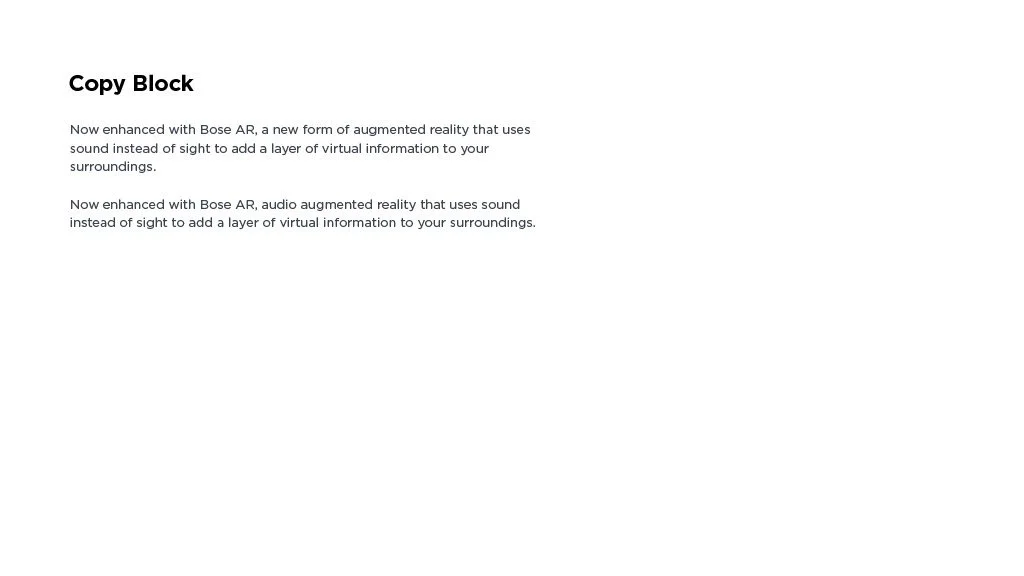
Text document with the heading 'Copy Block' and two paragraphs about Bose AR and audio augmented reality.
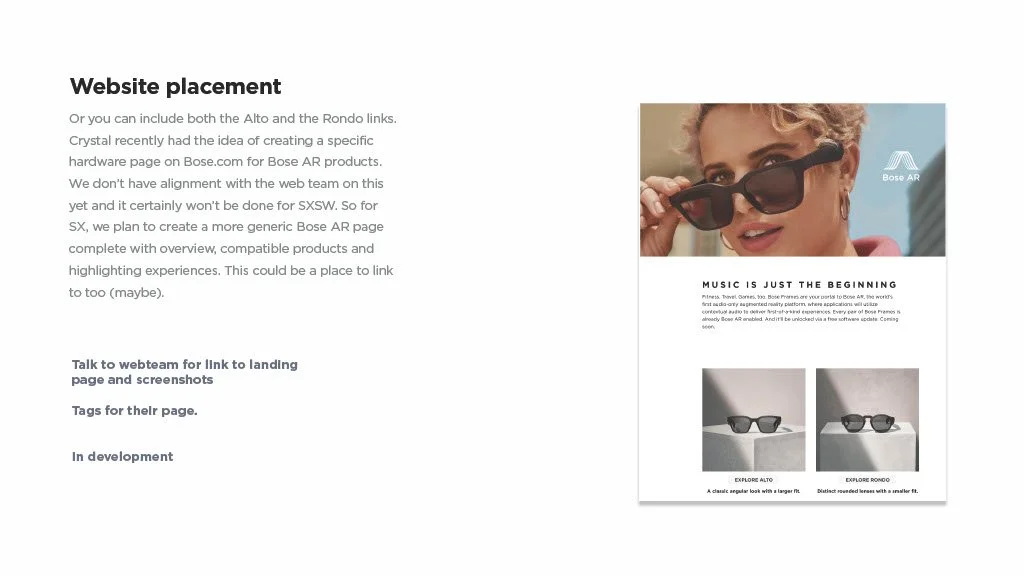
A woman with short curly blonde hair, wearing sunglasses, is adjusting her glasses with her right hand. The image includes a Bosse AR logo and showcases a fashion or eyewear advertisement.
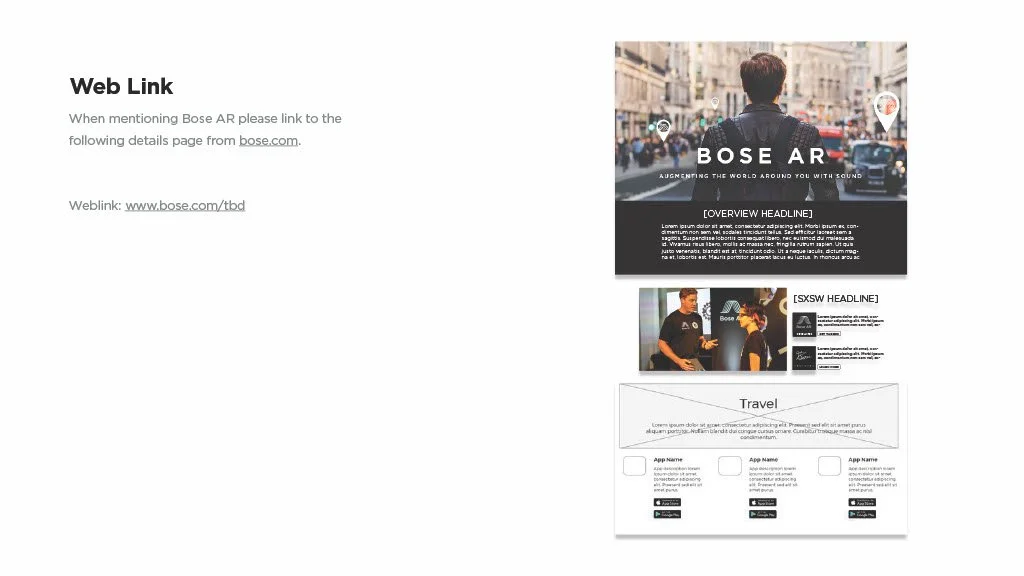
A webpage layout for Bose AR with a large photo of a man with a backpack walking in a city street, overlayed with map icons. The page contains sections titled "Overview Headline" and "SXSW Headline" with accompanying text and smaller images, and a "Travel" section with placeholder text and app store download icons.
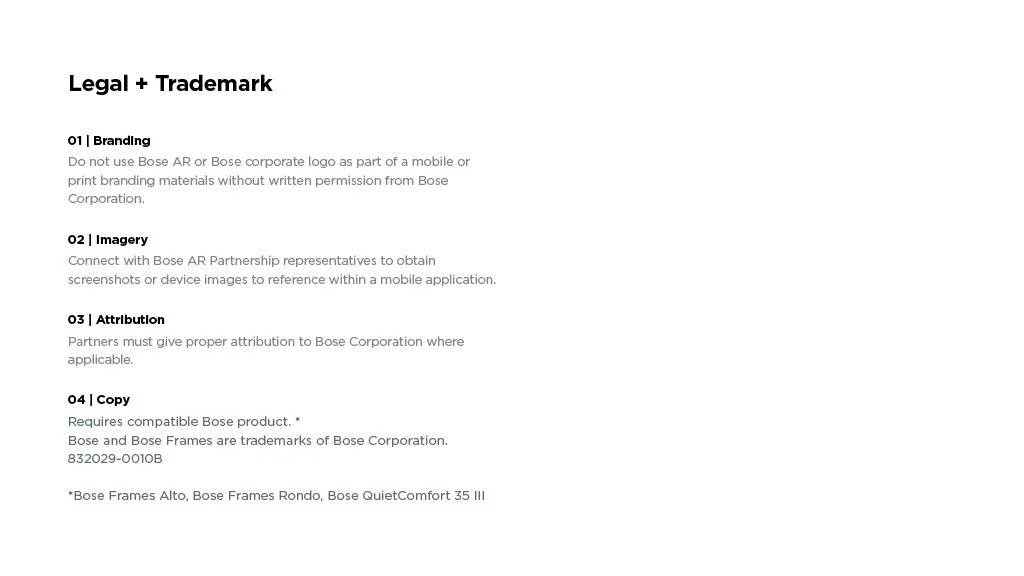
Page titled 'Legal + Trademark' with guidance on branding, imagery, attribution, and copy use from Bose Corporation.
A slide with a dark background displaying a list of tips, with the heading '07 | TIPS' in white and gray text.
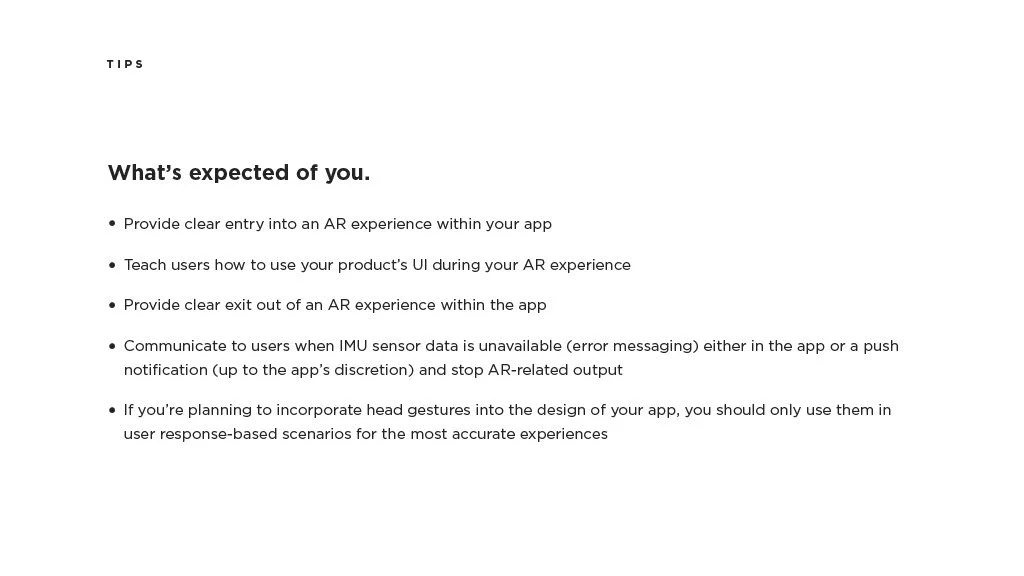
A document page with the heading "Tips" and the subheading "What’s expected of you." It lists guidelines for AR user experience design, including providing clear entry and exit points, teaching users how to utilize UI, communicating sensor data unavailability, and using head gestures appropriately.
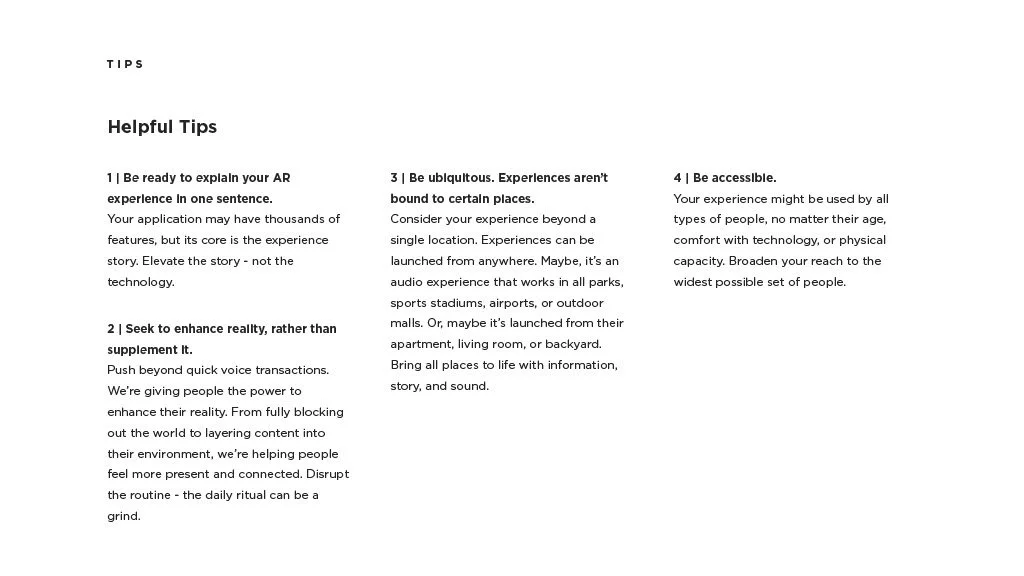
A page with tips about augmented reality experiences, including explanations on being ready to explain AR, enhancing reality, experiencing beyond single locations, and accessibility.
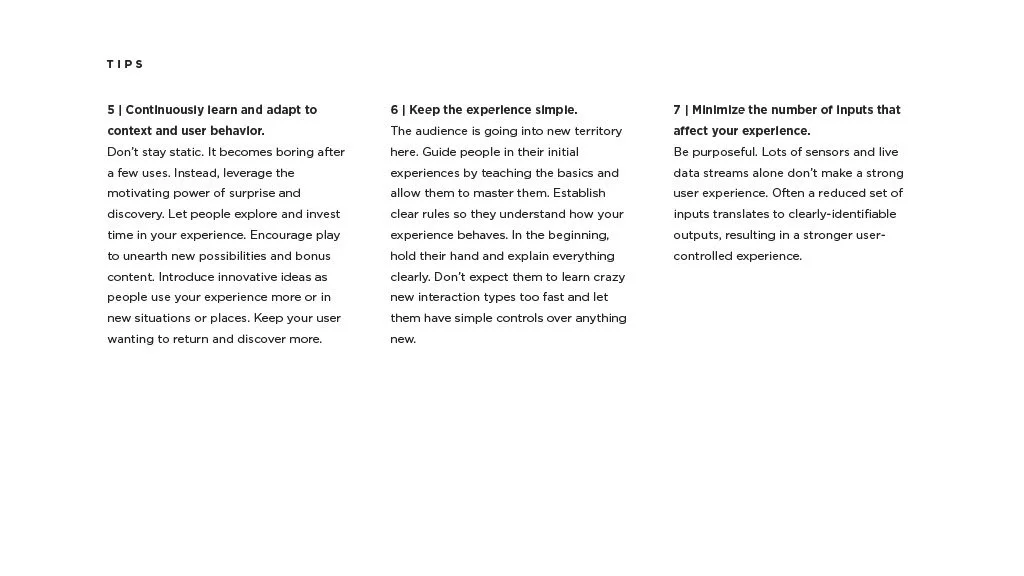
Screenshot of tips for user experience design, including points about learning and adapting to context, keeping experiences simple, and minimizing inputs.
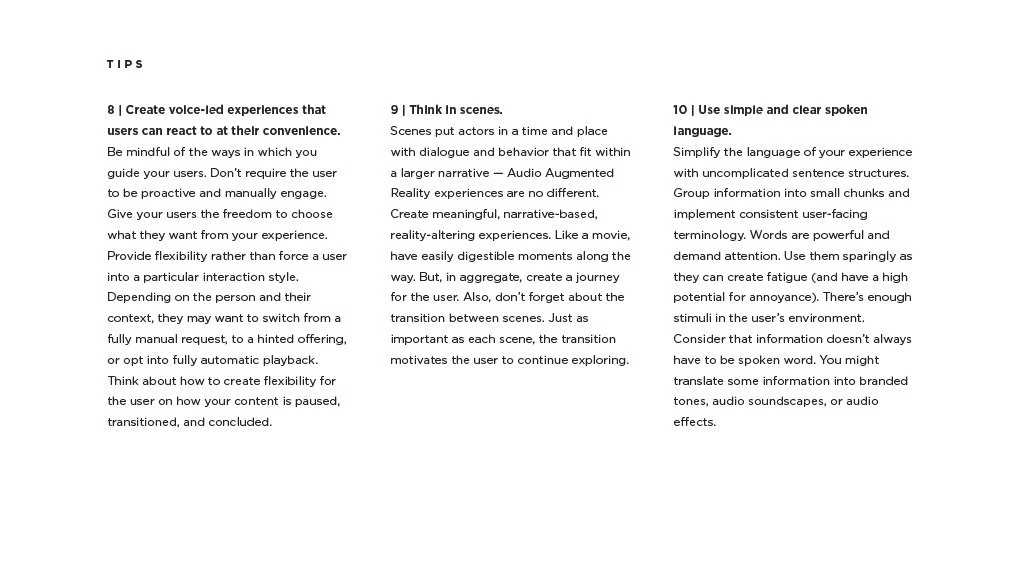
Page from a guide or article with tips about creating user experiences, including sections numbered 8, 9, and 10, discussing voice-led experiences, scene planning, and simple language.
Bose logo on a dark background with copyright information at the bottom.